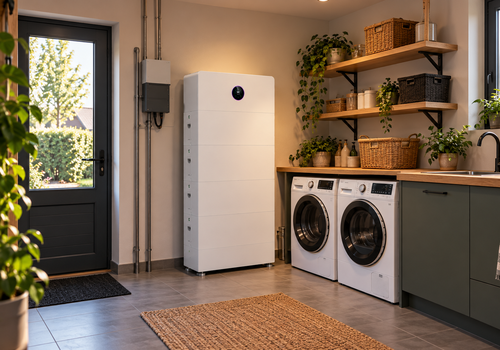
Connect your GoodWe ESA all-in-one home battery to Homey, locally over your own network. No cloud account and no SEMS portal needed.
Homey finds your ESA on the network by itself, and follows it when the dongle gets a new IP address. One pairing adds three devices that work together with Homey Energy: the inverter (solar power, house consumption, back-up load, grid status), the battery (state of charge, charging state, charge and discharge power, energy counters, battery racks, state of health) and the GoodWe smart meter (grid import and export, per phase).
With control switched on in the app settings, Homey Energy can steer the battery directly: choose Homey as the battery mode and Homey sets the charge or discharge power, or choose self-use or conserve (keep the battery full as back-up reserve). Flows can also steer the battery through the EMS mode of the ESA: charge from the grid, discharge, pause the battery, hold grid import or export at a set power, and set it back to automatic. This makes it easy to follow a dynamic energy tariff. Every command has a maximum duration, and the app sets the battery back to automatic after that duration, after an app restart and after a lost connection, so the battery never stays stuck in a forced mode. The inverter can also switch the export limit on and off from a Flow.
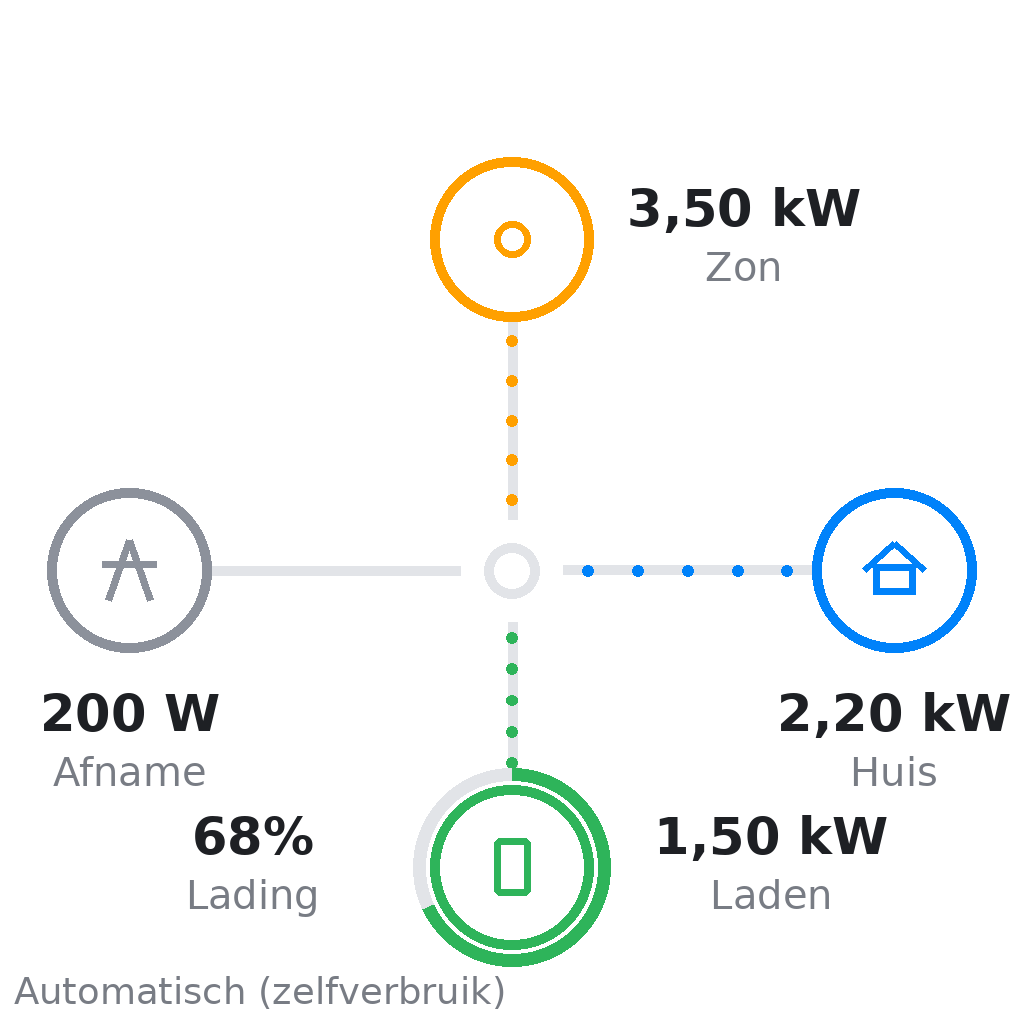
A dashboard widget shows the energy flow between solar, home, battery and grid. The app posts to the Homey timeline when the grid fails or returns, on faults and when the connection to the ESA is lost.
Requirements: Homey Pro with a GoodWe ESA that has a WiFi dongle (UDP port 8899) or LAN dongle (Modbus TCP port 502) on the same network. On some firmware Modbus has to be switched on by your installer in the SolarGo app first.
Register knowledge is based on the open-source goodwe library (MIT, Marcel Blijleven) and the GoodWe Local integration for Home Assistant (Apache 2.0, haids3). This app is not made or endorsed by GoodWe.
자세히 읽기 ›