


Alarm input
열림 감지 열리면
경고! 이 앱이 제대로 작동하지 않을 수 있습니다.
이 앱 버전은 현재 테스트 중이며 아직 검토되지 않았습니다. 기대한 대로 작동하지 않을 수 있습니다.
이 앱을 설치할 때는 각별히 주의하세요.
위의 디바이스를 클릭하면 관련 Flow 카드만 표시됩니다.
이 앱의 개발자는 직접 지원을 제공하지 않습니다.
버전 6.0.0 — Last ring keeps the photo from the latest successful doorbell capture alongside the live snapshot. Homey stores one encrypted photo per device and restores it after an app restart.
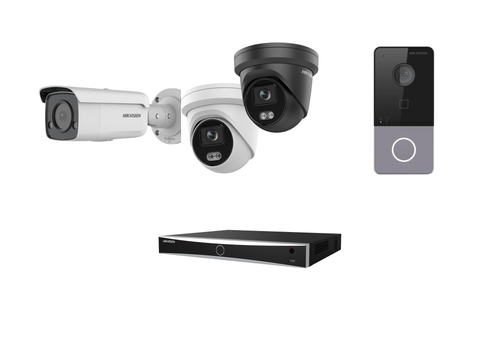
 선택하신 Homey에 Hikvision NVR & DVR이(가) 호환되지 않습니다.
 Hikvision NVR & DVR이(가) 곧 Homey에 설치됩니다.
 Belgium
 Bulgaria
 Croatia
 Cyprus
 Czech Republic
 Estonia
 Finland
 Greece
 Hungary
 Iceland
 Ireland
 Latvia
 Lithuania
 Malta
 Moldova
 The Netherlands
 Portugal
 Romania
 Slovakia
 Slovenia
 Türkiye
 Ukraine
 United Kingdom


