








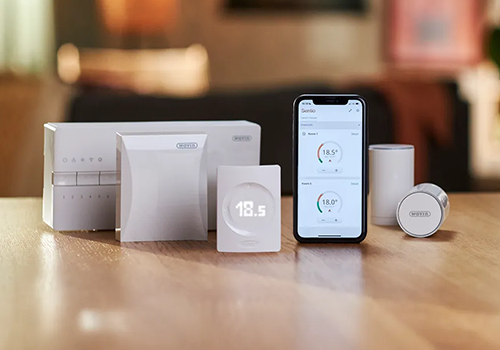
Wavin Sentio
CCU connection lost
위의 디바이스를 클릭하면 관련 Flow 카드만 표시됩니다.
이 앱의 개발자는 직접 지원을 제공하지 않습니다.
버전 1.2.0 — Major pairing fix for newer Sentio firmware (e.g. TM60018.x): empty room slots no longer look like a dead CCU, so zone discovery no longer falsely shows “No zones found”. Preflight checks TCP 502 and Modbus before scanning, with clearer troubleshooting. Setpoint control now uses the official holding register (…19 / 119 for room 1) with safe migration from the old offset. Existing zones, settings and Flows are preserved.
 Belgium
 Bulgaria
 Croatia
 Cyprus
 Czech Republic
 Estonia
 Finland
 Greece
 Hungary
 Iceland
 Ireland
 Latvia
 Lithuania
 Malta
Malta
 Moldova
 The Netherlands
 Portugal
 Romania
 Slovakia
 Slovenia
 Türkiye
 Ukraine
 United Kingdom


