


Smart EVSE via MQTT
==================
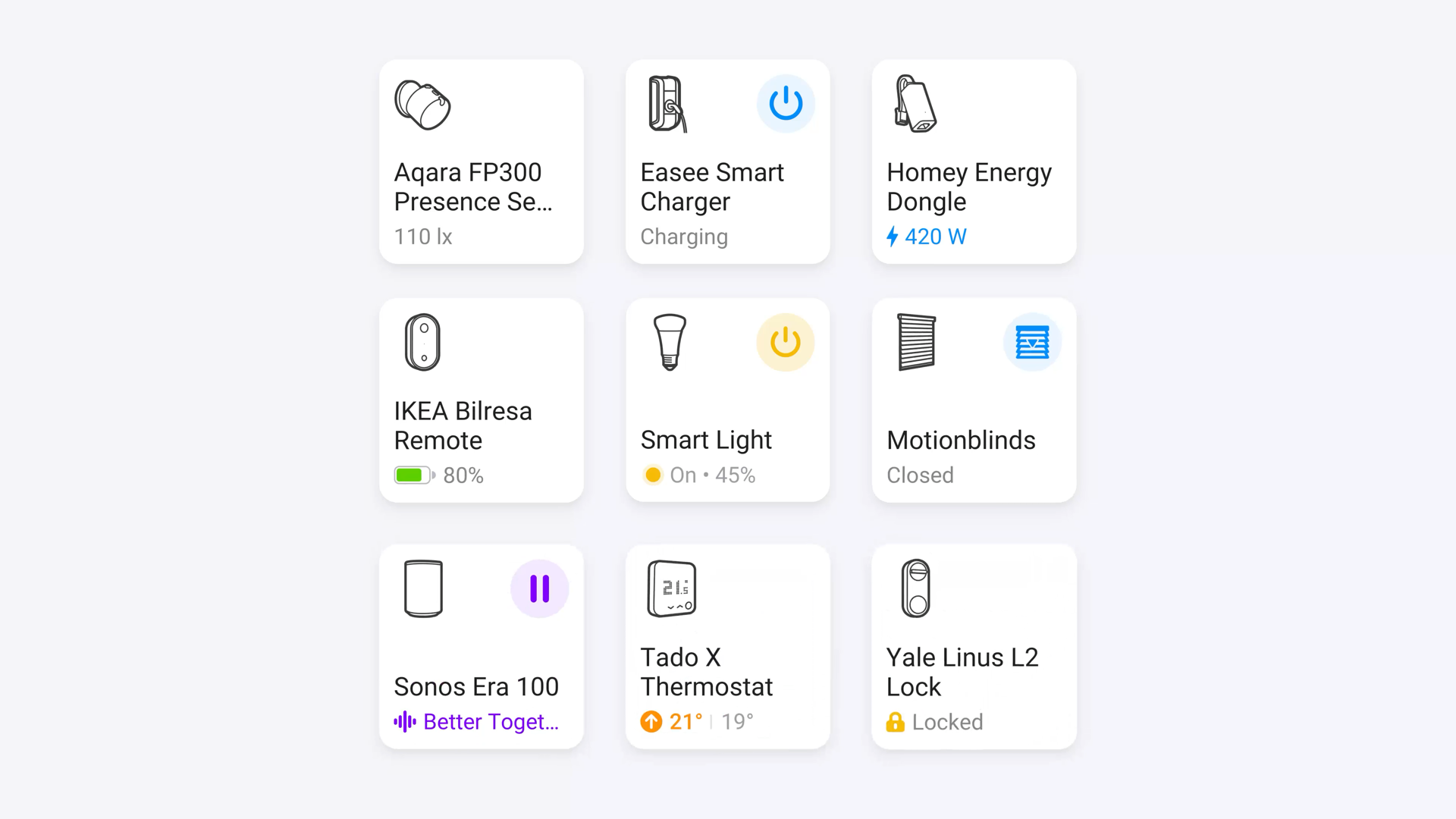
Bring your Smart EVSE-3 into Homey as a fully featured EV charger. This app
connects to your MQTT broker, subscribes to the topics your Smart EVSE already
publishes, and turns them into a rich Homey device you can view, control and
automate - no cloud, no polling, no extra hardware.
Everything stays on your local network: Homey talks to the broker, the broker
talks to the Smart EVSE. You bring your own MQTT server (Mosquitto, the one
built into Home Assistant, an add-on on your NAS - anything works).
What you get
------------
- Native Homey EV charger: start and stop charging, set the target power,
and flip between the Smart EVSE Normal, Smart, Solar, Pause and Off modes
straight from the device tile.
- Live measurements for charge power, energy charged this session, total
energy charged, mains and EV currents per phase, mains import/export, and
home battery current.
- Charging state that actually reflects reality: "Charging", "Connected",
"Charging Stopped" and friends, so the built-in "Started/Stopped charging"
flow cards fire at the right moment.
- RFID support: a flow trigger when a card is swiped and an action to
simulate a swipe from a flow.
- LED colour configuration for each mode (Off, Normal, Smart, Solar, Custom).
- Live availability via MQTT LWT: the device turns unavailable the moment the
Smart EVSE drops off the network, and comes back automatically.
- Diagnostics at a glance: Wi-Fi SSID/BSSID/RSSI, ESP temperature, uptime,
OCPP status and load balancing role.
Setup
-----
1. In the Smart EVSE web UI, enable MQTT and point it at your broker. Note the
topic prefix it uses (for example Smart EVSE/1234).
2. In Homey: Settings -> Apps -> Smart EVSE via MQTT -> Configure and enter
your broker details (host, port, protocol, optional username/password).
3. Add Device -> Smart EVSE and fill in the same topic prefix. Homey will start
receiving values immediately.
Works with any Smart EVSE-3 firmware that has MQTT enabled.
자세히 읽기 ›