Clean exactly the rooms you choose, with the suction you choose, from one Flow card or one tap on your dashboard.
Dreame Rooms connects Homey to your Dreame robot vacuum through your Dreame Home account. It is built around room cleaning: pick any rooms by name, and the vacuum gets one command with the right suction, water and number of passes for each room.
What you can do
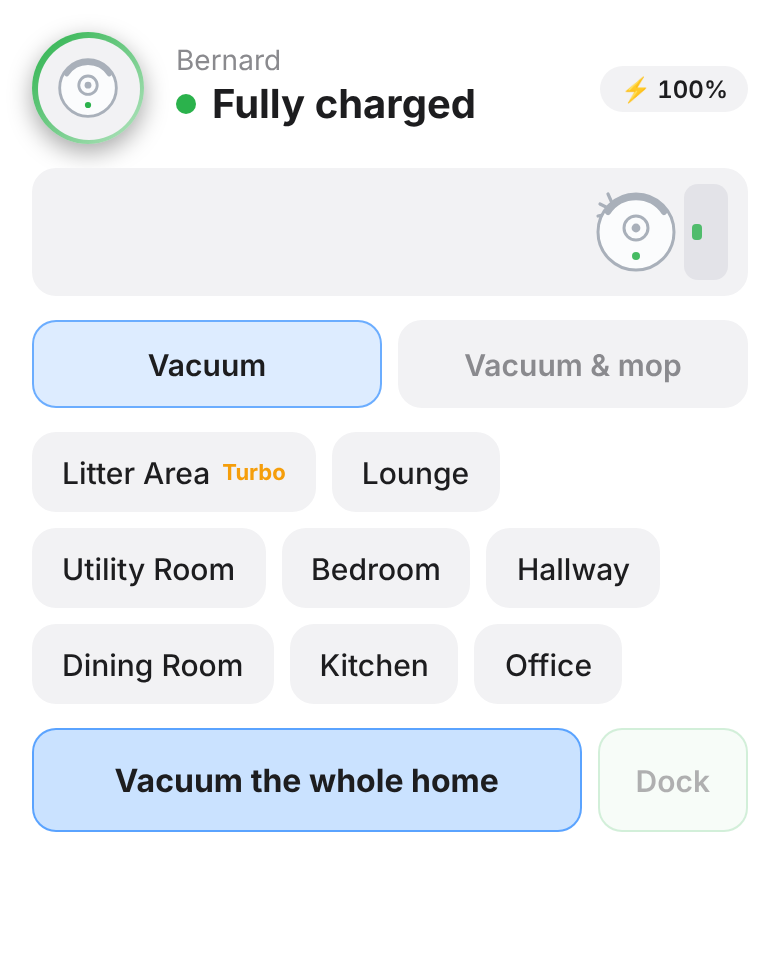
- Vacuum, vacuum and mop, or mop any set of rooms, by name, from one card.
- Give each room a Homey name (Corridor becomes Hallway), hide rooms you never clean, and set each room's usual suction, water and passes.
- Vacuum-only cleans keep the mop pads up. CleanGenius is turned off automatically, so your chosen settings are used.
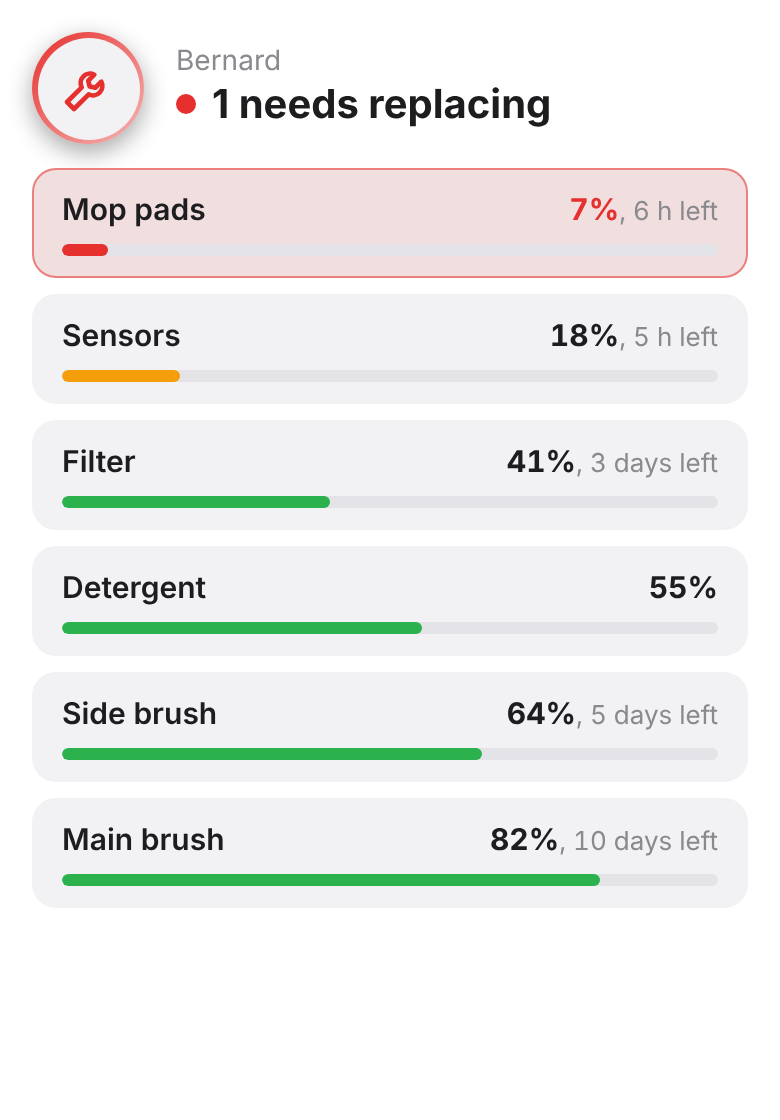
- Two dashboard widgets: room buttons with a live animation, and consumables with time left and a reset button.
- Know what happened: cleaning started and finished (with the rooms cleaned), finished in a particular room (also for cleans started in the Dreame app or by a schedule), needs attention, clean water low, dirty water full, dust bag full, detergent low, and a consumable running low.
- Run your Dreame app shortcuts, wash or dry the mop pads, clean the base station, empty the dust bin, and control off-peak charging.
Getting started
1. Add a device: Dreame Rooms, then sign in with your Dreame Home e-mail and password. The app finds the right regional server for your account. If you sign in to the Dreame app with Google or Apple, set a password in the Dreame app first (Profile, Settings, Account and Security).
2. Open the app settings and press Read rooms from map. Rename and hide rooms, and set each room's defaults.
3. Add the Vacuum rooms widget to a dashboard, or build flows with the Vacuum rooms cards.
Good to know
- This app uses the Dreame cloud, so it needs an internet connection. Live maps, map editing and the camera are not available in Homey; use the Dreame app for those.
- Multi-floor maps are not supported yet: the app uses the vacuum's current map.
- Developed and tested on a Dreame L40s Pro Ultra. Most recent Dreame vacuums use the same commands, but if something doesn't work on your model, please report it in the community forum with your model.
This is a community app. It is not made or supported by Dreame. The Dreame protocol details come from the open-source Home Assistant integration by Tasshack (MIT licence).
자세히 읽기 ›