
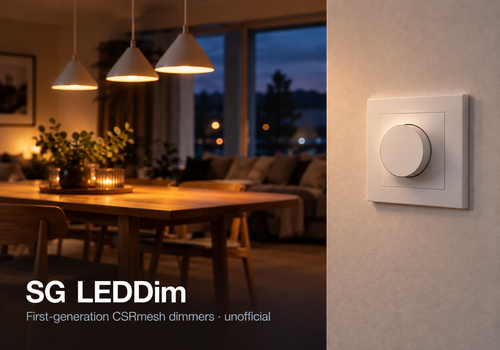
Supports SG LEDDim Smart. The first generation (@NDxxxx in Bluetooth) works reliably. Later generations, LEDDim Smart Pill, Smart Plug, Smart Socket and the HeatReg Smart floor thermostat are being tested. Share your experience in the forum thread.
Homey Pro controls the devices directly over Bluetooth. Set up the device in the SG app on your phone first. Homey does not add new devices to the network. Then add each device to Homey. You can turn devices on and off and adjust the brightness of dimmers. First-generation dimmers can also be grouped and kept connected for faster control and instant updates from the wall switch. HeatReg Smart shows room and floor temperatures and lets you set the target temperature.
Commands are encrypted with the network password, usually 1234. If Homey warns about the password, check Network Isolation in the SG app. Turn it off to use 1234, or enter your home's password in the settings for each device. Turning it off means all devices must be set up again in the SG app.
Requires Homey Pro. Does not support Homey Bridge or SG Smart 3.0. The latter can connect to Homey through SG Smart Gateway 3.0 and Matter. This app is unofficial and not made or supported by SG. Based on CSRmesh work by nkaminski, fromm1990, einaros and erlwes. Open source.
버전 2.6.1 — Later generations of LEDDim Smart and LEDDim Smart Pill can now be added and controlled. Smart Plug and Smart Socket can be added, with on and off and a countdown. Smart Plugs recalled by SG cannot be added. HeatReg Smart floor thermostats can be added: Homey shows the temperatures and can set the target temperature, on and off and the preset. All of these are being tested. New instructions before searching for devices. The settings have been cleaned up, and you can now view and copy the log there.
기여자Trond, nkaminski (csrmesh, the CSRmesh protocol this app follows), fromm1990 (found that SG's dimmers are ordinary CSRmesh), einaros (decoded the protocol in 2020), erlwes (brought the CSRmesh finding to Home Assistant)