





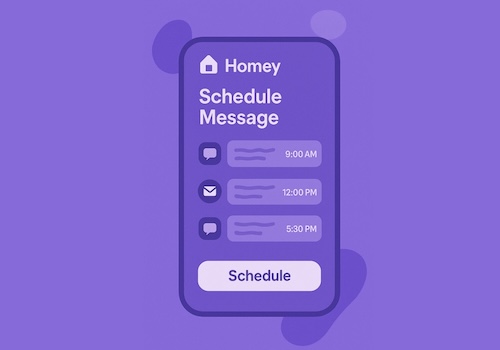
Schedule Message is a Homey app that allows you to send messages at a specific time. These messages can be processed by other apps, such as Telegram, WhatsApp, Signal, or Slack. With this app, you can automate sending reminders, notifications, or any custom message to yourself or others at the exact moment you need.
Features:
- Schedule messages to be sent at a specific date and time.
- Schedule recurring messages on a time: once, daily, weekly or every 2 weeks, optionally on specific days.
- Dashboard widget showing the upcoming scheduled messages. Tap a message to see all its details or delete it.
- Settings page to add messages (with a preview of when they'll be sent) and manage them: see upcoming repeats, skip a single repeat, filter by category and remove messages in bulk.
- Supports categories for organizing or filtering scheduled messages.
- Compatible with other Homey apps that can process messages (e.g. Telegram, WhatsApp, Signal, Slack).
- Optionally specify a recipient for each message.
- Supports raw data input for advanced integrations.
Usage:
1. Install the Schedule Message app on your Homey.
2. Create a flow using the "Schedule Message" or "Schedule Event" action card.
3. Enter the message, date, time, and optionally a recipient and category.
4. The app will trigger the scheduled message at the specified time, allowing other apps to process or forward it.
Recurring messages:
- Use the "Schedule recurring message" action card to schedule a message on a time only.
- Repeat: once (the next time that time comes around), daily, weekly or every 2 weeks.
- Days (optional): a comma separated list like mon,wed,fri, numbers 1-7 (1 = Monday), weekdays or weekend.
- Recurring messages keep repeating until you remove them (widget, settings page, "Remove scheduled messages" card, or "Remove recurring messages" card to remove only the recurring ones).
Advanced:
- Use the "Schedule Message (raw)" action card to schedule messages using a single text string in the format:
`date|time|recipient|message`
Example: `04-12-2025|12:00|+31612341234|Hello World`
- You can also use a prefix to strip from the raw data if needed.
자세히 읽기 ›