Monitor and control your SolaX solar system from Homey Pro: live solar, battery, grid and house consumption, Homey Energy integration, Flow cards and dashboard widgets.
CONNECTION OPTIONS
- Cloud (Solax Cloud V2 and V1): read-only, works with practically every SolaX inverter registered in SolaXCloud. Data refreshes about every 5 minutes (the inverter's upload interval).
- Local Modbus TCP: fast updates (seconds), works without Internet and supports control on hybrid inverters.
SUPPORTED DEVICES
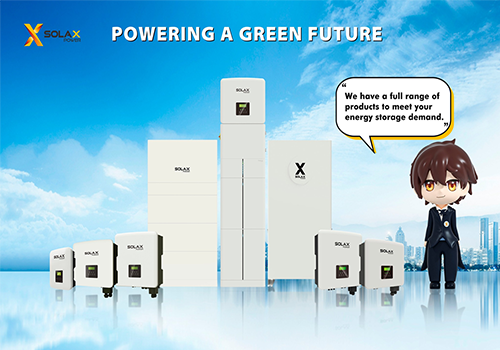
Hybrid inverters (Modbus TCP, monitoring and control): X1/X3 Hybrid G3, X1/X3 Hybrid G4, X3 Hybrid G4 PRO, X1-VAST, X1/X3-IES, X3-ULTRA.
Grid-tied inverters (Modbus TCP): X3-MIC G2 and X3-PRO G2 (monitoring, optional power limit), X1-Boost G3 / Air / Mini (monitoring only).
EV charger (Modbus TCP): SolaX X1/X3-HAC (G2).
Cloud: any SolaX inverter available in SolaXCloud.
Not supported yet: X1/X3-IES-A, X3-IES-P, X3-AELIO, X1 Boost/Mini G4, X1 Smart, X3-MIC/PRO G1, X1/X3-EVC (G1).
WHAT YOU GET
- Solar power per string, battery power, state of charge, health, voltage and temperature (per battery on dual-battery models), grid import/export, house load, daily and lifetime energy, inverter state and faults
- Self-consumption and self-sufficiency (today and year)
- Battery, Feed-In and Load helper devices for the Homey Energy tab
- Flow cards: unlock, work/use mode, manual mode with force charge/discharge, minimum battery capacity, export limit, charge period, remote control in RAM, and triggers and conditions for inverter state, faults and power changes
- EV charger: state, power per phase, session energy, work mode (Stop/Fast/ECO/GREEN), charge current limit, connection monitoring
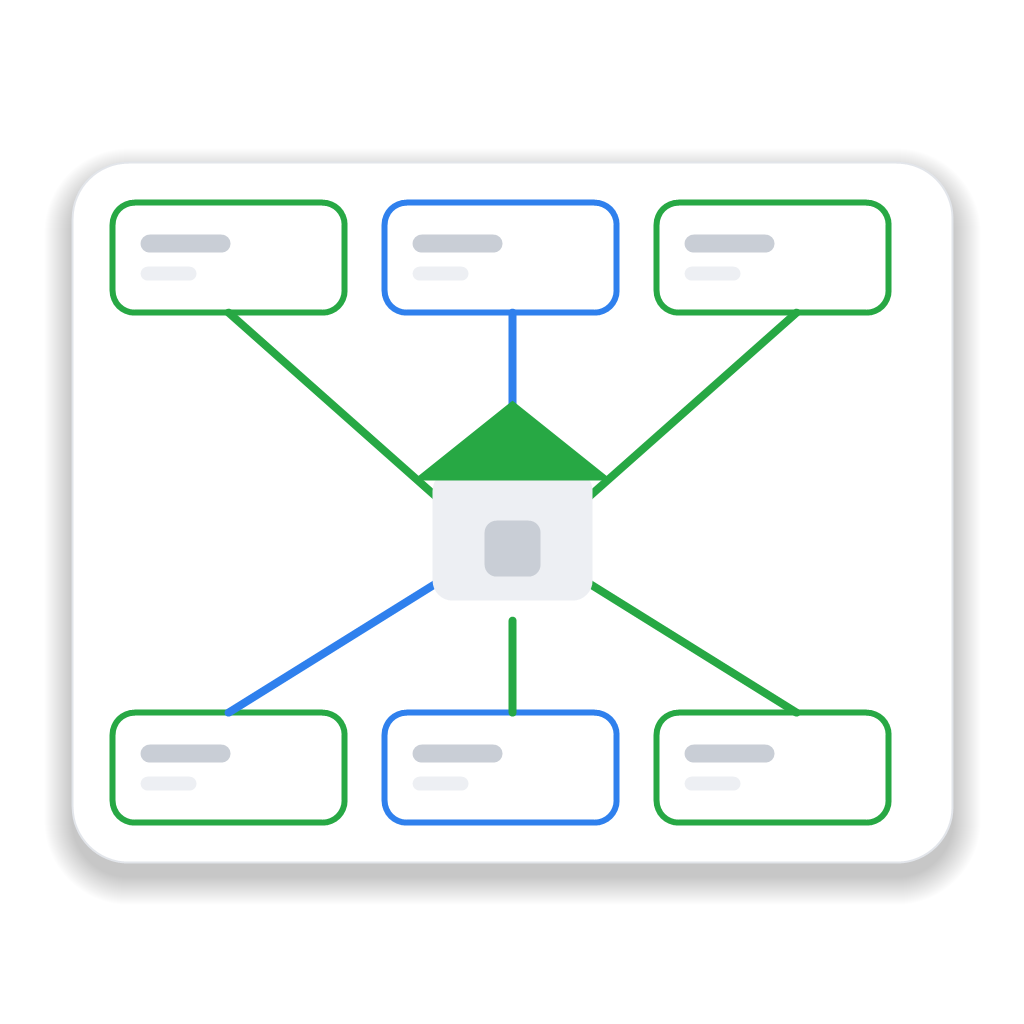
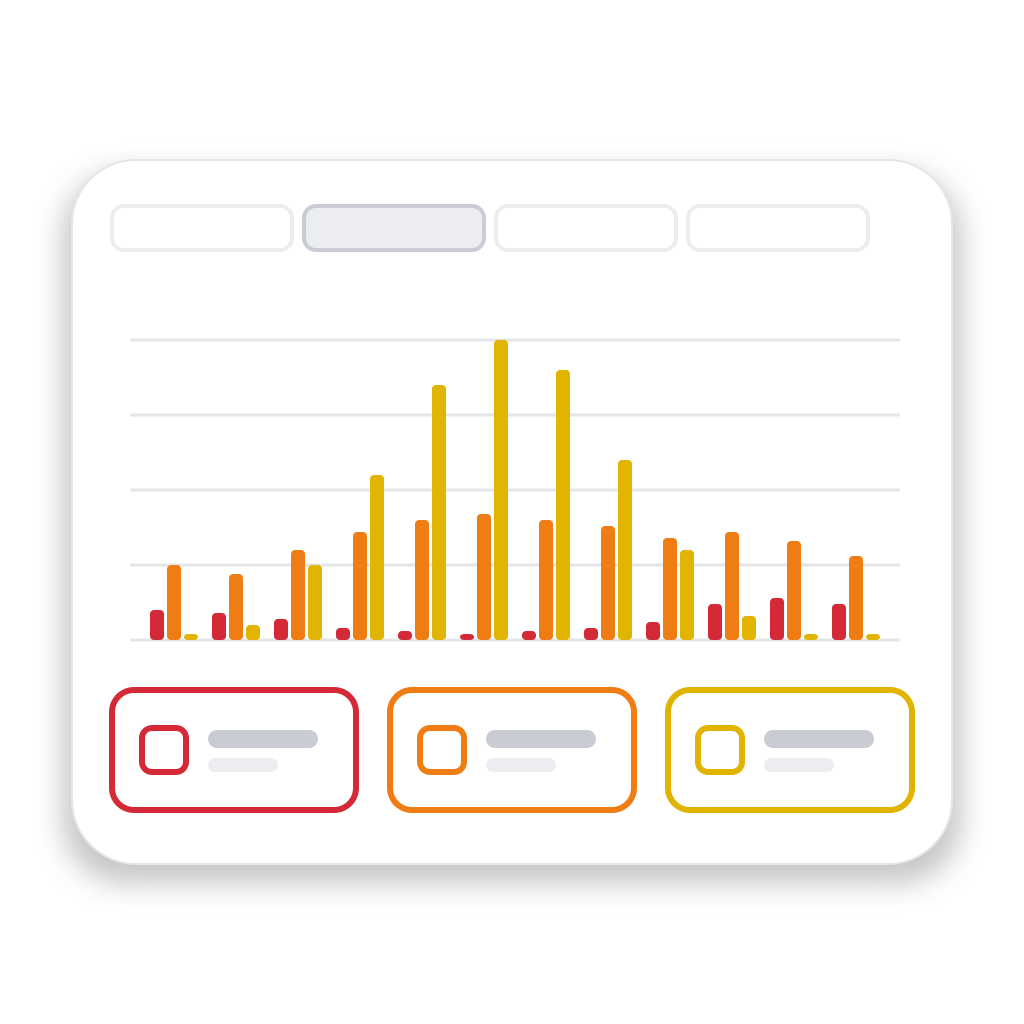
- Widgets: Solax Overview, Energy Flow (also as a camera image) and Energy History
- Energy Flow can show any wallbox or car through Flow cards
REQUIREMENTS AND TIPS
- Homey Pro with firmware 12.3.0 or newer.
- For Modbus, give the inverter or dongle a fixed IP address (port 502, unit ID 1) and make sure no other system polls it at the same time.
- Modbus needs the inverter's Ethernet port or a dongle/gateway with Modbus TCP. SolaX Pocket WiFi 2.0 has no Modbus TCP.
- Cloud drivers need the Token ID and registration number from your SolaXCloud account.
- Available data and controls depend on the driver and your hardware.
SUPPORT
Bug reports and requests: https://github.com/MichalStranik/homey_solax/issues
Please include your inverter model, driver, connection type, app version and the app log.
자세히 읽기 ›