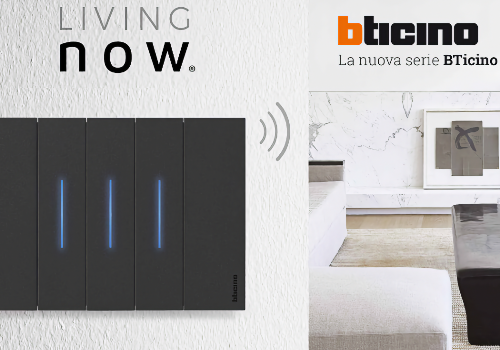
BTicino Living Control connects BTicino Living Now devices to Homey through the official Netatmo Connect cloud API. It is focused on Living Now installations: lights, dimmers, shutters, power outlets, controlled loads, scenarios, gateways, Smarther2 climate devices where exposed, and compatible DIN energy devices.
The app keeps Homey in sync with one shared polling cycle per Living Now home, instead of polling every device separately. This keeps API usage low while still making everyday automations reliable: control lights and loads, set shutters, run scenarios, monitor reachability, and use power or energy values in Flow.
To use the app, create a Netatmo Developer profile, open My apps and create a Netatmo Connect app. Fill in the required app name and description, add your data protection officer name and email, and set the redirect URI to the Athom OAuth2 callback shown in the Homey app settings. The website, company, company website and webhook URI fields can be left empty if you do not have values for them. Then copy the Client ID and Client Secret into the Homey app settings.
Disclaimer
This is an independent community app and is not affiliated with, endorsed by, or supported by BTicino, Legrand or Netatmo.
The app relies on public Netatmo Connect cloud APIs. Availability, features, response times and limits may depend on the third-party service and can change without notice.
Use of this app requires valid Netatmo Developer API access and a compatible BTicino Living Now installation. The developer cannot guarantee uninterrupted operation if the external service changes its API, authentication flow, rate limits or supported devices.
For support, issues and feature requests, use the support link provided in this Homey App Store listing.
자세히 읽기 ›