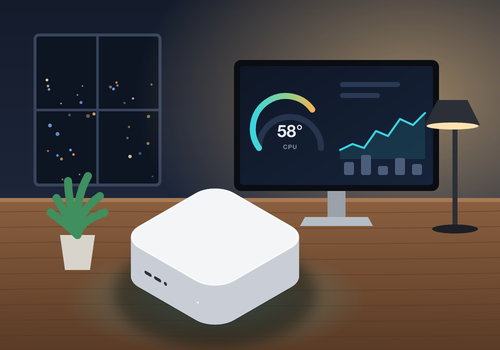


Monitor and control your Macs from Homey.
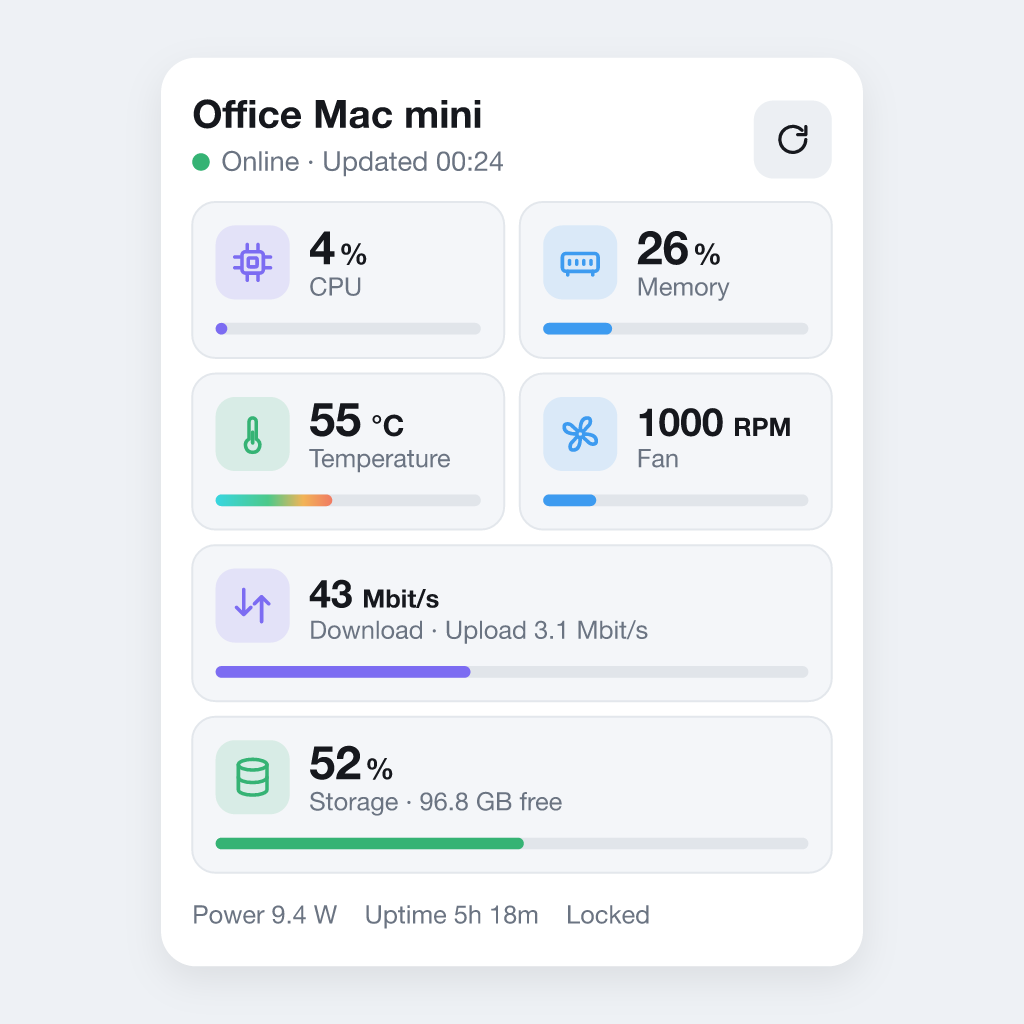
Mac Monitor adds your Macs to Homey as devices. It shows temperatures, CPU
usage, memory, disk space and health, fan speed, power draw, network speed,
uptime, macOS updates and Time Machine backups. It also knows when the Mac is
idle, when the screen is locked and when the display is off. Flows can put a Mac to sleep, wake it, keep it awake, lock it, speak
text or restart it. Everything stays on your local network.
FEATURES
- Live readings with Insights history.
- Flow triggers for CPU, memory, disk, fan, network speed, idle time, screen
lock, display, memory pressure, thermal state, disk health, backups, drives,
macOS updates, restarts and the Mac going offline or coming back.
- Flow conditions for reachability, temperature, usage, idle time, screen lock,
display, running apps, connected drives, memory pressure, backup age and
pending updates.
- Flow actions to sleep, wake (Wake-on-LAN), keep awake, allow sleep, turn off
the display, lock the screen, show a notification, speak text, run a command,
check for updates, restart and shut down. Restart and shut down are off until
you allow them.
- A dashboard widget with a card for every Mac.
REQUIREMENTS
- A Mac with Apple silicon (M1 or later) running macOS 14 or later.
- Node.js 18 or later on the Mac (nodejs.org or Homebrew).
- A Homey Pro on the same local network as your Macs.
SETUP
1. Install the Mac Monitor agent on each Mac. Open Terminal and run:
curl -fsSL https://raw.githubusercontent.com/kircuvaloglu/homey-mac-monitor/main/agent/get.sh | sudo bash
The installer prints an access token.
2. In Homey, add a device: Mac Monitor, Mac. Select your Mac and enter the token.
Full guide: https://github.com/kircuvaloglu/homey-mac-monitor
NOTES
- Sensors are read only. The app never changes fan settings.
- Display state, screen lock, notifications and speech need a user logged in
on the Mac.
- The GPU sensor is only active while the GPU is in use, so
the GPU temperature appears after the first reading and then keeps its last
value. Fanless Macs do not show a fan speed.
- macOS updates are checked every six hours.
- A sleeping Mac can be woken up, but a Mac that is fully shut down cannot be
turned on remotely.
자세히 읽기 ›