



Pixoo64
켜지면
경고! 이 앱이 제대로 작동하지 않을 수 있습니다.
이 앱 버전은 현재 테스트 중이며 아직 검토되지 않았습니다. 기대한 대로 작동하지 않을 수 있습니다.
이 앱을 설치할 때는 각별히 주의하세요.
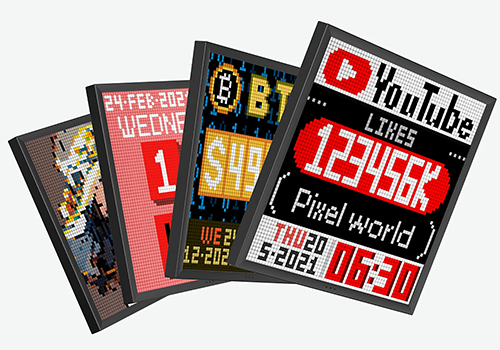
위의 디바이스를 클릭하면 관련 Flow 카드만 표시됩니다.
이 앱에 문제가 있습니까? 개발자에게 문의하려면 여기를 클릭하세요..
버전 0.2.0 — Added a Flow condition for the current Pixoo64 channel, raised animated GIF output to the 60-frame firmware limit, added a Flow card to choose the animated sprite composition mode, and added icon-based device controls to view and switch channels.
JP D 님께 앱을 잘 사용하고 있다고 알려주세요.
제안을 보내주셨다고 JP D 님에게 알리겠습니다.
 Belgium
 Bulgaria
 Croatia
 Cyprus
 Czech Republic
 Estonia
 Finland
 Greece
 Hungary
 Iceland
 Ireland
 Latvia
 Lithuania
 Malta
Malta
 Moldova
 The Netherlands
 Portugal
 Romania
 Slovakia
 Slovenia
 Türkiye
 Ukraine
 United Kingdom


