




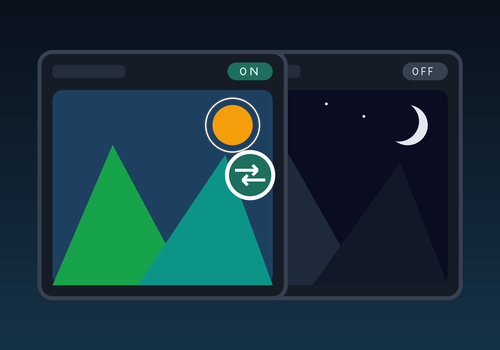
Conditional Image Widget
Widget Widget Title was tapped
경고! 이 앱이 제대로 작동하지 않을 수 있습니다.
이 앱 버전은 현재 테스트 중이며 아직 검토되지 않았습니다. 기대한 대로 작동하지 않을 수 있습니다.
이 앱을 설치할 때는 각별히 주의하세요.


이 앱의 개발자는 직접 지원을 제공하지 않습니다.
버전 1.0.1 — .Minor fixes
 이 앱으로 Homey 전체를 관리할 수 있습니다.
선택하신 Homey에 Conditional Image Widget이(가) 호환되지 않습니다.
 Conditional Image Widget이(가) 곧 Homey에 설치됩니다.
 Belgium
 Bulgaria
 Croatia
 Cyprus
 Czech Republic
 Estonia
 Finland
 Greece
 Hungary
 Iceland
 Ireland
 Latvia
 Lithuania
 Malta
Malta
 Moldova
 The Netherlands
 Portugal
 Romania
 Slovakia
 Slovenia
 Türkiye
 Ukraine
 United Kingdom


