








Presence Fusion
Combine several devices into Homey’s native user presence.
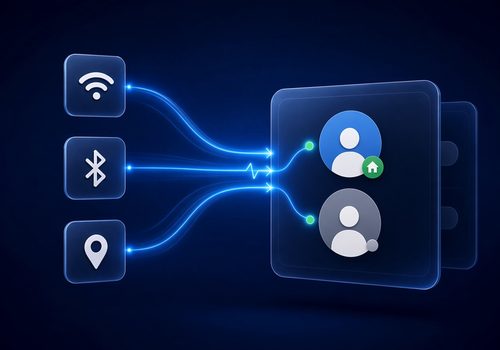
Presence Fusion turns several devices into one reliable Homey presence. Link a phone / Smart Presence, Beacon, Nut, Find My, or similar — Fusion combines them and writes Homey’s native presence (who is home / away).
Fewer false home and false away events when a single source is flaky. Your Flows keep using Homey’s built-in cards (someone is home, left…). No custom multi-device presence Flow to maintain.
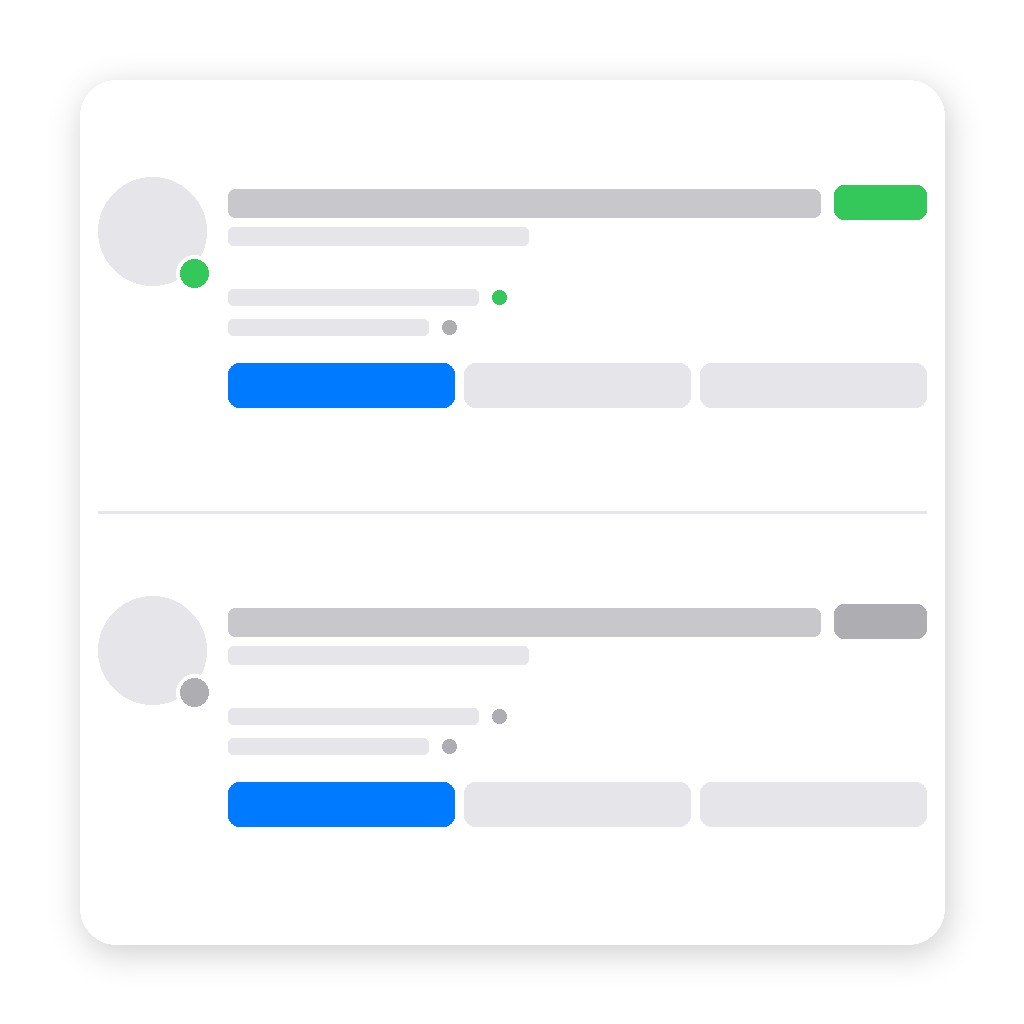
Optional Presence overview widget: who’s home, each source’s state, and Force Home / Away / Auto when a source misbehaves.
Homey API key (required)
Homey only lets apps write presence with an API key. That is what allows Fusion to set home / away from your linked devices.
1. my.homey.app → Settings → API Keys → New API Key
2. Check Presence (homey.presence)
3. Copy the key (shown once)
4. Apps → Presence Fusion → Configure → API key tab → paste → Save
Setup
1. Save the API key
2. Enable a person, link their devices
3. After linking, check the capability Automatic selected — it should match the home / away signal; change it if needed
4. Choose a fusion mode (OR / AND / quorum) and confirmation delays
5. (Optional) Add the Presence overview widget
Avoid conflicts
For each managed person: turn off Homey location-based presence, and don’t use Flows/apps that also force home/away.
위젯
지원
이 앱에 문제가 있습니까? 개발자에게 문의하려면 여기를 클릭하세요..
새로운 기능
버전 1.1.8 — Stop HomeyAPI deprecation noise (driverUri / zoneName) when searching devices to link.
Presence Fusion
 이 앱으로 Homey 전체를 관리할 수 있습니다.
선택하신 Homey에 Presence Fusion이(가) 호환되지 않습니다.
 Presence Fusion이(가) 곧 Homey에 설치됩니다.
업데이트 로그

Africa


Asia


Europe

 Belgium
Deutsch English
 Bulgaria
 Croatia
 Cyprus
 Czech Republic

 Estonia
 Finland


 Greece

 Hungary
 Iceland
 Ireland

 Latvia
 Lithuania

 Malta
Malta
 Moldova
 The Netherlands


 Portugal
 Romania
 Slovakia
 Slovenia


 Türkiye
 Ukraine
 United Kingdom


