


Apple TV

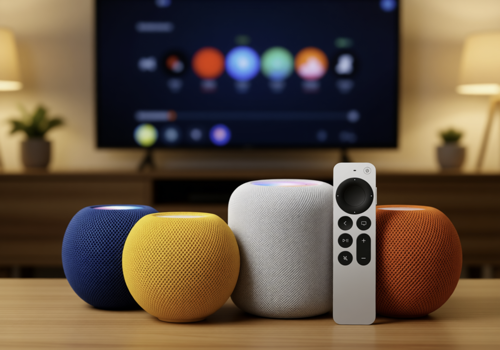
Control your Apple TV from Homey. Play, pause, navigate, adjust volume, and see what's playing - all from your Homey.

Warning! This app might not work properly.

This app version is currently being tested, and has not yet been reviewed. It might not work as expected.
Be extra careful when installing this app.
« Back to the regular version

Control your Apple TV from Homey. Play, pause, navigate, adjust volume, and see what's playing - all from your Homey.

Read more ›

Supported devices

Flow cards

Click on a device above to show related Flow cards only.
When...

Apple TV
Turned on
Apple TV
Turned off
Apple TV
The volume changed
Apple TV
Started playing
Apple TV
Stopped playing
Apple TV
The artist changed
Apple TV
The album changed
Apple TV
The track changed
Apple TV
Account switched
i
Triggers when the user account is switched via Homey. Note: Switches made via TV remote are not detected.
Apple TV
App changed
i
Triggers when the active app on Apple TV changes
Apple TV
Playback paused
i
Triggers when media is paused on Apple TV
Apple TV
Playback started
i
Triggers when media starts playing on Apple TV
Apple TV
Playback stopped
i
Triggers when media stops playing on Apple TV
HomePod
Started playing
HomePod
Stopped playing
HomePod
The volume changed
HomePod
The artist changed
HomePod
The album changed
HomePod
The track changed
HomePod
Playback paused
i
Triggers when media is paused on Apple TV
HomePod
Playback started
i
Triggers when media starts playing on Apple TV
HomePod
Playback stopped
i
Triggers when media stops playing on Apple TV

And...

Apple TV
Is turned on
Apple TV
Is playing
Apple TV
Account is Account
i
Check if a specific account was last selected via Homey. Note: Only tracks accounts switched through Homey flows.
Apple TV
App is App
i
Check if a specific app is currently active on Apple TV
HomePod
Is playing

Then...

Apple TV
Turn on
Apple TV
Turn off
Apple TV
Toggle on or off
Apple TV
Set the volume to %
Apple TV
Set relative volume %
i
Change the volume with respect to the device's current volume.
Apple TV
Turn the volume up
Apple TV
Turn the volume down
Apple TV
Mute the volume
Apple TV
Unmute the volume
Apple TV
Toggle muted volume on or off
Apple TV
Play
Apple TV
Pause
Apple TV
Toggle Play/Pause
Apple TV
Previous
Apple TV
Next
Apple TV
Launch App
i
Launch a specific app on Apple TV. Shows apps installed on your device when connected.
Apple TV
Launch app Bundle ID
i
Launch any app using its bundle ID (e.g., com.netflix.Netflix). Use this for apps not in the dropdown list.
Apple TV
Navigate down
Apple TV
Navigate left
Apple TV
Navigate right
Apple TV
Navigate up
Apple TV
Next track/chapter
Apple TV
Pause
Apple TV
Play
Apple TV
Toggle Play/Pause
Apple TV
Press Home
Apple TV
Press Menu/Back
Apple TV
Press Select/OK
Apple TV
Previous track/chapter
Apple TV
Stop playback
Apple TV
Switch to Account
i
Switch to a different user account on Apple TV. Shows accounts registered on your device when connected.
HomePod
Previous
HomePod
Play
HomePod
Pause
HomePod
Toggle Play/Pause
HomePod
Next
HomePod
Set the volume to %
HomePod
Set relative volume %
i
Change the volume with respect to the device's current volume.
HomePod
Turn the volume up
HomePod
Turn the volume down

Widgets

You can add this app’s widgets to your dashboard or homescreen in the mobile app.

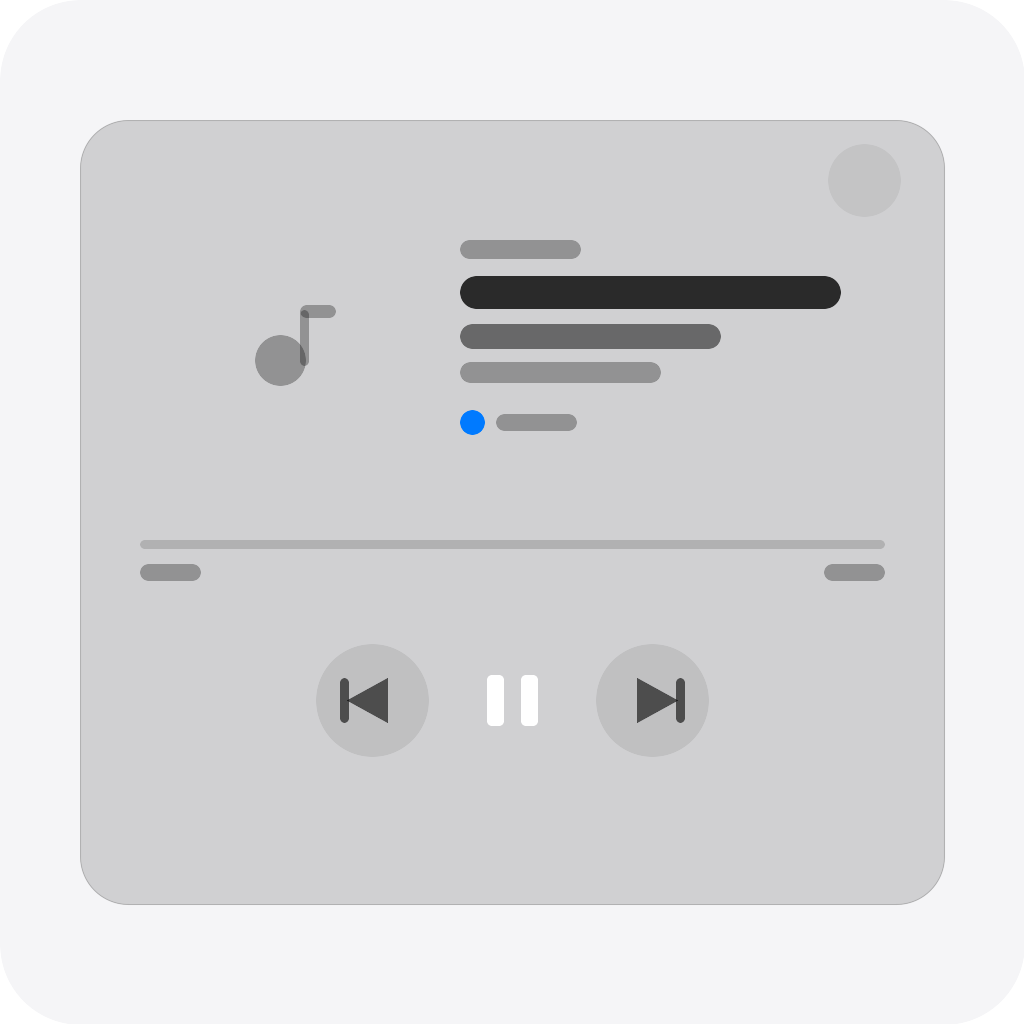
HomePod Player
HomePod Player
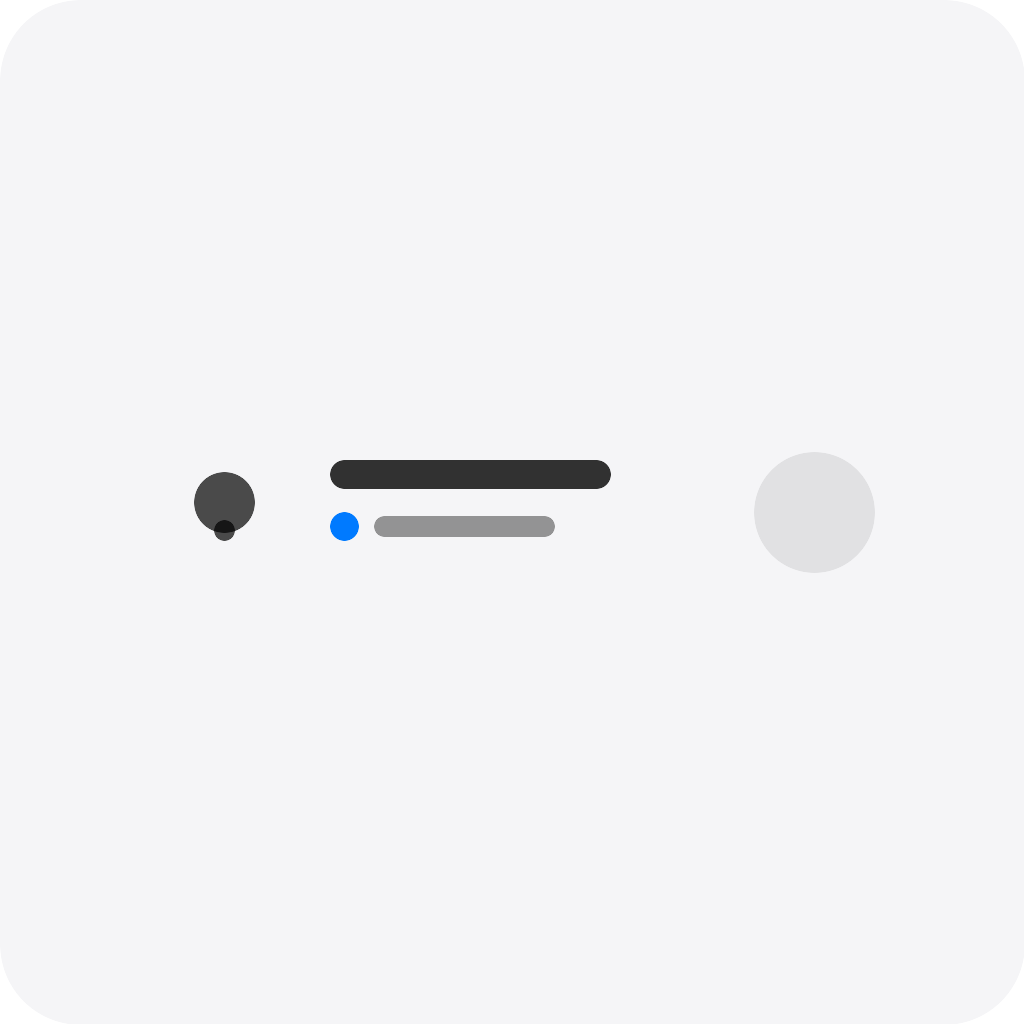
HomePod Status
HomePod Status
Apple TV Player
Apple TV Player
Apple TV Status
Apple TV Status

Support

Having an issue with this app? Contact the developer here.

What’s new

Version 1.0.7 — Fixed WiFi-connected Apple TV timeout after sleep/wake (stale session caused cipher mismatch). Fixed widget power buttons not working when tile click action set to 'Do nothing'.

View changelog

Apple TV

Apple TV is not compatible with the selected Homey.

Apple TV will install on Homey shortly.
Install App