







What is Homey Portal?
Turn a dial, and a room changes around you. The lights settle into place, the temperature adjusts, the music picks up where you left off. That's the idea behind Homey Portal, a small screen and ring built to sit in your home and respond the moment you ask.
A physical controller for your smart home
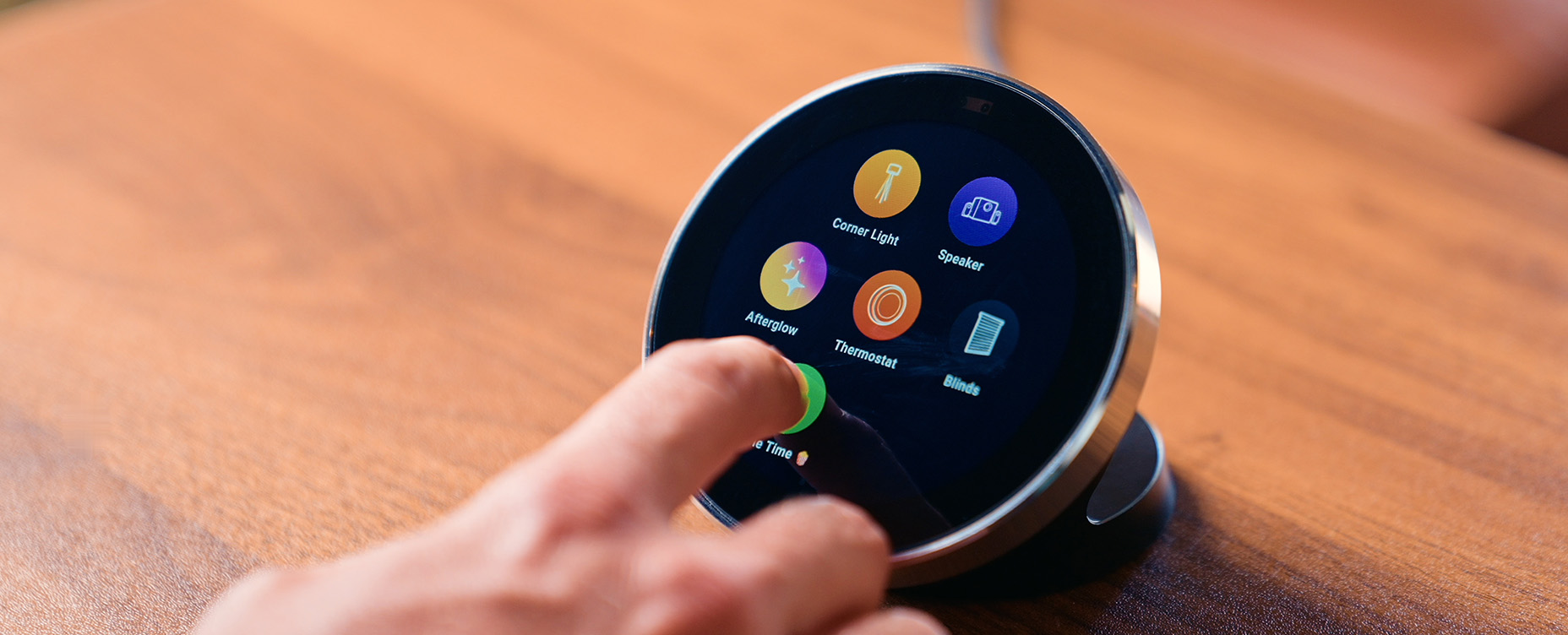
Homey Portal is a beautiful touch dial screen controller you place in a room to control your smart home devices. It has a round touchscreen wrapped in a steel ring you can turn by hand. Tap the screen to pick a device or setting, then twist the ring to adjust it.
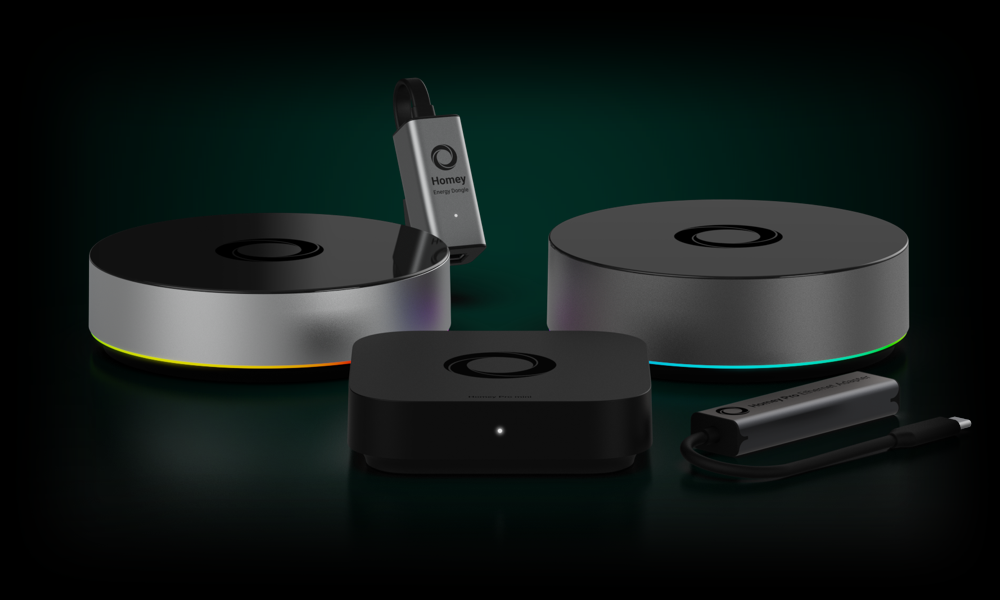
Most smart home hubs stay out of sight. Homey Pro, for example, works quietly in the background, wherever you place it. Homey Portal takes a different approach. You put it on a desk or a wall, right where you and your family already are, so anyone in the room can use it without opening an app.
Design and hardware
The screen measures 2.8 inches across and sits inside a rotating ring made of stainless steel. A proximity sensor wakes the display when you walk up to it, and a small speaker plays sound for timers and notifications.
The ring itself is capacitive, so it responds to touch too, not just to turning. A tap or a double tap on the ring can trigger a Flow, control a device, or activate a Mood, without touching the screen at all. It also has a solid, weighted feel when you turn it, which makes small adjustments easy to control.
Homey Portal comes with two ways to place it. A desk stand lets it stand upright on a table, with the cable running neatly down the back. A wall mount lets you fix it to a wall with the screws and plugs included in the box. It runs on USB-C power, and the cable and adapter both come included.
What Homey Portal can control
Each Homey Portal is linked to one zone in your home, such as the living room or the kitchen. It automatically controls every device you've already connected in that zone, so there's no extra setup for each light or speaker.
You can also customize what shows up on the screen. Add shortcuts for your favorite Flows, Moods, or devices, and arrange them across multiple pages. Swipe between pages to find what you need, and drag icons around to rearrange them however you like.
From the screen, you can turn lights on or off, change their color and brightness, skip tracks on your speakers, adjust the temperature, and check your home's energy use. A built-in timer and weather forecast are also available. You can pin your favorite Flows, Moods, or devices to the home screen for quick access.
Compatible Homey products
Homey Portal works with Homey Cloud, Homey Pro, Homey Pro mini, and Homey Self-Hosted Server. It connects to whichever smart home hub you already use, right out of the box.
You'll need the Homey app on your phone to set up Homey Portal and to manage its shortcuts. Once it's set up, the Portal itself works entirely on its own, without needing your phone nearby.
FAQ
Does Homey Portal have a microphone or voice control?
No. Homey Portal doesn't have a microphone or any voice features. All controls happen through the touchscreen and the rotating ring.
Can I use more than one Homey Portal in my home?
Yes. Each Homey Portal is linked to a single zone, so if you want control in more than one room, you can add a separate Portal for each one.
Does Homey Portal replace my thermostat?
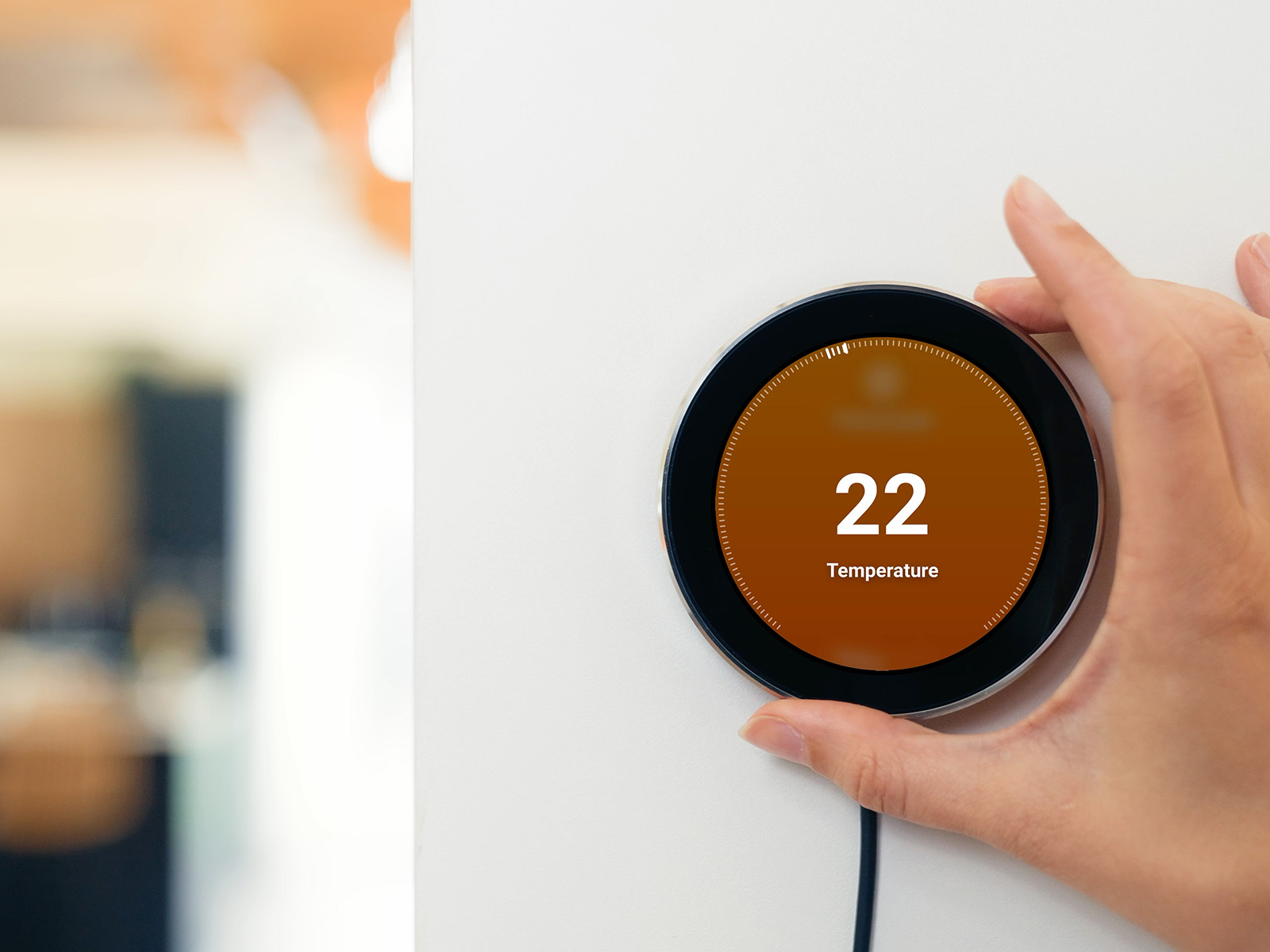
No. Homey Portal can't replace your thermostat because it doesn't connect directly to your boiler. It can still control thermostats, air conditioners, and other heating devices that already work with Homey.
Do I need the Homey app to use Homey Portal?
You need the Homey app to set up Homey Portal and to manage things like shortcuts. After setup, the Portal works on its own for everyday use.
What comes in the box with Homey Portal?
Every Homey Portal ships with a desk stand, a wall mount with screws and plugs, a USB-C cable, and a power adapter.
Glossary
Zone
An area of your home, like the living room or kitchen, that groups devices together so Homey can control them as one space.
Flow
A custom automation in Homey that triggers actions on its own, such as turning off the lights when you leave a room.
Mood
A saved combination of light settings you can apply with one tap, instead of adjusting each light by hand.
Smart home hub
A central device that connects and controls smart home products from different brands, so they can all be managed in one place.
Capacitive touchscreen
A type of touchscreen that responds to the electrical charge in your finger, so it registers taps and swipes without needing extra pressure.


