








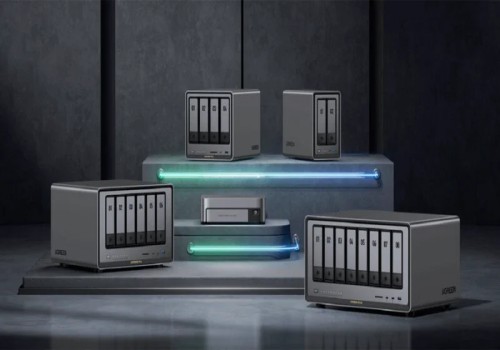
Ugreen NAS
The temperature changes
Click on a device above to show related Flow cards only.

Having an issue with this app? Contact the developer via the Homey Community Forum.
Version 1.3.5 — Fixed logging in on accounts that use two-factor authentication, which failed with a misleading "client is not compatible with the firmware" error. Pairing now asks for your authenticator code once and registers Homey as a trusted device, so you are not asked again. Also new: reconnect an existing NAS from Device settings > Repair without removing it, and a Flow condition "A backup task is running" so a Flow can wait until your backup has finished.
 Ugreen NAS is not compatible with the selected Homey.
 Ugreen NAS will install on Homey shortly.
We’ll let Guray Kircuvaloglu know you love the app. Maybe consider supporting Guray Kircuvaloglu by making a donation?
The developer of Ugreen NAS accepts donations.
Make a donation to say thanks!
We’ll notify Guray Kircuvaloglu you’ve sent a suggestion.
 Belgium
 Bulgaria
 Croatia
 Cyprus
 Czech Republic
 Estonia
 Finland
 Greece
 Hungary
 Iceland
 Ireland
 Latvia
 Lithuania
 Malta
Malta
 Moldova
 The Netherlands
 Portugal
 Romania
 Slovakia
 Slovenia
 Türkiye
 Ukraine
 United Kingdom


