








Comparing Homey Pro and Hubitat
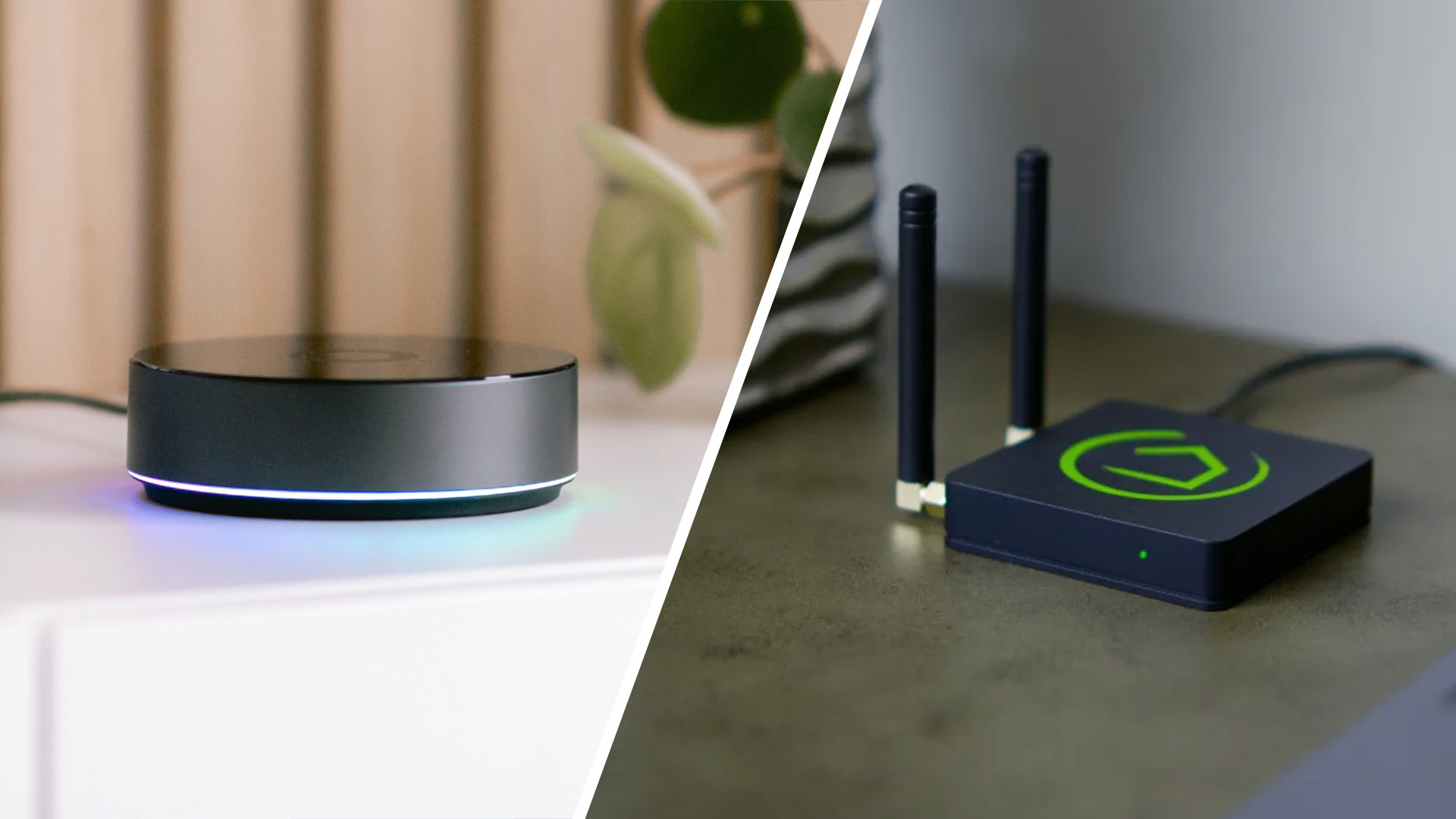
When setting up your smart home, you might find yourself choosing between Homey Pro and Hubitat. Both are respected platforms with different strengths and approaches to smart home. Let’s look closer to help you determine which platform best suits your needs.
What You Should Consider
- Different Approaches
- Ease of Use
- Device Control
- Device Compatibility
- Automation
- Scripting & Customization
- Stability & Reliability
- Security & Privacy
- Community & Support
- What About Costs?
- Should I Choose Homey Pro or Hubitat?
Different Approaches
Homey Pro is an all-in-one smart home hub which covers nearly every smart home use case out of the box. With eight radios built into the hardware, it supports Matter, Thread, Zigbee, Z-Wave, Wi-Fi, Bluetooth, 433 MHz, and Infrared. The curated Homey App Store extends this further with apps for thousands of smart devices across many brands. Everything is unified under a single interface, which means you do not need dongles, multiple hubs, or manual code to build a complete home automation system.
Hubitat Elevation C-8 Pro takes a more modular path. It includes Zigbee and Z-Wave radios by default and relies on optional hardware for other protocols. This approach reduces upfront cost and emphasizes independence from vendor ecosystems, but it places more responsibility on the user to fill in the gaps. Hubitat’s strength lies in its commitment to local control, but achieving broad compatibility often requires more effort than with Homey Pro.
Ease of Use
Homey Pro focuses on simplicity, both during setup and in daily use. Your smart devices are discovered automatically, and the pairing process is guided by a clean and modern app. The interface is consistent across mobile, tablet, and desktop, making it easy to monitor your home or adjust settings from anywhere. Even as you expand, tools like Advanced Flows keep complex automations approachable through a visual drag-and-drop editor that clearly shows how everything connects together.
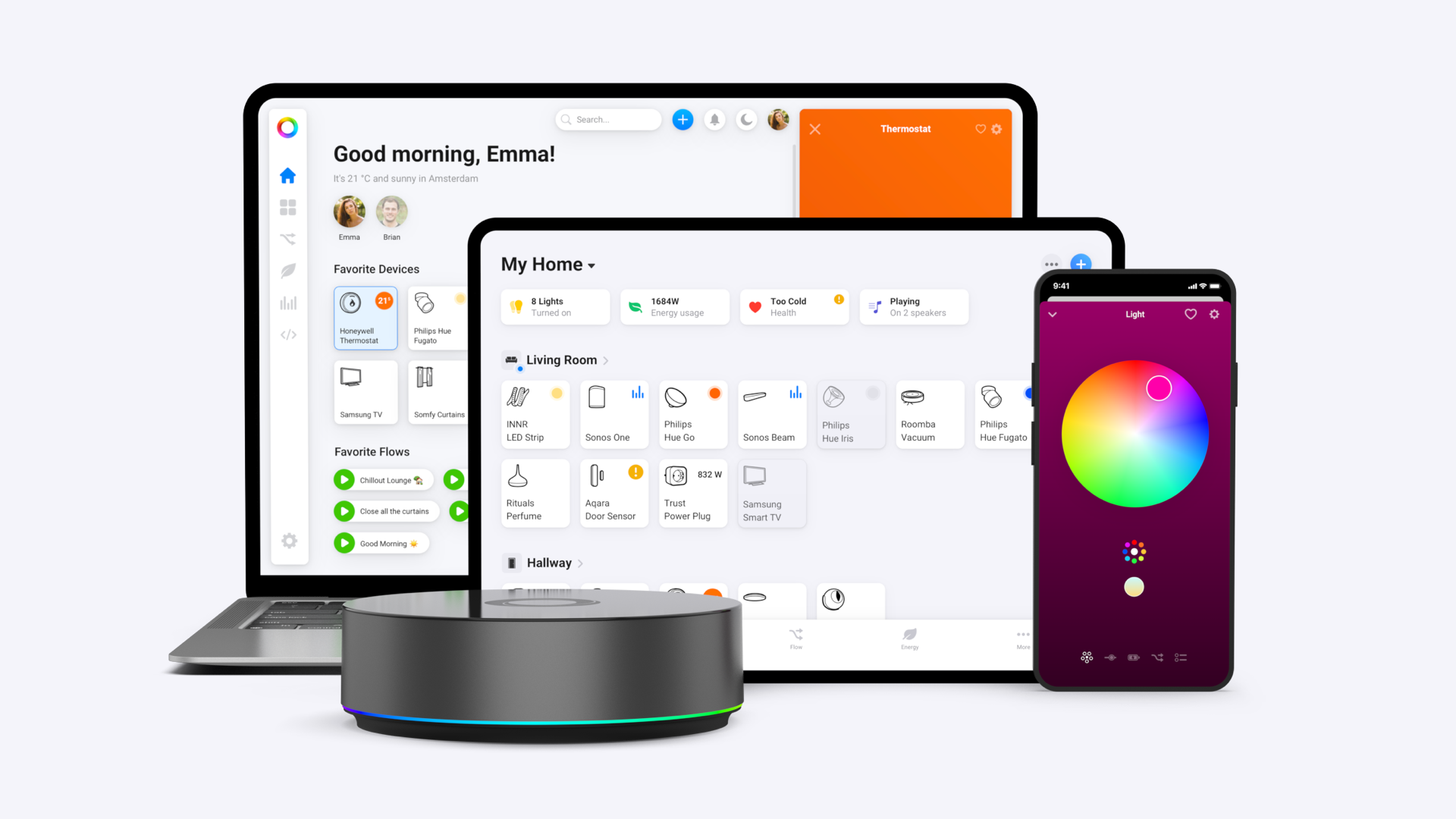
Hubitat is less welcoming for newcomers. Device inclusion often requires manual steps, and the web-based interface, while functional, looks quite dated compared to Homey’s polished app. Automations are created through forms and menus that assume a certain level of technical confidence. For experienced users this is not a problem, but beginners may feel overwhelmed.
Device Control
Controlling devices is at the heart of any smart home hub, and the way each platform handles it reflects its overall design. Homey Pro offers a main dashboard that shows the status of all connected devices at a glance. Device tiles are tailored to their purpose, with sliders for dimming, color pickers for lights, and detailed panels for thermostats or sensors. With Dashboards you can organize devices into personalized views, so everyday control feels natural and efficient.
Hubitat uses a utilitarian approach and shows devices in a straightforward list. The layout works well for quick toggles but lacks the polish you find in Homey’s interface. Mobile access is provided through an official app that offers core functions like viewing dashboards and receiving notifications. While many users opt for third-party solutions for a more polished aesthetic, the built-in tools are highly flexible for those willing to customize them. The controls respond quickly, but the overall experience fits people who treat the dashboard as a management tool rather than something they interact with throughout the day.
Device Compatibility
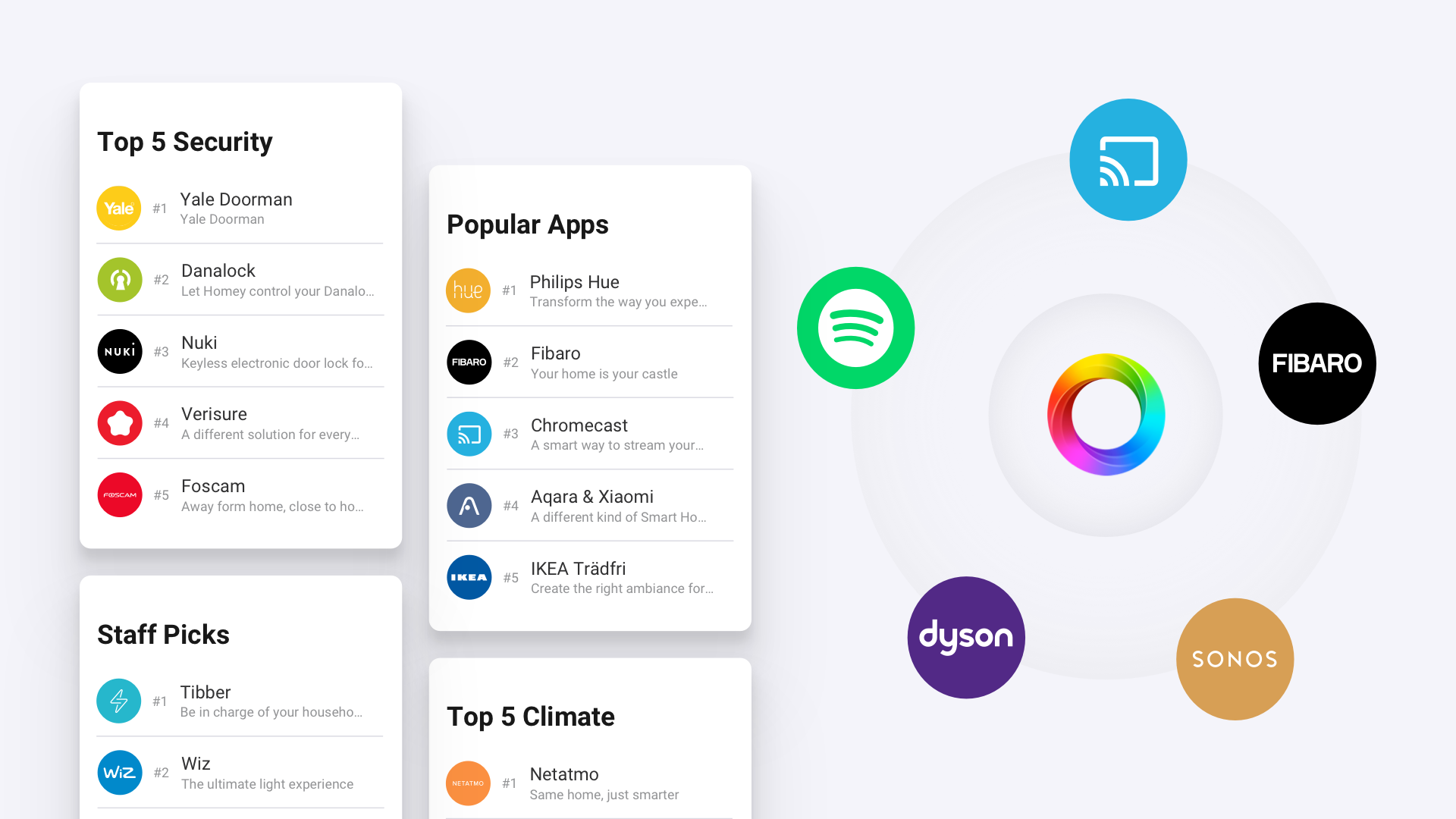
One of Homey Pro’s strongest points is compatibility. Its eight built-in radios cover every mainstream communication protocol, which means you can connect a wide variety of smart devices without extra hardware. The Homey App Store adds official and community apps for more than 50,000 products, ranging from well-known brands like Philips Hue and Sonos to niche Zigbee sensors. Furthermore, users can officially request a brand that is not yet supported in Homey.
Hubitat also supports a wide range of devices, especially when it comes to Zigbee and Z-Wave. Thanks to Matter's multi-admin feature, Hubitat can also interact with Matter devices, though it requires a separate Thread Border Router for any devices that use Matter-over-Thread. Much of Hubitat’s strength comes from its community, which develops custom drivers for devices not officially supported. This gives it flexibility but also introduces variability in quality and long-term maintenance. If a community developer stops updating a driver, it is up to the user to troubleshoot or replace it.
Automation
Homey Pro allows users to build automations with Flows that follow a clear structure of triggers, conditions, and actions. Every device you add contributes new Flow cards, which makes it easy to combine them in creative ways. Advanced Flows takes this concept further with a drag-and-drop canvas that shows your automation visually as you build it. This approach makes it much easier to refine and troubleshoot complex routines.
Hubitat also offers a suite of built-in automation tools. For advanced users, its Rule Machine is a powerful automation builder that supports multiple triggers, compound conditions, and detailed actions, all executed locally. For more straightforward tasks, the platform also includes user-friendly apps like Simple Automation Rules and Motion and Mode Lighting. This tiered approach allows both beginners and experienced users to build automations effectively, though the form-based interface requires a bit of technical thinking compared to Homey's more visual style.
Scripting & Customization
For the rare use case where Flows or Advanced Flows might not be enough for you, Homey Pro includes HomeyScript. This app uses JavaScript and gives you direct access to the Homey Web API, allowing you to add precise logic and extend the platform’s capabilities. HomeyScript is optional, as you can run a fully automated home without scripting. The option is there if you need it, which makes Homey an extremely capable home automation platform.
Hubitat also goes deep into customization. Beyond its automation apps, it supports custom apps and drivers written in the Groovy programming language, which allow advanced users to integrate new devices or features that are not officially supported. This openness makes Hubitat extremely flexible, but it also shifts more responsibility onto the user. If a community developer stops maintaining a driver you rely on, you may need to fix or replace it yourself.
Stability & Reliability
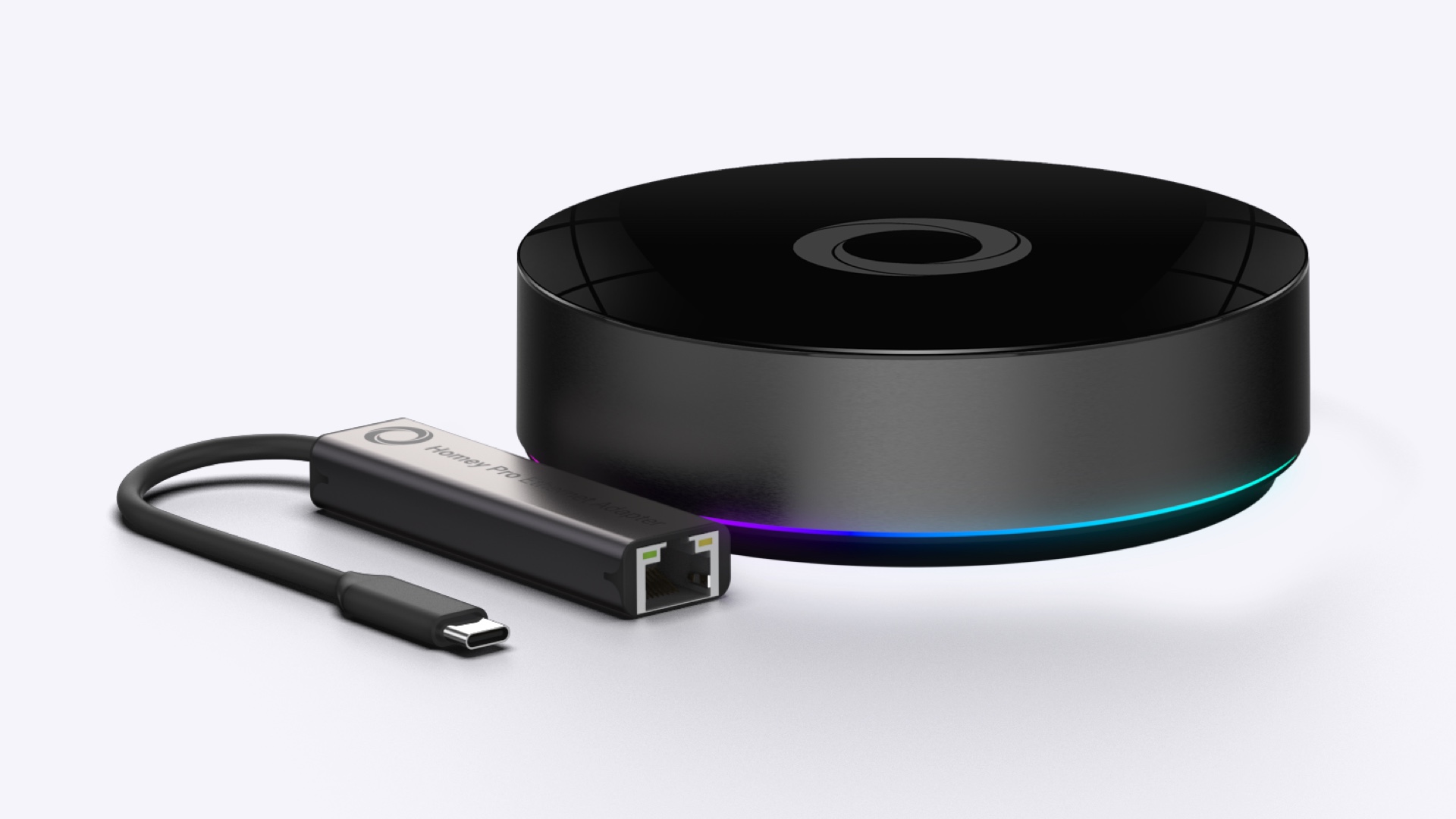
Homey Pro follows a managed update schedule and reviews all apps before release. This approach lowers the risk of breaking changes and keeps automations running as expected. The hub handles device control and automation locally, so your smart home keeps working even if the internet goes down. You can also connect it with the optional Ethernet Adapter for added reliability.
Hubitat Elevation C-8 Pro also processes everything locally, which makes it very reliable for day-to-day use. The C-8 Pro improves on earlier models with stronger Zigbee and Z-Wave radios and support for Z-Wave Long Range, which can help in larger homes. Stability is excellent with built-in drivers and regular updates, but when using community apps or drivers, you may occasionally need to resolve issues after firmware changes.
Security & Privacy
Homey Pro emphasizes user privacy by running automations and device control on the hub. It stores data locally and only communicates with external services if you enable them. The system encrypts all connections, and Athom delivers frequent firmware and security updates. You can also add an optional cloud backup subscription for extra safety.
Hubitat Elevation C-8 Pro also prioritizes privacy and local operation. Automations and device control continue working without internet access, which makes it appealing to privacy-conscious users. It functions as a Matter controller and can participate in Thread networks through a separate Thread Border Router. The platform supports community code, so you need to stay mindful of what you install, but its local-first design keeps your data off Hubitat’s servers.
Community & Support
Homey provides a combination of official support, a detailed knowledge base, and an active community forum. If you run into issues, you can contact Athom directly, search the documentation, or turn to other users for ideas and troubleshooting. There is always someone to help you or guide you in the right direction.
Similarly, Hubitat's support structure is centered on its primary documentation, community forums and supplemental support channels from the company. The Hubitat forum is known for its depth of technical knowledge, and users regularly create and share custom drivers and apps. This culture is a big part of Hubitat’s appeal, but it does mean that long-term support for certain integrations depends on community maintainers rather than the company itself.
What About Costs?
Homey Pro is available for a one-time purchase of €399. The price includes all eight built-in radios, access to the Homey App Store, and ongoing updates. There are no required subscriptions, though optional cloud backups are available.
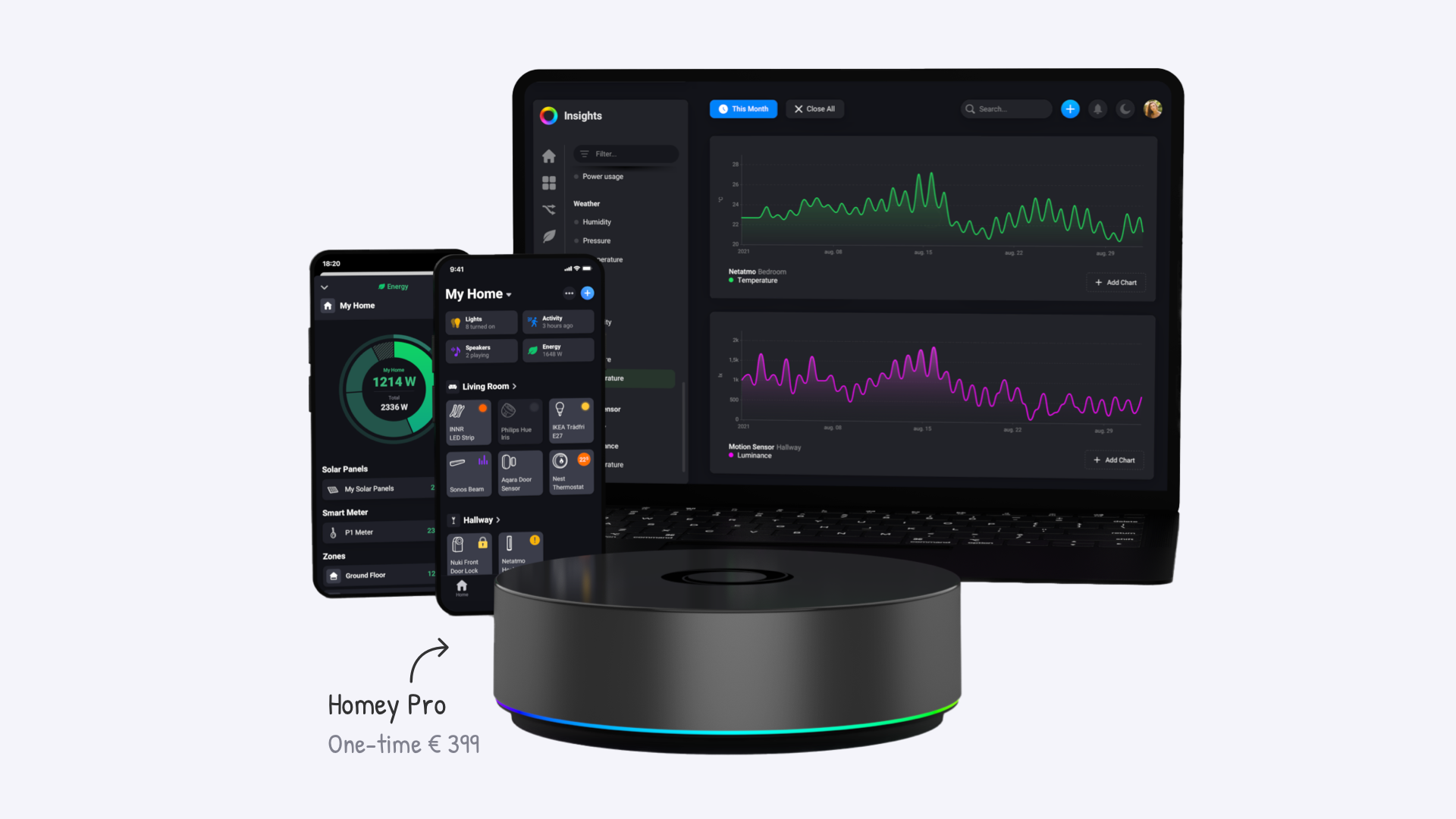
For a more affordable option, the Homey Pro mini supports Matter, Thread, Zigbee, and Ethernet, while skipping Z-Wave, Bluetooth, 433 MHz and Infrared. It runs the same software and automation engine as the Pro, giving you the full Homey experience at a lower price if you do not need legacy radio support.
Hubitat Elevation C-8 Pro retails for around 175 to 200 dollars. It is less expensive upfront, but it includes only Zigbee and Z-Wave radios by default. To use Matter over Thread you need a separate Thread Border Router, and other integrations may depend on LAN or cloud connectors. While the entry cost is lower, the total cost of ownership depends on how many additional technologies you want to integrate.
Should I Choose Homey Pro or Hubitat?
Homey Pro is a strong choice if you want a polished experience that works out of the box, covers almost any protocol, and scales easily as your smart home grows. Its visual automation tools, curated app store, and official support make it a well-rounded option for both beginners and advanced users who want convenience alongside flexibility. Homey can be as simple or as complex as you make it out to be.
Hubitat is best suited if you enjoy fine-tuning every aspect of your smart home. It provides one of the most powerful rule engines available, runs everything locally, and has a vibrant community that extends its capabilities far beyond official features. It requires more effort to set up and maintain, but for tinkerers and power users, that level of control is exactly what makes it appealing.


