








Set the Mood.
Capture your lighting or pick a preset to create
the right atmosphere whenever you need it.
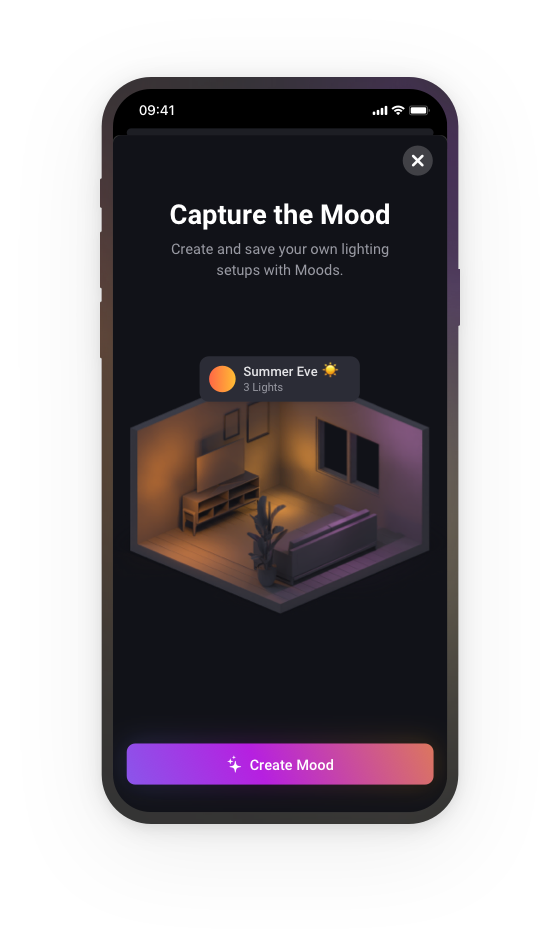
Movie Night 🍿
3 Lights
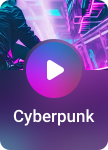
Cyberpunk 👾
4 Lights
Meditation 🧘♀️
2 Lights
Reading 📚
2 Lights
Lighting that fits you.
Moods are your own lighting scenes, just the way you like them — whether
you’re relaxing, working, or having friends over. Set it once, enjoy it anytime.
Create the right atmosphere
with one tap.
Create the right atmosphere
with one tap.
Create the right atmosphere
with one tap.
Create the right atmosphere
with one tap.
Bring lights from different brands together,
changing as one to match the Mood.
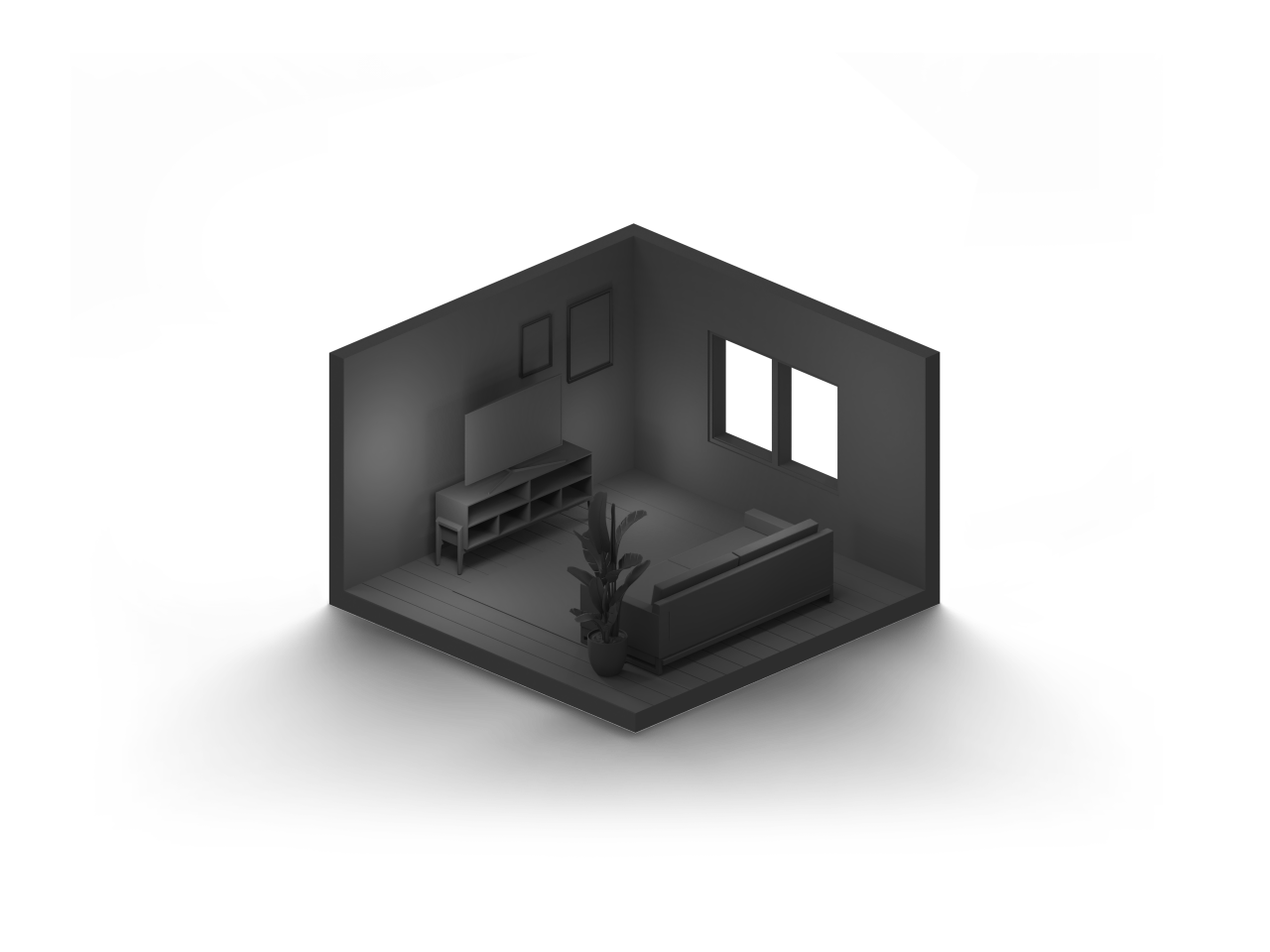
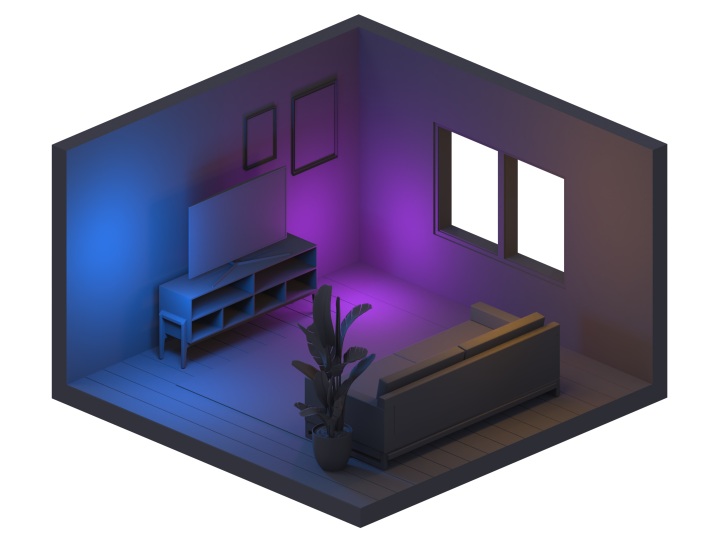
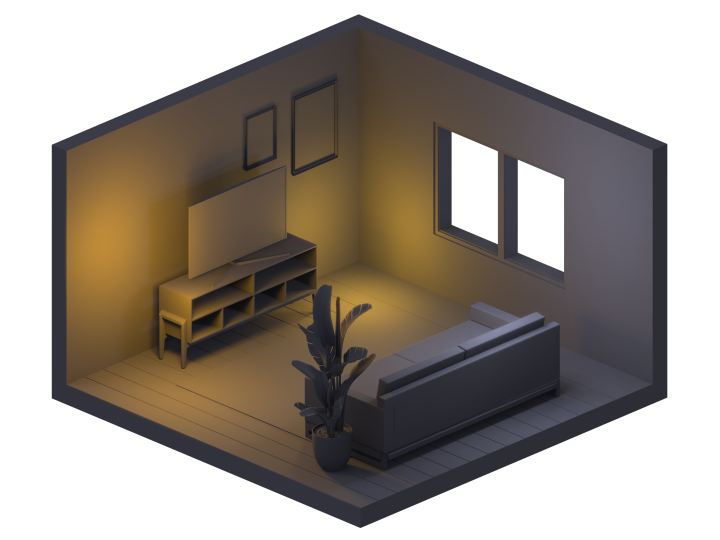
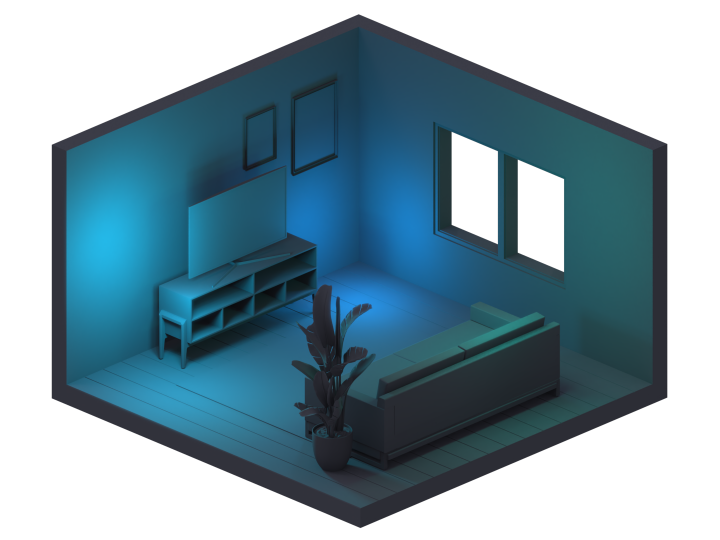
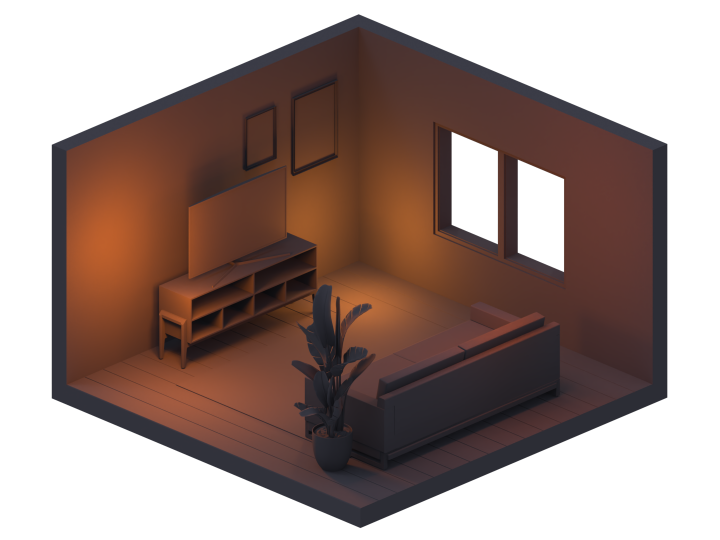
Make lighting scenes your own.
Pick your lights, set the colors and brightness, and save the moment as a Mood to use again whenever you like.
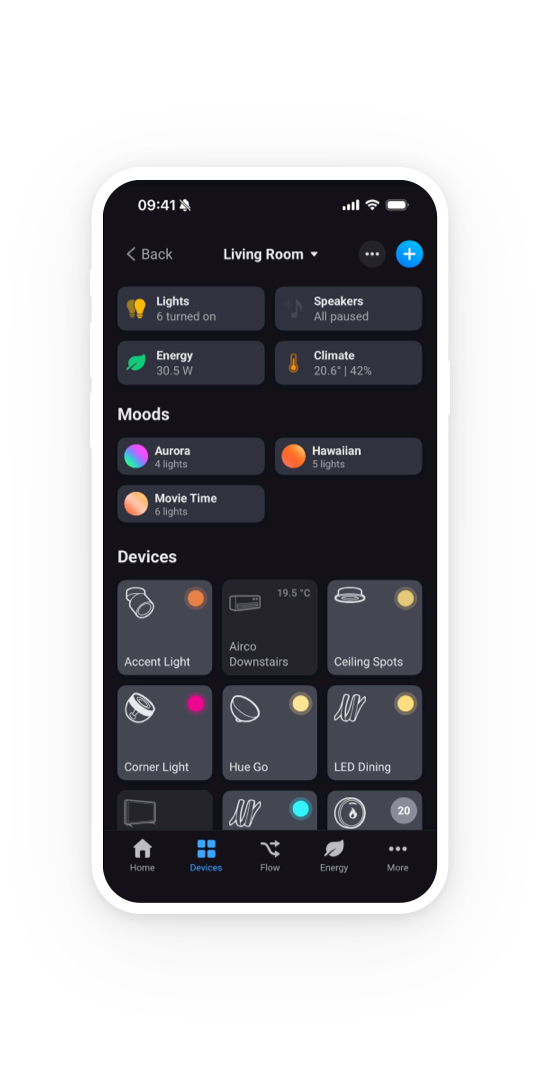
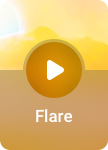
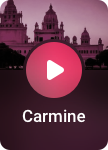
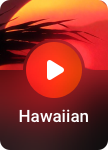
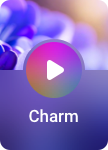
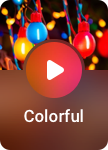
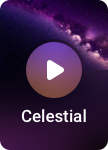
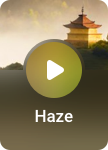
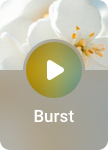
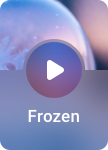
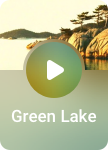
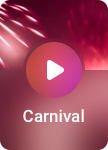
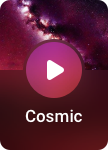
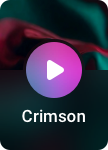
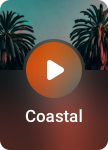
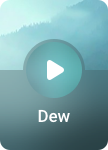
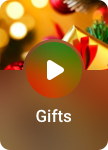
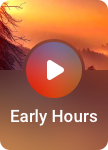
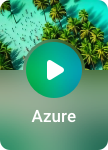
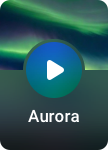
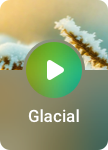
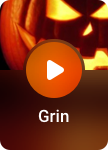
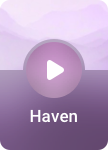
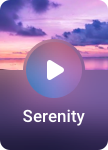
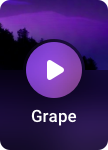
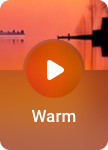
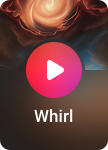
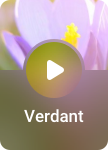
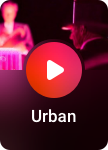
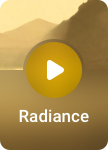
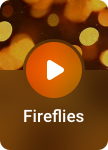
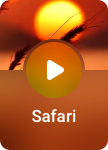
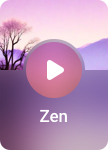
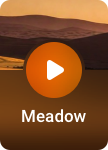
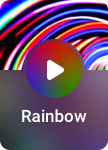
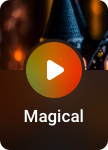
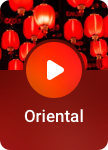
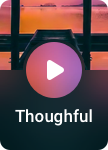
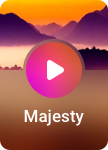
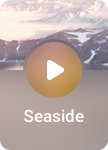
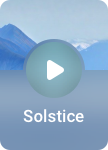
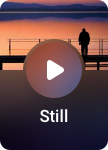
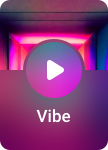
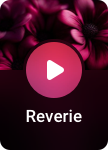
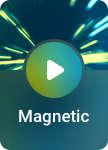
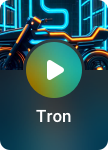
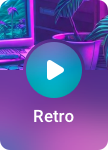
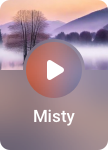
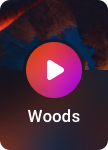
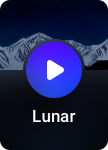
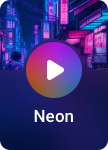
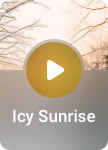
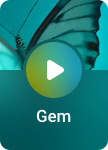
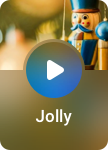
Choose from countless colorful presets.
Beautiful lighting combinations, ready to use. Try them out and discover how light transforms your home’s atmosphere.

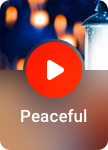
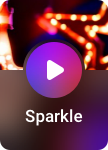


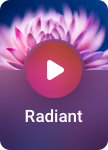
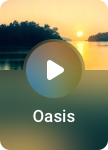

Start Moods from anywhere.
Whether it’s in the app, by voice, through a Flow, or on your dashboard —
your favorite lighting scenes are always close at hand.
Start Moods from the Devices tab.
Set the scene with just a tap. Moods are saved to the right Zone automatically, so you’ll always find them where you need them.
Discover Devices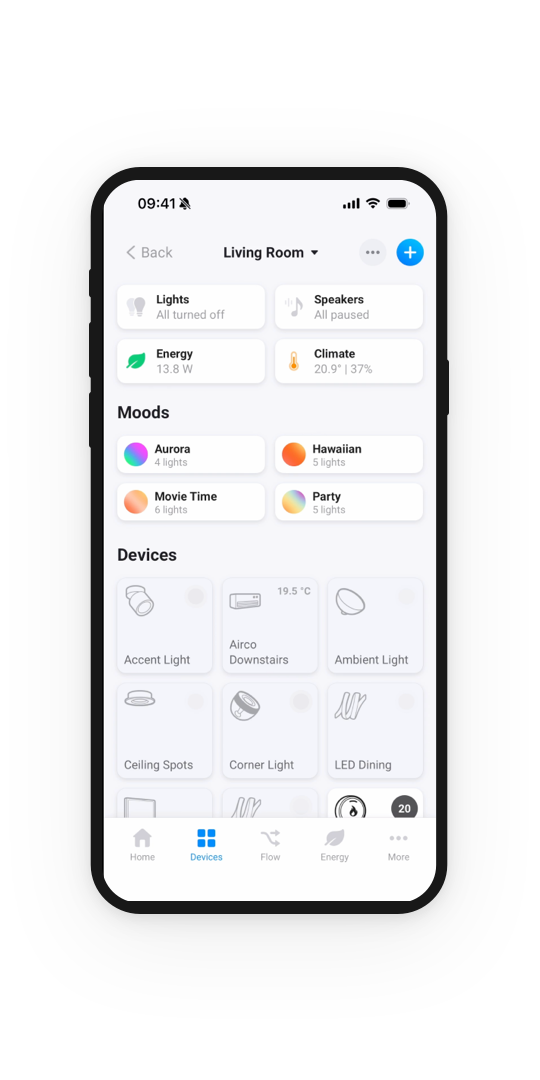
Start Moods from a Flow.
Set your lights to adjust automatically. For example, have your living room feel like a cinema as soon as the projector turns on.
Discover Flow
Projector
Projector turned on

Movie Night 🍿
Set the Mood

Sonos Surround Set
Set volume to 80%

Somfy Curtains
Close curtains
Start Moods with your voice assistant.
Tell your voice assistant which Mood you want, and your lights adjust right away. Perfect when your hands are full or you’re already settled in.


Arctic 🐳
Set the Mood

Neon Glow 🦄
Set the Mood

Soft Shine 🍦
Set the Mood
Start Moods from your Dashboards.
Add Moods to your dashboard for quick access, so you can set the right scene in seconds.
Discover Dashboards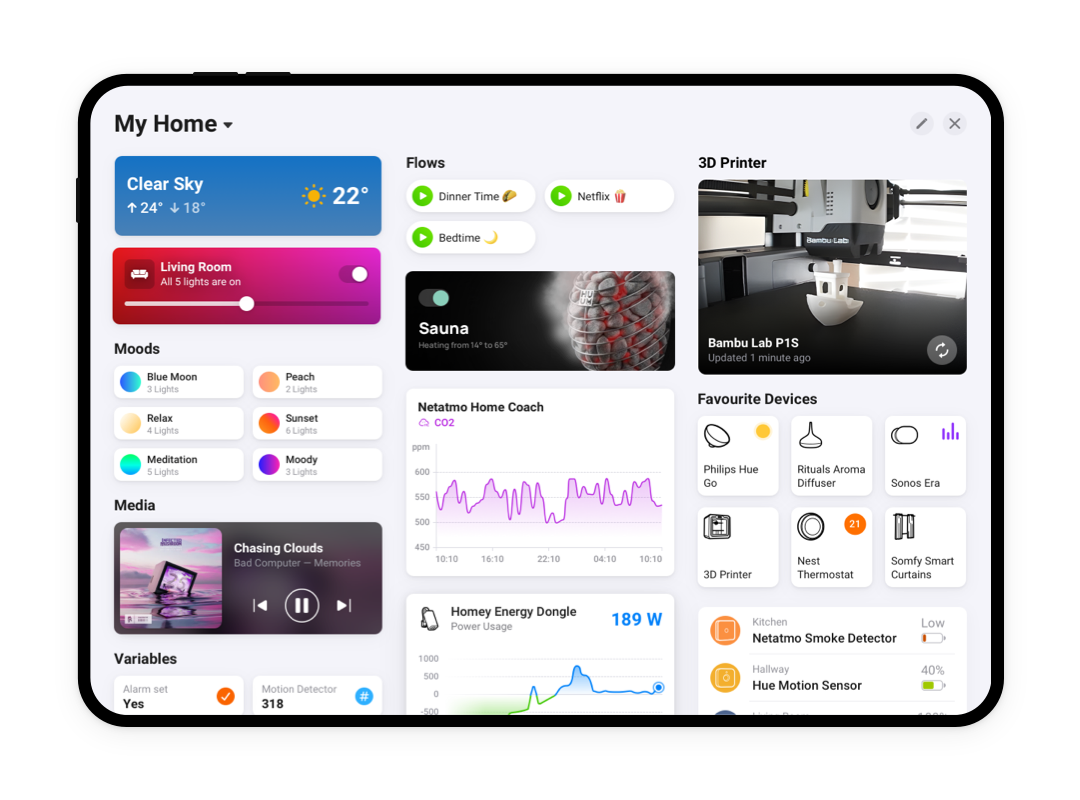
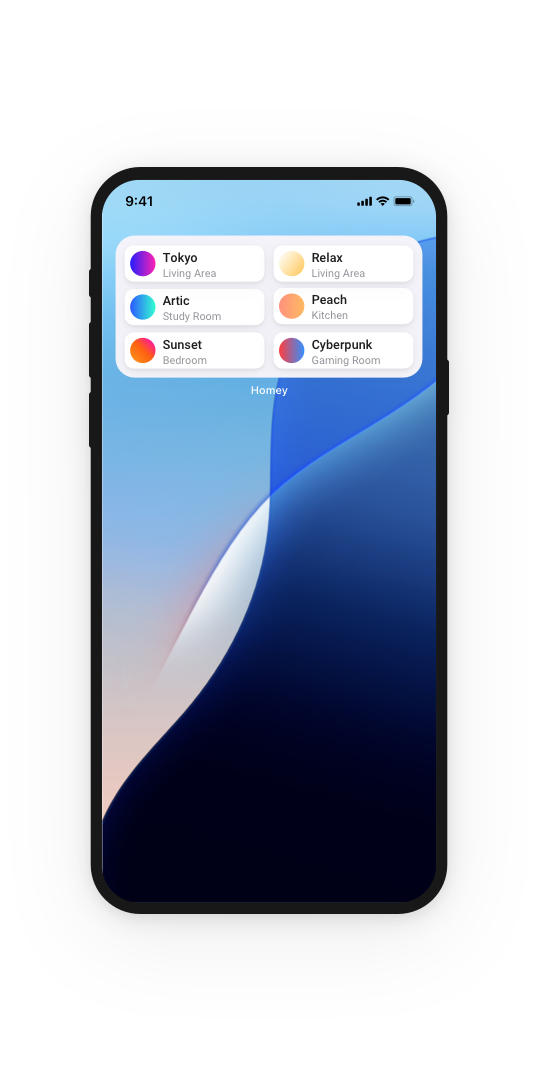
Start Moods from Widgets.
Homey app widgets let you start your favorite Moods straight from your iOS or Android home screen, giving you quick access without opening the app.
Choose your Homey.
Go all-in with Homey Pro, get the essentials with Homey Pro mini,
or see what your home can do with Homey Cloud.


Homey Cloud
Get the Homey app and set up
your smart home in minutes.
No hardware required.
Start for Free
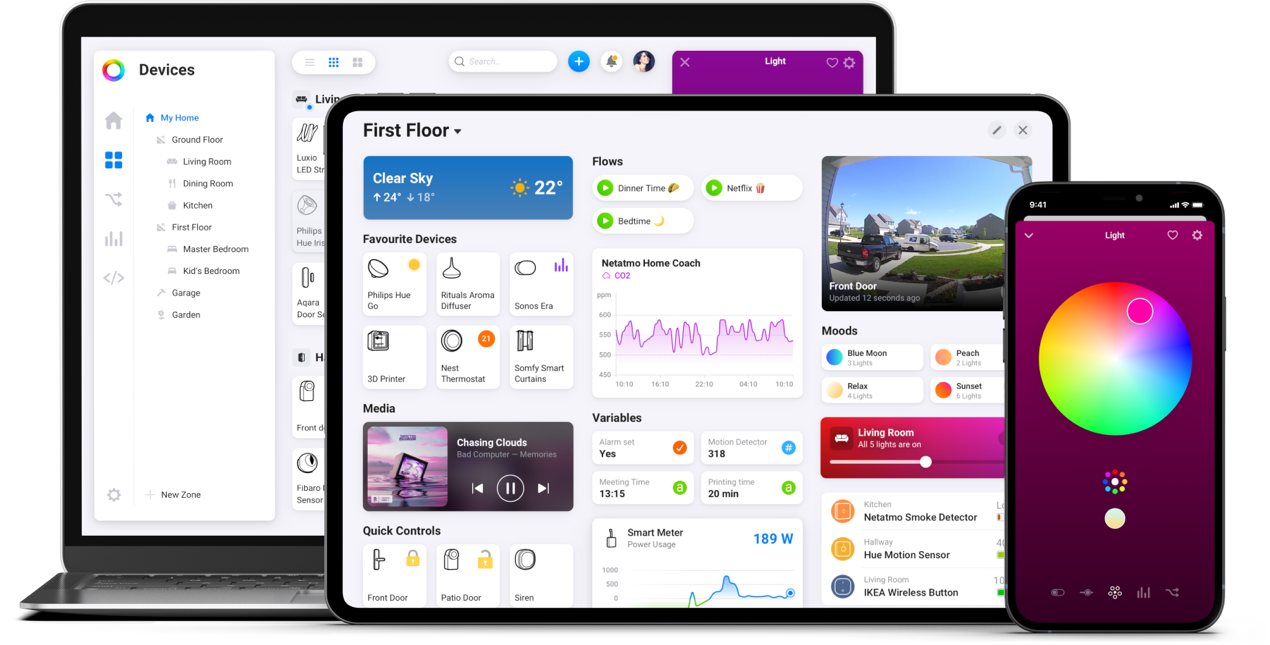
Run Homey on your own hardware. Discover Homey Self-Hosted Server
Discover more features.
Africa


Asia


Europe

 Belgium
Deutsch English
 Bulgaria
 Croatia
 Cyprus
 Czech Republic

 Estonia
 Finland


 Greece

 Hungary
 Iceland
 Ireland

 Latvia
 Lithuania

 Malta
Malta
 Moldova
 The Netherlands


 Portugal
 Romania
 Slovakia
 Slovenia


 Türkiye
 Ukraine
 United Kingdom


