









Zendo
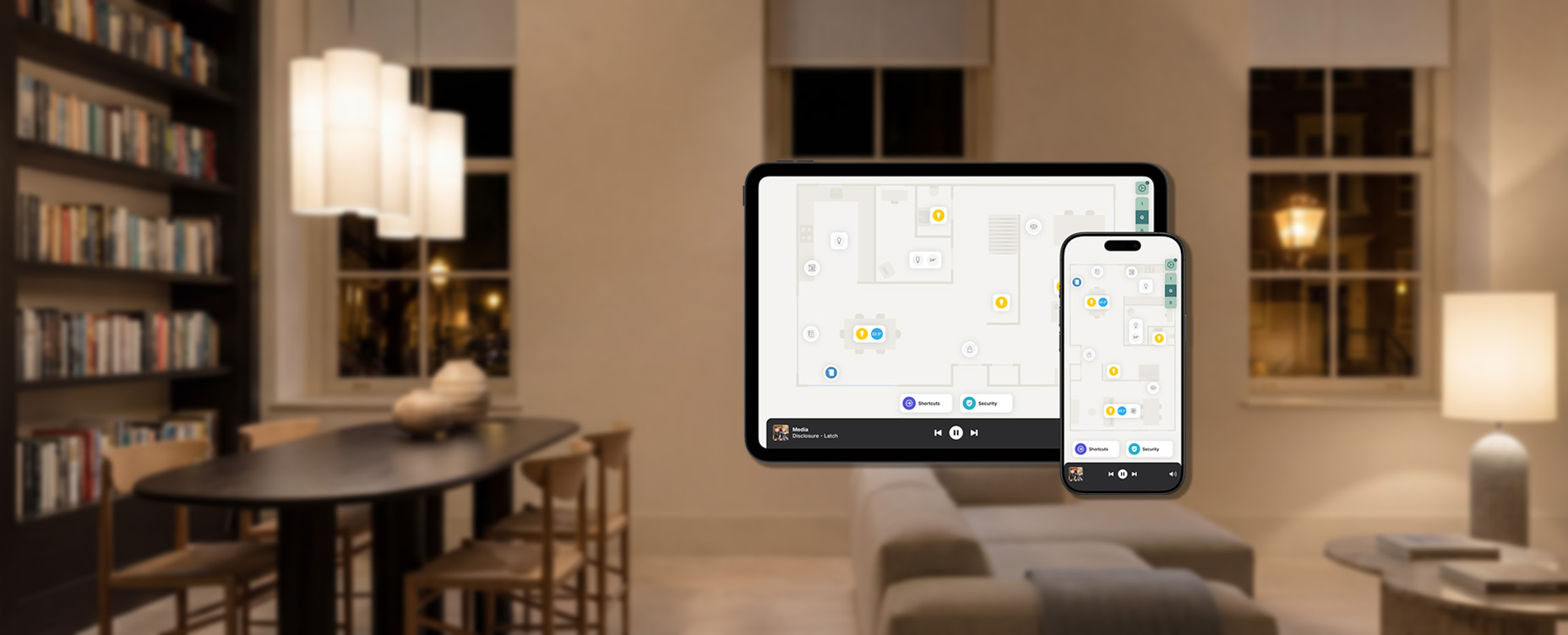
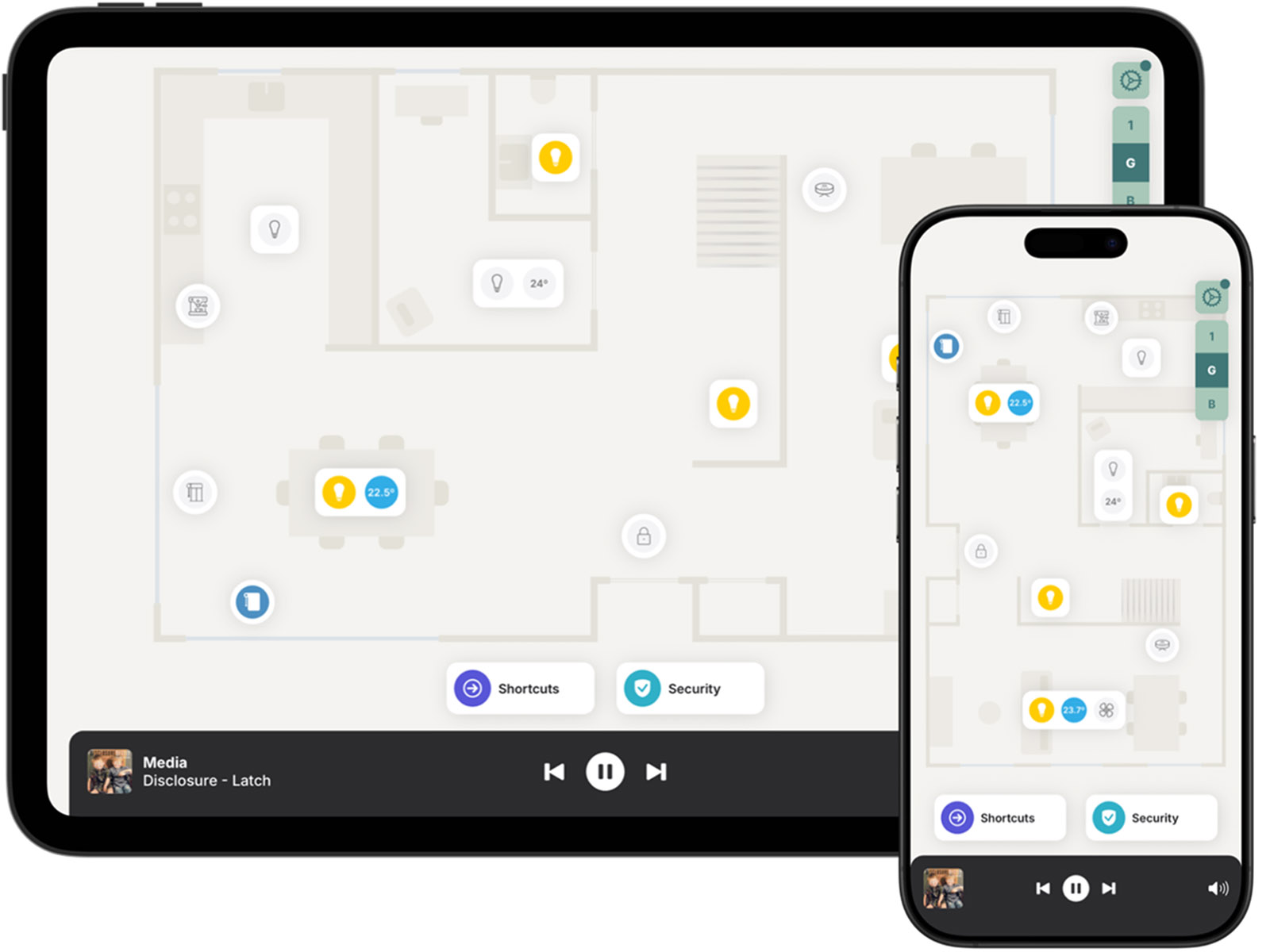
Zendo turns your Homey smart home into a visual, interactive floor plan. See your rooms, place devices where they physically are, and control everything by tapping directly on the map. As an official Homey partner, Zendo connects directly to Homey and adds a visual layer on top.
Your Home, on a Map
Zendo is built around a simple idea: your home already has a layout. Your smart home app should too. Setting up the floor plan takes minutes. On an iPhone Pro or iPad Pro, scan your rooms, and Zendo builds the map automatically. On any other device, upload an existing floor plan and adjust it to fit.
Every device connected to Homey appears on the floor plan, including lights, thermostats, locks, cameras, blinds, and smart plugs. Your accessories are automatically placed, and you can move, add, or personalize them at any time.
Shortcuts and AI Assistance
Place shortcuts directly on your floor plan for the routines you use every day. These work with your existing Homey Flows and Moods. Tap “Good Night” and your lights dim, doors lock, blinds close, and the thermostat adjusts for sleep. Tap “I’m Home,” and the heating comes on, your playlist starts, and the security system disarms.
Zendo also includes an AI assistant to help you build shortcuts. Describe what you want in plain language, and the assistant puts it together. It can also suggest ideas based on your existing setup.
For Family and Friends
Each household member gets their own personalized view of the floor plan. You decide exactly which devices each person can see and control. A guest staying for the weekend sees the guest room and the living room. Everyone gets a simple, focused experience while you keep full control over who can do what.
Zendo and Homey
Homey handles device connections, automations, and brand compatibility, connecting thousands of devices across hundreds of brands through a single smart home hub. Zendo adds a visual control layer on top, giving everyone in the household a way to control it without a learning curve.
Zendo consists of two parts: the Zendo app for Homey, available in the Homey App Store, and the Zendo app for your phone or tablet, available at myzendo.com/download. Any brand that works with Homey works in Zendo, with nothing extra to set up.


