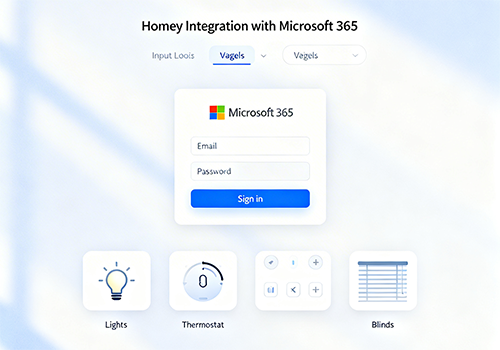
Sync your Microsoft 365 / Teams presence and Outlook calendar into Homey automations.
WHAT DOES THIS APP DO?
This app connects your Microsoft 365 account to Homey and creates a virtual "Presence Device" that reflects your current Teams availability and calendar status in real time.
Use it to automate your smart home based on your work schedule — no manual switching needed.
FEATURES
- Tracks your Teams presence: Available, Busy, Do Not Disturb, Away, In a Call, In a Meeting, Presenting, Focusing, and more
- Monitors your Outlook calendar and detects active meetings
- Updates automatically via Microsoft Graph webhooks, with polling fallback
- Supports multiple Microsoft accounts on the same Homey
CAPABILITIES
- Presence state — current Teams availability (11 states)
- In meeting — true when a calendar meeting is active
- Call active — true when a Teams call is in progress
- Do Not Disturb — true when presence is DoNotDisturb, Presenting or Focusing
- Calendar busy — true when Outlook shows Busy or Out of Office right now
- Next meeting — start time of your next upcoming meeting
FLOW CARDS
Triggers (WHEN)
- Presence changed
- A meeting started / ended
- A call started / ended
- Do Not Disturb turned on / off
- Focus time started / ended
Conditions (AND)
- Presence is / is not [state]
- Is / is not in a meeting
- A call is / is not active
- Do Not Disturb is / is not on
- Calendar shows busy / free
Actions (THEN)
- Refresh presence now
EXAMPLE AUTOMATIONS
- When a meeting starts → turn on a "busy" light
- When Do Not Disturb turns on → mute the doorbell
- When presence becomes Available → turn off the status light and resume the robot vacuum
- When focus time starts → close the smart blinds and set the thermostat to focus temperature
SETUP
1. Install the app and add a new Presence Device
2. Sign in with your Microsoft 365 account (work, school, or personal)
3. Grant the requested permissions (Presence.Read, Calendars.Read, User.Read)
4. Start building Flows!
For Azure App Registration instructions (advanced / self-hosted), see the documentation included with the app.
NOTES
- Presence data requires a Microsoft 365 work or school account with a Teams license. Personal Outlook.com accounts support calendar sync only.
- The app uses Microsoft Graph webhooks for near-instant presence updates. If webhooks are unavailable, it falls back to 30-second polling automatically.
자세히 읽기 ›