






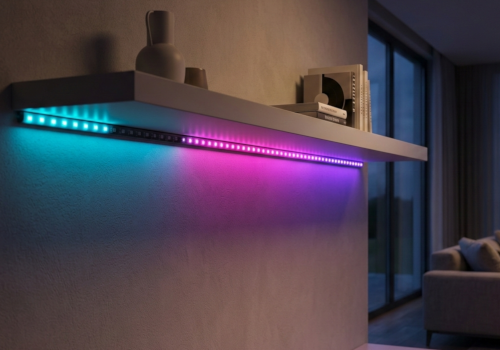
WLED Strip
Encendido
Haz clic en el dispositivo de arriba para mostrar solo las tarjetas Flow relacionadas.
¿Tienes algún problema con esta aplicación? Contacta con el desarrollador aquí.
Versión 2.2.0 — Improved pairing experience — discovered WLED devices are now shown as selectable tiles with a Connect button. New cleaner icons that display correctly on all backgrounds. Improved Flow card labels.
 YAWSEE no es compatible con el Homey seleccionado.
 YAWSEE se instalará en Homey en breve.
Le haremos saber a Peter Persson que te encanta la aplicación.
Avisaremos a Peter Persson para que esté al tanto de las sugerencias.
 Belgium
 Bulgaria
 Croatia
 Cyprus
 Czech Republic
 Estonia
 Finland
 Greece
 Hungary
 Iceland
 Ireland
 Latvia
 Lithuania
 Malta
Malta
 Moldova
 The Netherlands
 Portugal
 Romania
 Slovakia
 Slovenia
 Türkiye
 Ukraine
 United Kingdom


