








Widget Forge
Clear Big Data Block Widget ID
¡Advertencia! Es posible que esta aplicación no funcione correctamente.
Esta aplicación se está probando y nunca se ha revisado. Puede que no funcione como se espera.
Ten mucho cuidado al instalar esta aplicación.
¿Tienes algún problema con esta aplicación? Contacta con el desarrollador a través de un correo electrónico.
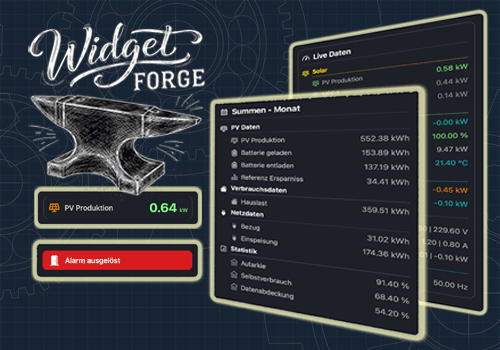
Versión 1.1.0 — Added the Big Data Block widget with new Flow Cards, spacer lines, frame options, color settings, value formatting, and realtime updates.
 Widget Forge no es compatible con el Homey seleccionado.
 Widget Forge se instalará en Homey en breve.
Le haremos saber a Pascal Nohl que te encanta la aplicación. Quizás consideres apoyar a Pascal Nohl haciendo una donación.
El desarrollador de Widget Forge acepta donaciones.
¡Haz una donación para dar las gracias!
Avisaremos a Pascal Nohl para que esté al tanto de las sugerencias.
 Belgium
 Bulgaria
 Croatia
 Cyprus
 Czech Republic
 Estonia
 Finland
 Greece
 Hungary
 Iceland
 Ireland
 Latvia
 Lithuania
 Malta
Malta
 Moldova
 The Netherlands
 Portugal
 Romania
 Slovakia
 Slovenia
 Türkiye
 Ukraine
 United Kingdom


