








Clockwork
Event Event ID (optional) was stored
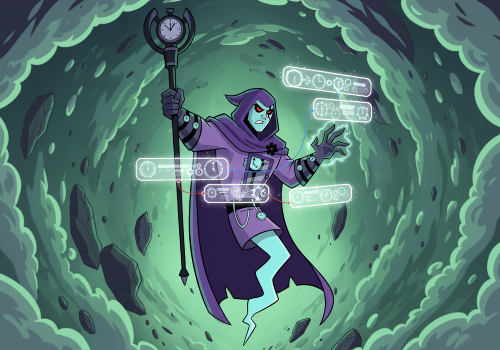
Having an issue with this app? Contact the developer via email.
Version 1.0.4 — Revert icon to readable but very boring version :(
 Clockwork is not compatible with the selected Homey.
 Clockwork will install on Homey shortly.
We’ll let Casper Bloemendaal know you love the app. Maybe consider supporting Casper Bloemendaal by making a donation?
The developer of Clockwork accepts donations.
Make a donation to say thanks!
We’ll notify Casper Bloemendaal you’ve sent a suggestion.
 Belgium
 Bulgaria
 Croatia
 Cyprus
 Czech Republic
 Estonia
 Finland
 Greece
 Hungary
 Iceland
 Ireland
 Latvia
 Lithuania
 Malta
Malta
 Moldova
 The Netherlands
 Portugal
 Romania
 Slovakia
 Slovenia
 Türkiye
 Ukraine
 United Kingdom


