








Introducing Sortable Zones
Sortable Zones are now available in Homey, giving you full control over how your Zones are organized. Previously, they were sorted alphabetically. Now you can arrange them exactly as you prefer on both mobile and web.
How sorting works
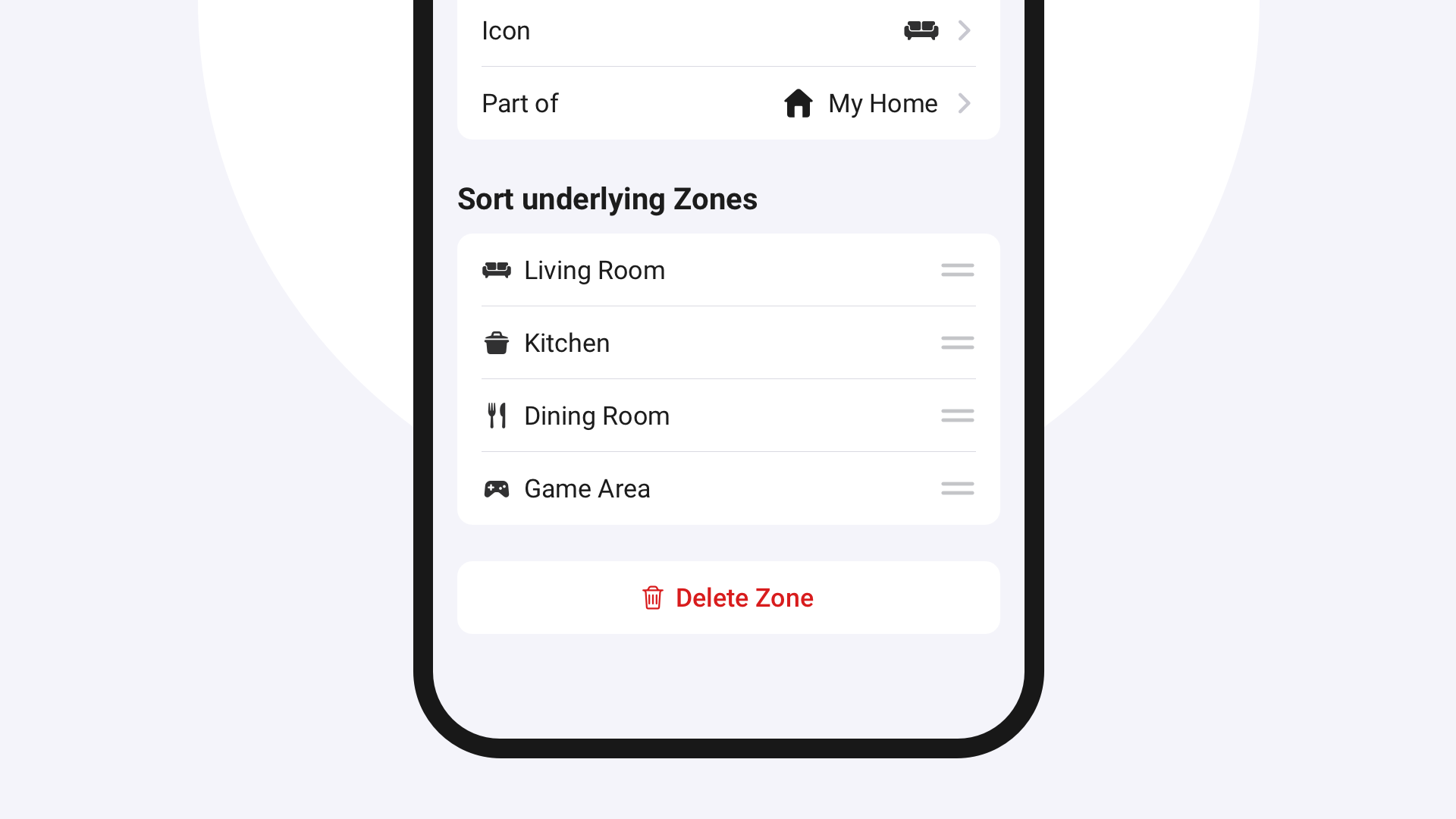
In the Homey Mobile App, open a Parent Zone on the Devices tab. Then tap ⋯ → Edit Zone and drag to rearrange the underlying Zones.
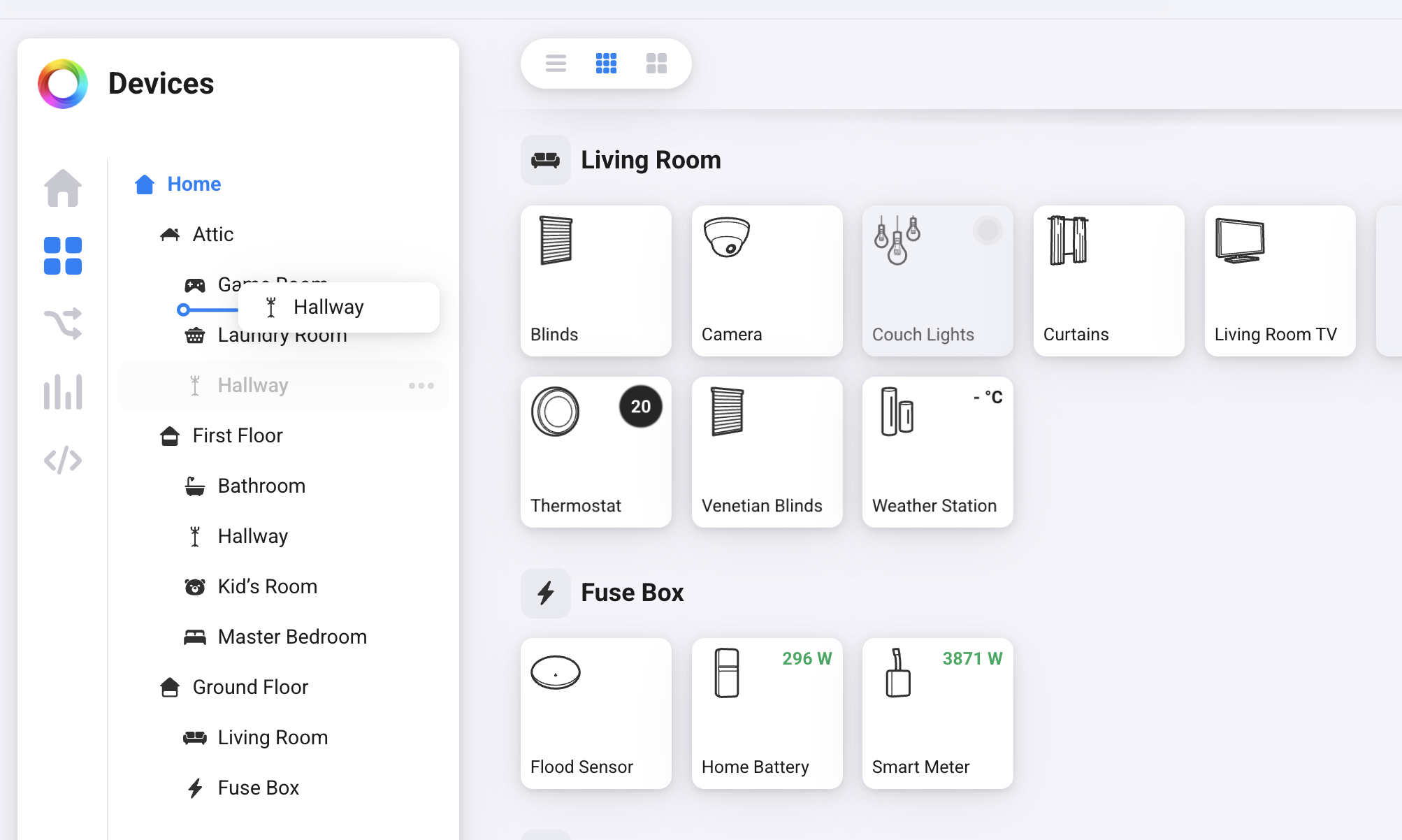
In the Homey Web App, just go to the Devices page and drag and drop Zones to reorder them.
Group devices by type
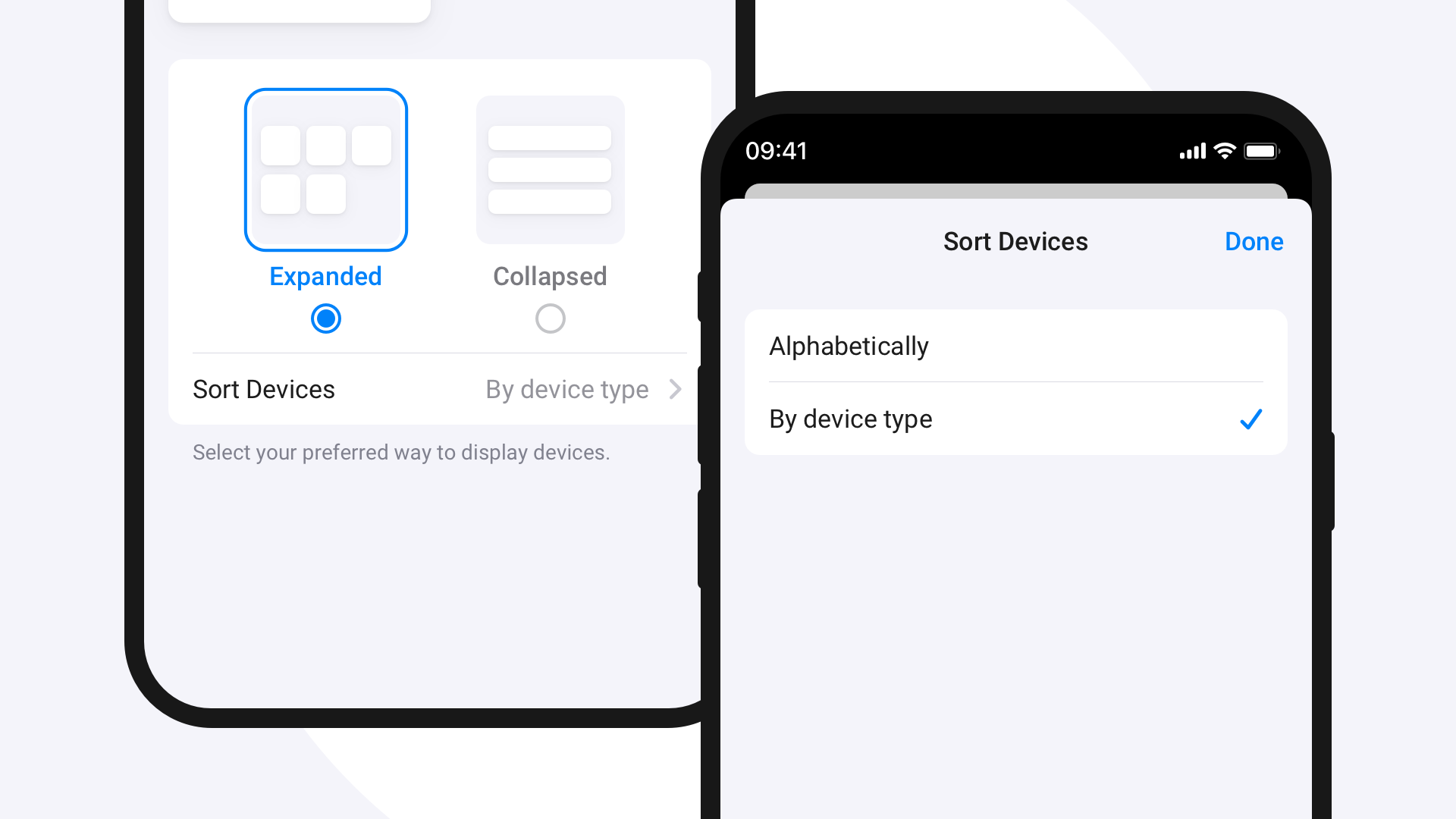
In the Homey Mobile App, devices in a Zone can now also be sorted by type, grouping similar devices, such as lights, together.
On the Devices tab, open the top-level Zone and tap ⋯ → View Settings → Sort Devices. Then select your preferred sorting option.
Start sorting your Zones
Sortable Zones are available for Homey Cloud, Homey Pro (2023 — 2026), Homey Pro mini, and Homey Self-Hosted Server. Make sure you’re on Homey Pro v12.12.0 or later, and the Homey Mobile App v9.8.0 or later.


