








How to Start With Matter: A Beginner’s Guide for Homey Users
 Written by Dino K.
Setting up a smart home can feel a little overwhelming at first. There are so many brands, apps, and technologies that it is easy to wonder whether everything will work together. Matter aims to make this easier by introducing a universal smart home standard that helps different devices and ecosystems understand each other.
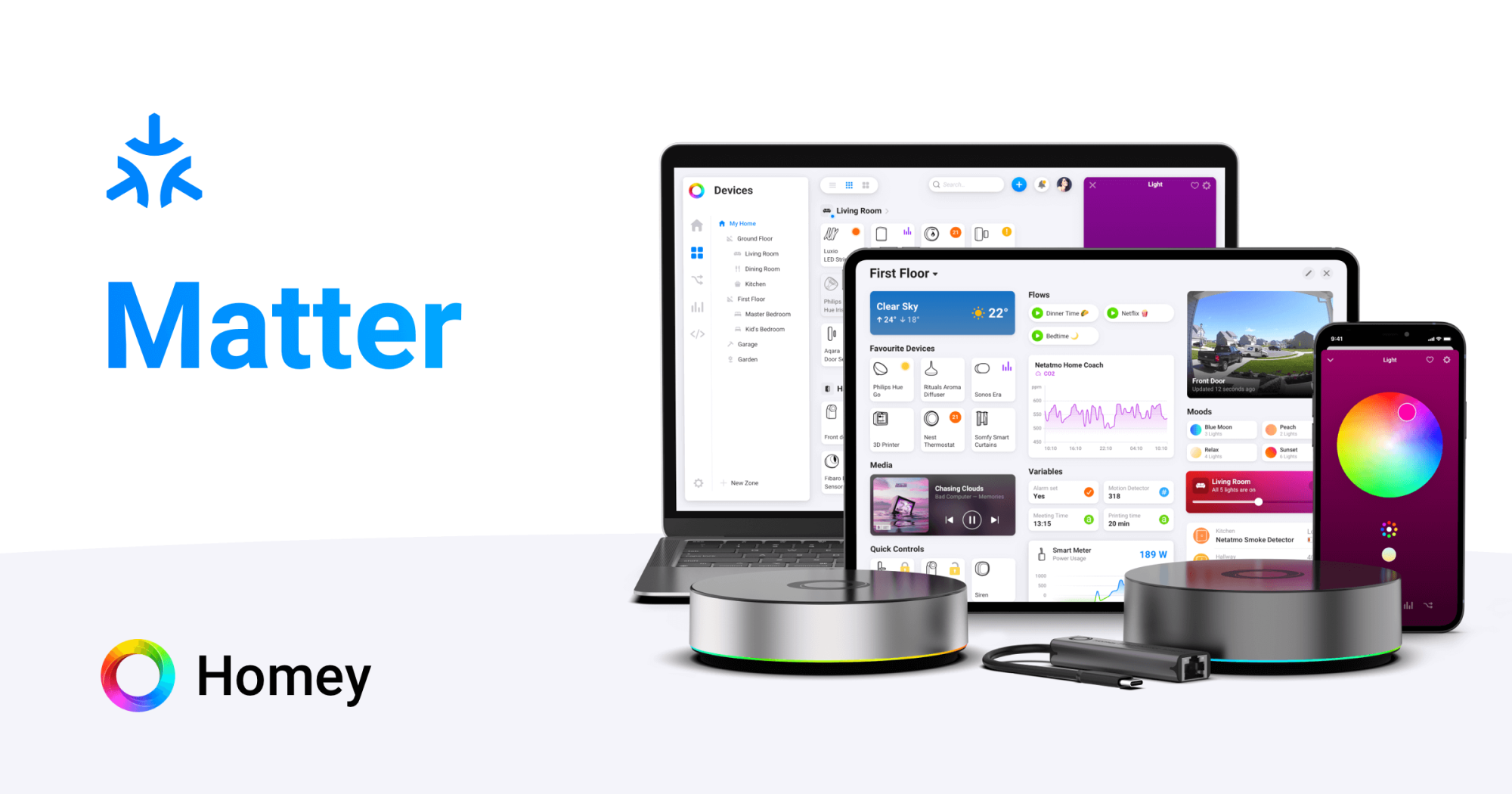
When you combine Matter with Homey Pro, getting started becomes even more approachable, because Homey brings all your devices together in one place. As the world’s greatest smart home hub, Homey Pro supports Matter, Thread, Wi-Fi, Zigbee, Z-Wave, Bluetooth, 433 MHz and even Infrared devices.
If you are curious about Matter and wondering where to begin, this guide walks you through the essentials. It is written to fit real living situations, not technical manuals. Whether you already own Homey or are exploring what a modern smart home can look like, you will find that starting with Matter can be simple, flexible, and enjoyable.
Why Matter Is a Friendly Starting Point
Matter devices are designed to be easy to set up and consistently easy to use. Instead of complicated pairing processes, most Matter products rely on a simple QR code. Scan it with Homey, and the device joins your home instantly. Because Matter devices work locally, responses feel fast and reliable, even if your internet connection is having an off day.
Matter also makes your smart home more flexible. A Matter certified plug like the EcoFlow Smart Plug works in Homey, but can also be shared with apps like Apple Home or Google Home. This is helpful in households where everyone prefers different interfaces. The person who loves Siri can keep using Siri. The person who prefers Homey can keep everything in Flows. No arguments, no compromises.
What You Need Before You Begin
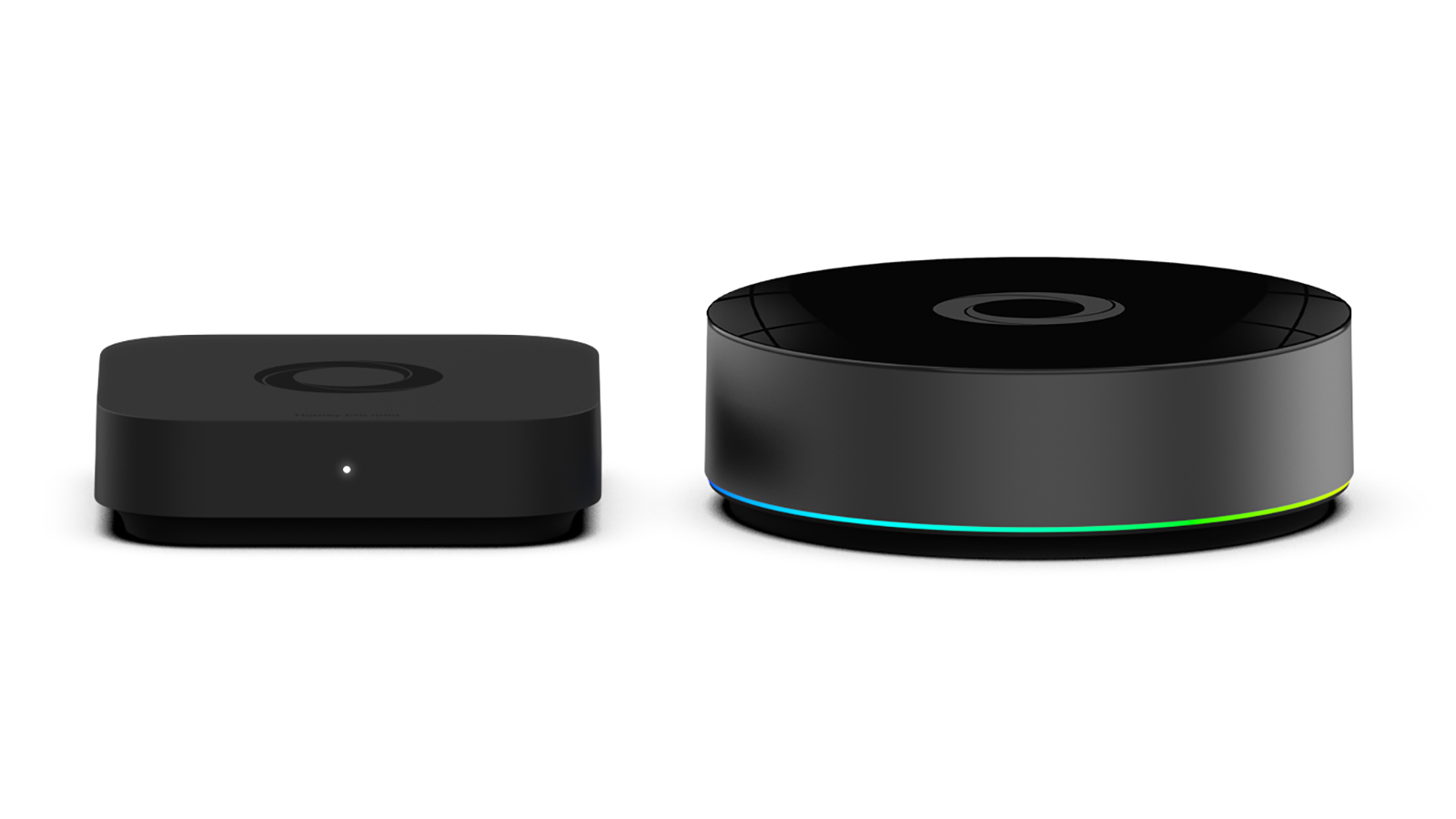
To start using Matter with Homey, you only need a Homey Pro or Homey Pro mini and at least one Matter certified device. Homey Pro functions as the Matter controller in your home, which means you do not need any additional hubs or bridges for Matter itself. Matter-over-Thread devices can also be onboarded directly to Homey Pro or Homey Pro mini, as they function as Thread Border Routers.
From here, you can grow your setup one device at a time. Some people start with a single smart plug. Others begin with a Matter light bulb such as the LiFX SuperColor Bulbs. There is no wrong choice. The point is to begin somewhere simple and build confidence as you go.
How to Add Your First Matter Device in Homey
Starting with Matter in Homey feels refreshingly straightforward. After unboxing your device, open the Homey mobile app and choose to add a new device. Homey will ask you to scan the QR code printed on the product or its packaging. That code contains everything Homey needs to identify and securely pair the device.
Once added, the device appears in your Homey app just like any other. You can rename it, assign it to a room, and adjust its settings. Most importantly, you can use it in Flows. For example, you could connect a new Matter smart plug to an existing Zigbee motion sensor so that a lamp turns on when someone enters the hallway. The best part is that you do not need to think about which devices use which technology. With Homey, it just works.
How to Blend Matter With the Smart Home You Already Have
Matter does not replace your existing devices. It simply gives you more options. If your home already includes Zigbee door sensors, Z-Wave switch modules, or Wi-Fi home appliances, you can keep using all of them. Homey Pro supports every protocol at the same time, which means your home does not need to be rebuilt around Matter in order to enjoy its benefits.
If you prefer to explore gradually, add one Matter device this week and another next month. Over time, you will learn which product types you enjoy most. Many people discover that Matter is ideal for lights, plugs, and switches, while Zigbee remains excellent for sensors and compact low power devices. With Homey, you are not forced into a single direction. You can simply choose what works best for each room or routine.
Furthermore, Homey allows you to expose non-Matter gadgets as Matter devices to third-party ecosystems like Apple Home, Google Home or Samsung SmartThings via the new Matter Bridge app. This way, even Zigbee or Z-Wave sensors can be shared over Matter in your smart home.
Trying Out Matter in Your Smart Home
To get a feel for Matter, try integrating your new device into a routine you use every day. If you are unsure with which device to start, our Best Buy Guides include Matter devices in all categories.
You could create a morning Flow that switches on a Matter light as soon as a Zigbee sensor detects motion. You could schedule your Eve Outlet to turn off your purifier at night to save energy. You could use a Thread based light bulb to brighten your workspace as soon as you sit down.
These small improvements show what Matter can offer when it becomes part of the bigger Homey system. They also help you decide whether you want to continue adding more Matter devices in the future.
Conclusion
Starting with Matter does not require a full home upgrade or a major investment. With Homey Pro guiding the process, you can explore Matter in a relaxed and natural way. Begin with one device, try it in a Flow, and see how it fits into your day. If you enjoy the experience, your home can grow from there. If you prefer your existing setup, everything continues to work just as well as before.
Matter is an opportunity, not an obligation. With Homey as your foundation, you can choose exactly how far you want to take it.
Frequently Asked Questions
Do I need new hardware to use Matter with Homey?
No. Homey Pro and Homey Pro mini already include full Matter and Thread support.
Is QR code pairing required?
Yes. Matter onboarding relies on a QR or numeric setup code.
Can I mix Matter with Zigbee and Z Wave devices?
Yes. Homey allows all supported technologies to work together.
Do Matter devices work without internet?
Yes. Matter is designed for local control inside your home.
Are Thread devices different from Matter devices?
Thread is a network protocol. Matter is the compatibility standard that sits on top of it.
Can I share a Matter device with Apple Home or Google Home?
Yes. Multi admin support makes this possible.
Which Matter device should I start with?
A smart plug or light bulb is ideal for beginners.
Do all Matter devices support Thread?
No. Some use Wi Fi or Ethernet instead.
Will my old devices stop working if I switch to Matter?
No. Your existing setup will continue working through Homey.
Is Matter faster than Wi-Fi smart devices?
It can be. Matter prioritizes local control for any communication protocol, including Wi-Fi.


