







Introducing the macOS app for Homey Self-Hosted Server
The new macOS app for Homey Self-Hosted Server is now available. Get started in minutes and run Homey directly on your Mac.
Run Homey on your Mac
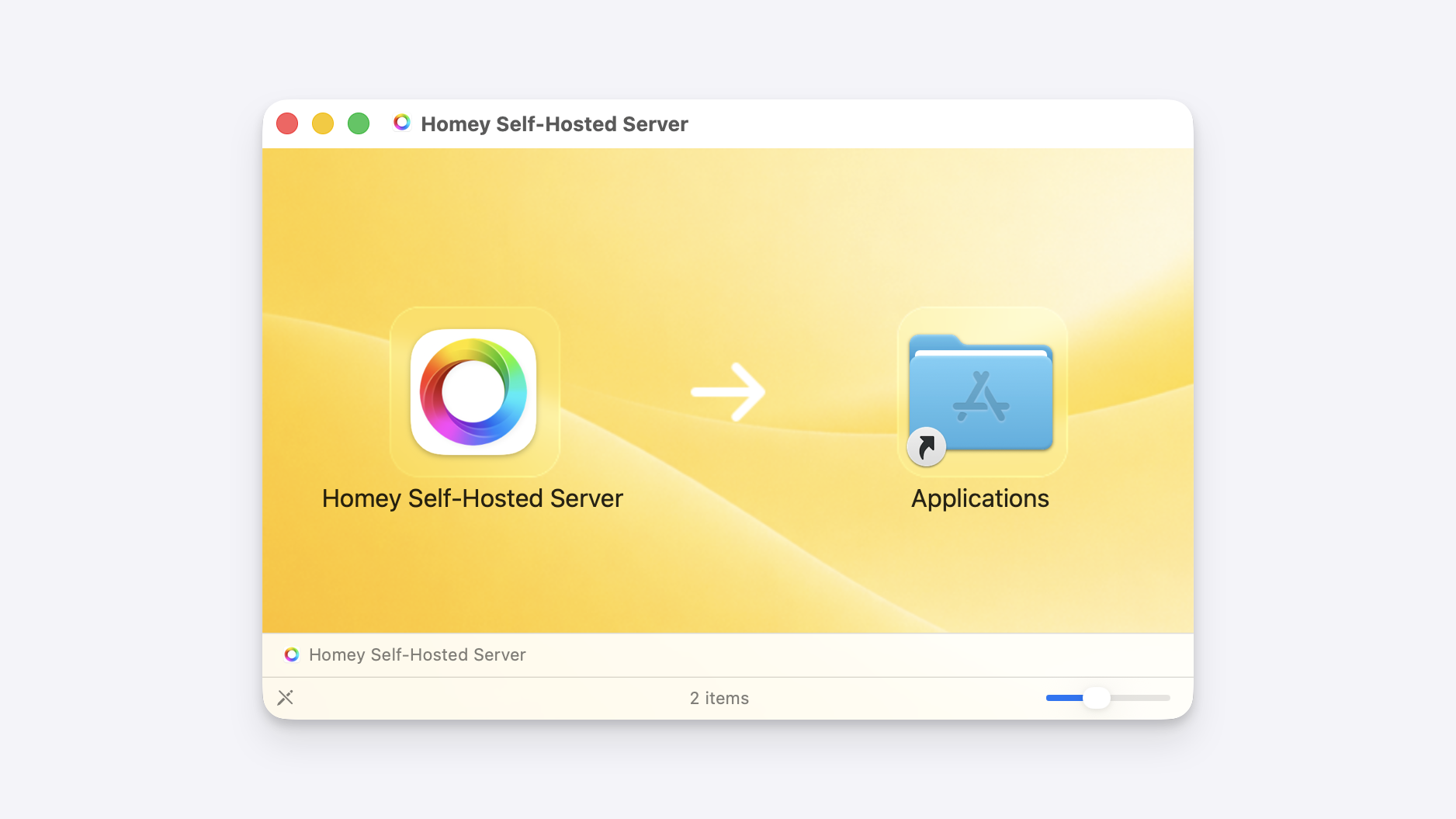
The macOS app lets you run Homey Self-Hosted Server on the Mac you already have. Just download the app, drag it to your Applications folder, and launch it.
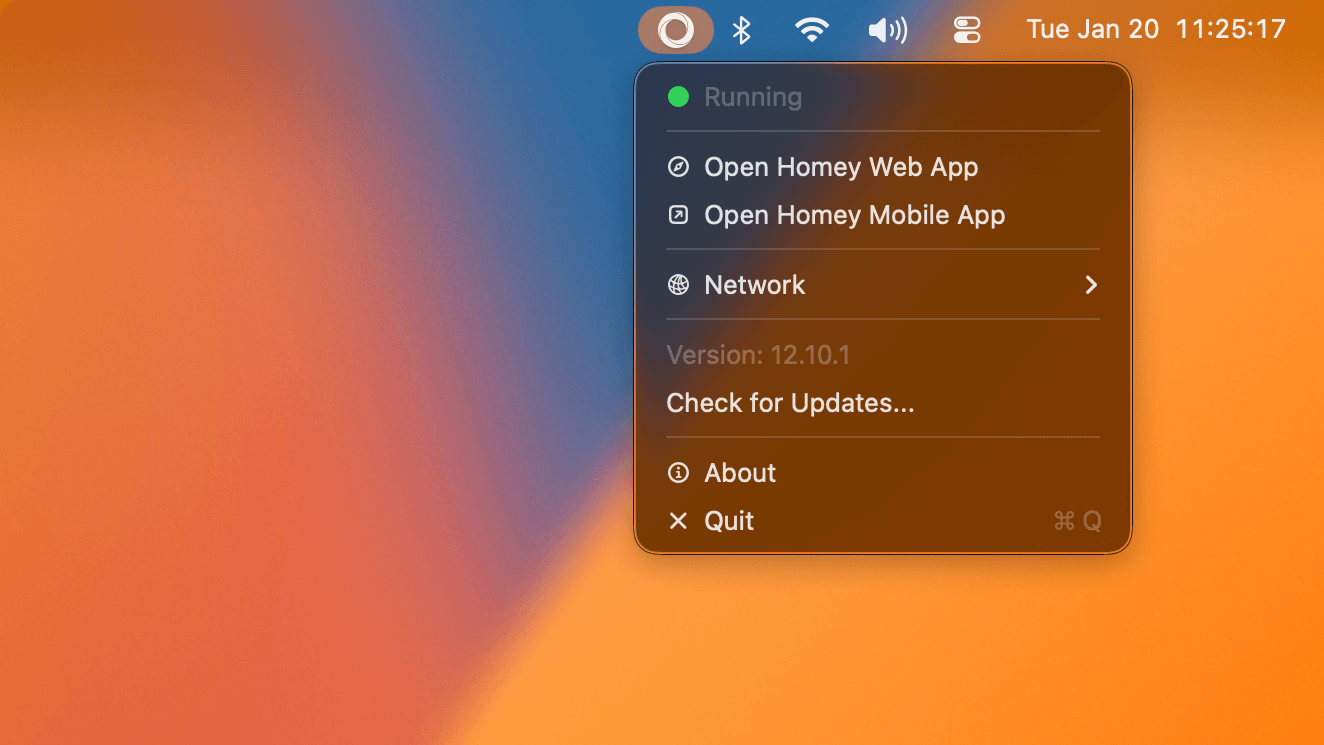
You’ll now see the Homey icon appear in the macOS menu bar. Click it to view the live status, manually check for updates, or launch the Homey Web App or Mobile App.
Always up to date
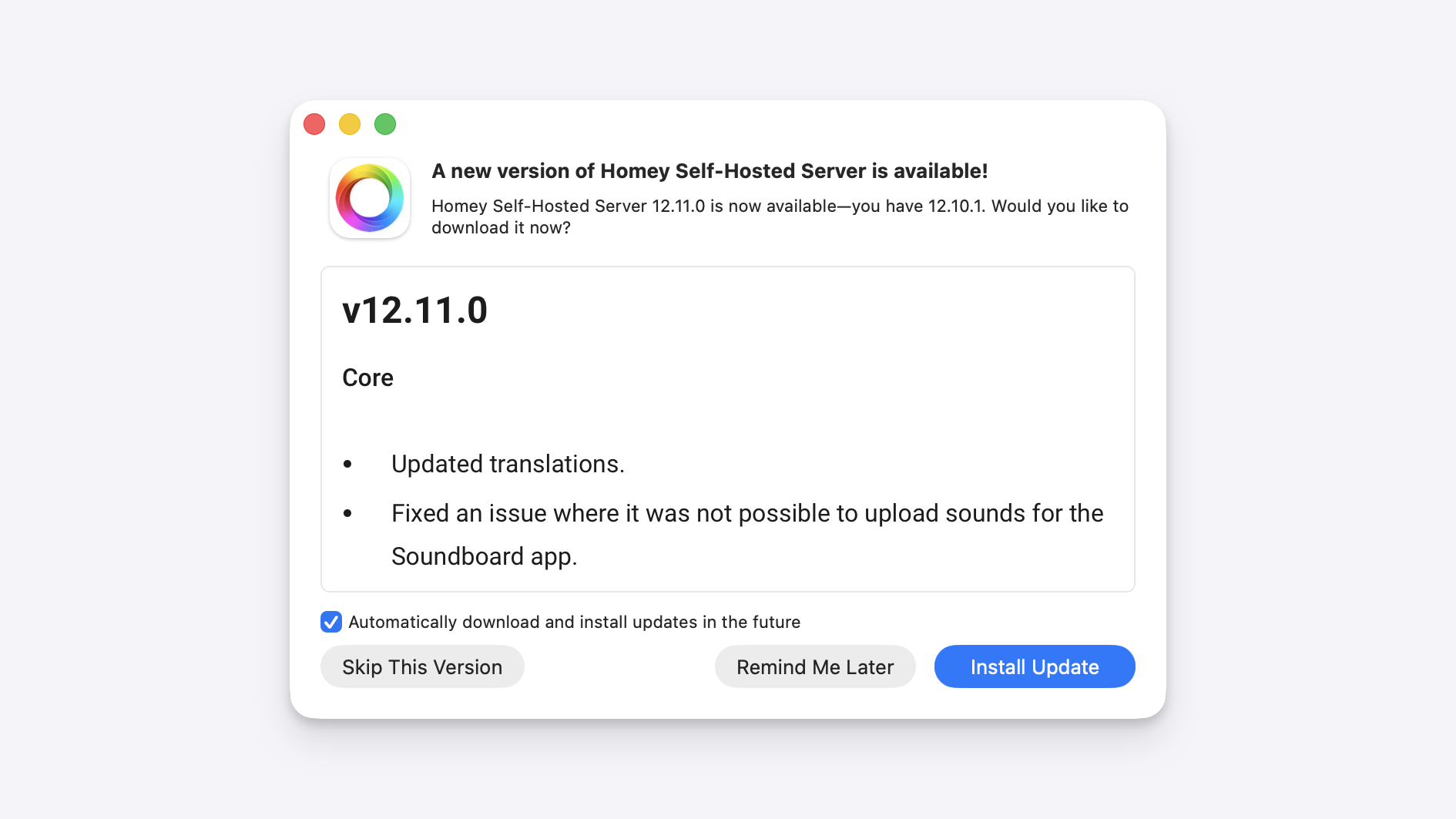
Automatic updates are built in. When a new version is available, you’ll get a notification so you can update right away and keep running the latest release.
Get started
Every new Homey Self-Hosted Server installation includes a free first month. After that, you can continue for €4.99 per month or choose a lifetime license for €149.
Follow the guide to download the macOS app and start running Homey on your Mac.


