


Warning! This app might not work properly.
This app version is currently being tested, and has not yet been reviewed. It might not work as expected.
Be extra careful when installing this app.
« Back to the regular version
FlowBits makes automation more accessible by giving you simple tools for everyday situations. It does not focus on large features, but on the small things that make a difference.
With a few extra logic cards, building a good flow becomes just a bit easier.
- With step sequences, you can easily go through different steps in a fixed order.
- Flags let you quickly switch functions or states in your flows on or off.
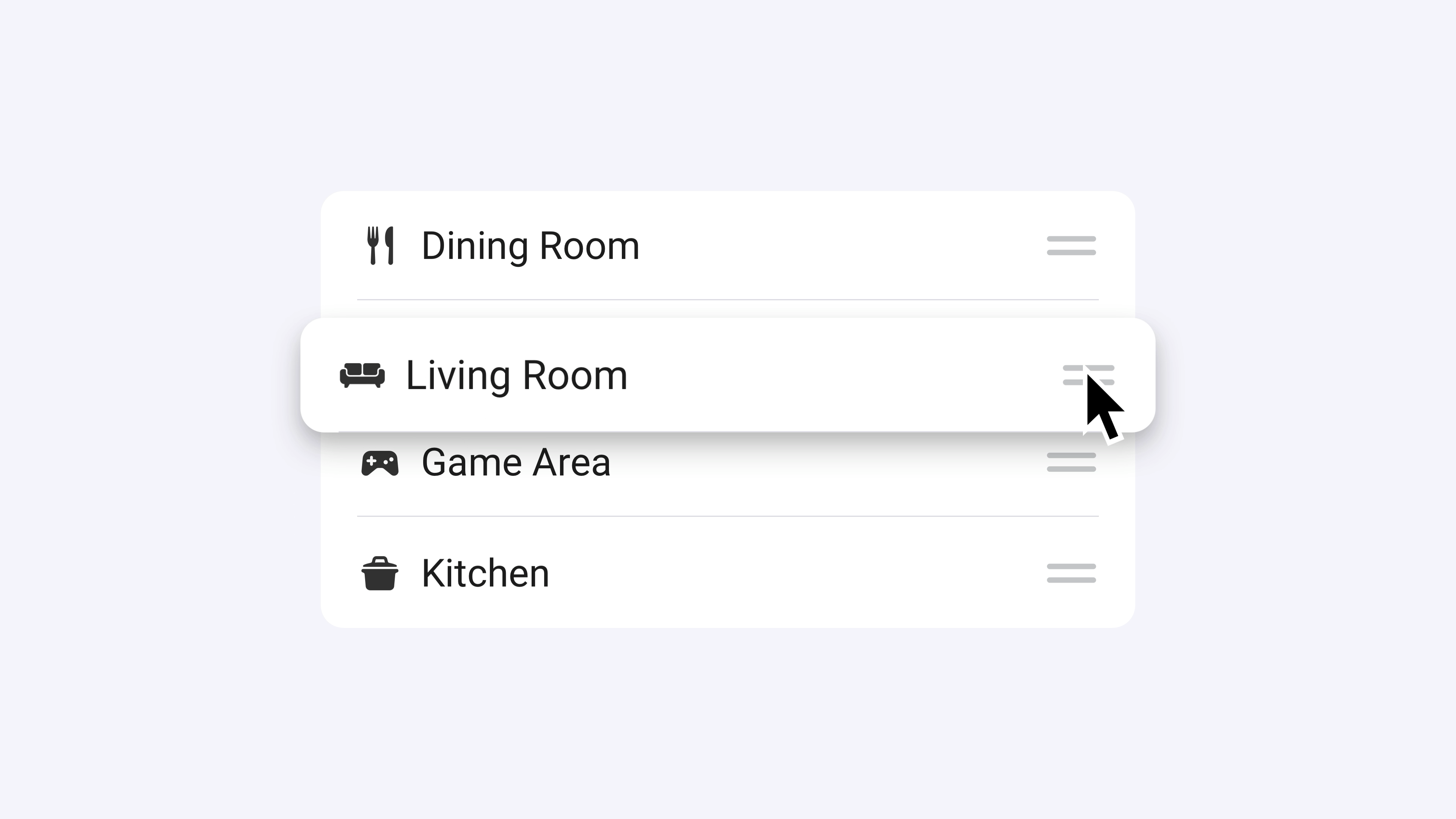
- Modes help you clearly define the general situation in your home.
- No-repeat windows prevent a flow from being triggered multiple times in quick succession.
- Timers give you an easy way to include delays or time intervals in your automations.
Read more ›
Flow cards
When...
FlowBits
Sequence Name reaches Value
FlowBits
Sequence Name updates value
FlowBits
It becomes Day period
FlowBits
The Day period is over
FlowBits
Event Event is cleared
FlowBits
Event Event is triggered
FlowBits
Flag Flag is activated
FlowBits
Flag Flag changed
FlowBits
Flag Flag is deactivated
FlowBits
Label Label becomes Value
FlowBits
Label Label changed
FlowBits
Mode Mode is activated
FlowBits
Mode Mode changed
FlowBits
The current mode changed
FlowBits
Mode Mode is deactivated
FlowBits
Receive signal Signal
FlowBits
Slider Slider changed
FlowBits
Timer Name finished
FlowBits
Timer Name paused
FlowBits
Timer Name reaches Duration Unit remaining
FlowBits
Timer Name resumed
FlowBits
Timer Name started
FlowBits
Timer Name stopped
And...
FlowBits
Sequence Name equals Value
FlowBits
It is Day period
FlowBits
Event Event happened
FlowBits
Event Event happened Number of times times today
FlowBits
Event Event happened Number of times times within Duration Unit
FlowBits
Event Event happened today
FlowBits
Event Event happened within Duration Unit
FlowBits
Flag Flag is active
FlowBits
Label Label has value Value
FlowBits
Mode Mode is active
FlowBits
No repeat of Name within Duration Unit
FlowBits
It is School holiday in region Region
FlowBits
Timer Name has more than Duration Unit left
FlowBits
Timer Name is finished
FlowBits
Timer Name is paused
FlowBits
Timer Name is running
FlowBits
Continue with Chance chance
FlowBits
Dice rolls Result
FlowBits
The moon phase is Moon phase
FlowBits
The zodiac sign is Zodiac sign
Then...
FlowBits
Next step in Name ( 1—Max)
FlowBits
Next step in Name (Min—Max)
FlowBits
Set sequence Name to Value
FlowBits
Clear event Event
FlowBits
Clear all events
FlowBits
Trigger event Event
FlowBits
Activate flag Flag
FlowBits
Deactivate flag Flag
FlowBits
Toggle flag Flag
FlowBits
Clear label label
FlowBits
Set label label to Value
FlowBits
Reset no-repeat window for Name
FlowBits
Give a random fact
Advanced
FlowBits
Send signal Signal
FlowBits
Set slider Slider to Value
FlowBits
Pause timer Name
FlowBits
Resume timer Name
FlowBits
Set timer Name to Duration Unit
FlowBits
Start timer Name with Duration Unit
FlowBits
Decrement Value by Step
Advanced
FlowBits
Divide Value by Divisor
Advanced
FlowBits
Increment Value by Step
Advanced
FlowBits
Make Value negative
Advanced
FlowBits
Make Value positive
Advanced
FlowBits
Multiply Value by Factor
Advanced
FlowBits
Round Value down
Advanced
FlowBits
Round Value to Step
Advanced
Support
Having an issue with this app?
Contact the developer here.
What’s new
Version 1.9.0 — This update introduces a filter setting for the Flags-widget, this allows you to select which flags are shown in the widget. It also fixes a bug where widgets were not updated when new flags and modes were added.
View changelog