








Z-Wave Security and Encryption: How Your Smart Home Stays Safe
A modern smart home should feel safe, not exposed. When you control door locks, alarms or presence-based lighting, you want to know that messages cannot be casually intercepted or faked.
Z-Wave takes security seriously. Over time, the protocol has evolved from basic security (S0) to stronger, more modern protection (S2). Homey builds on this by handling secure inclusion and communication in the background, so you can focus on enjoying your smart home rather than worrying about security.
Why Security Matters in Home Automation
Not every device in a smart home has the same risk level. A smart plug controlling a lamp is different from a smart lock or a garage door opener. However, once devices interact in Flows, weak links can affect the bigger picture.
If there were no security, an attacker could potentially listen to wireless communication, replay commands or try to inject their own messages. While this is not trivial in practice, it’s exactly the kind of scenario security is designed to prevent. Z-Wave uses encryption and authenticated messages to make sure devices are talking only to trusted controllers and each other.
From S0 to S2: The Evolution of Z-Wave Security
Older Z-Wave devices often use a security scheme known as S0. It provides basic encryption, but with limitations and higher overhead. Newer devices support S2, which is more efficient and based on modern security standards.
S2 improves both protection and performance. It uses stronger key exchange and separates devices into different security classes based on what they do. For example, a lock belongs to a higher security class than a simple sensor. This makes it easier to apply appropriate safeguards where they matter most.
Homey understands both S0 and S2 and will include a device securely whenever it supports these features.
Secure Inclusion: Pairing Devices Safely
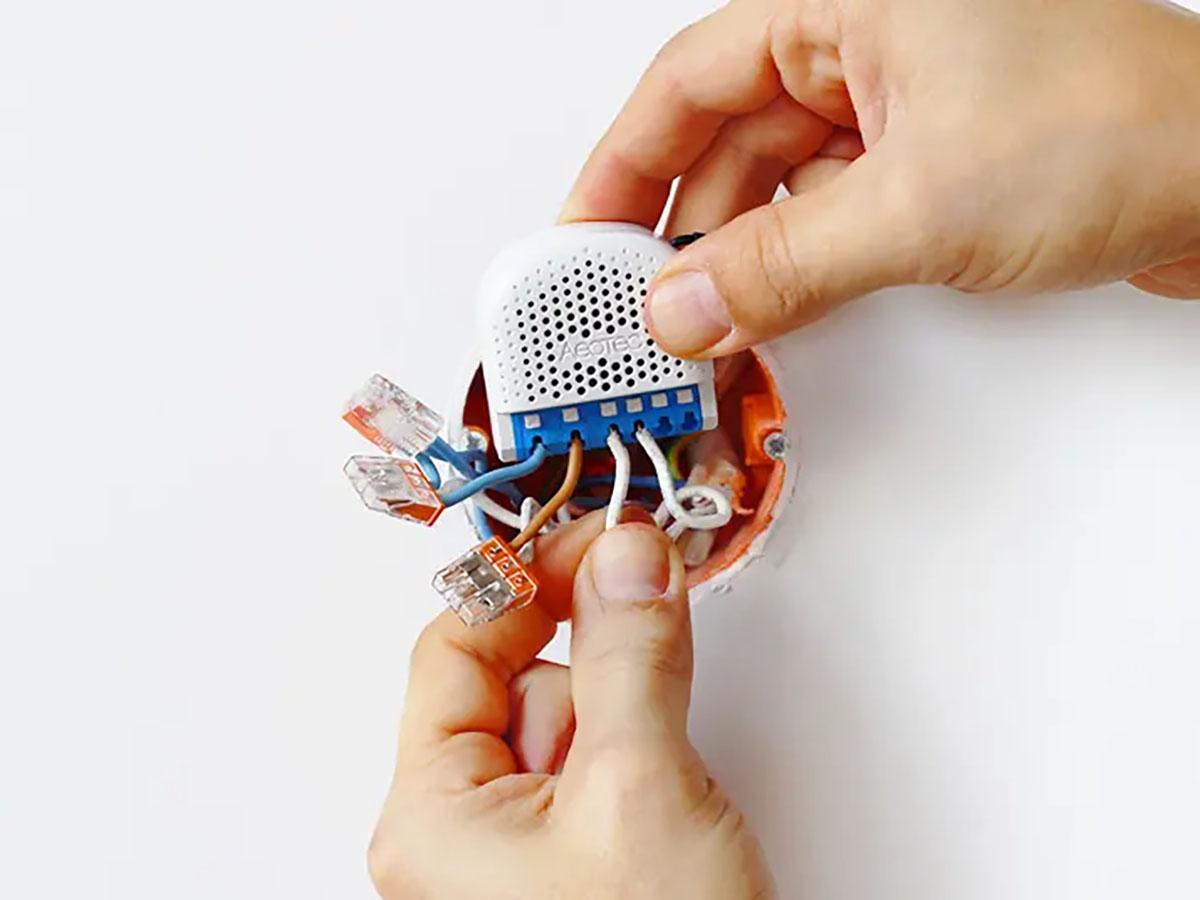
The moment you add a device to your network is critical. This is when encryption keys are exchanged and trust is established. Z-Wave S2 uses a process called secure inclusion to protect that step.
During secure inclusion, the device and controller perform a key exchange in a way that prevents eavesdroppers from learning the keys. Sometimes this includes verifying a PIN or a code printed on the device. Once the keys are matched, all further communication is encrypted and authenticated.
Homey guides you through this process in a friendly way. For many devices, you simply follow the normal pairing steps and Homey automatically negotiates the most secure option available.
Encrypted Communication and Message Integrity
After secure inclusion, Z-Wave devices use encryption to protect their messages. That means the contents of a command, such as “unlock the door” or “alarm triggered”, are not readable by someone simply listening to radio traffic.
In addition to encryption, messages are authenticated. This ensures that the device can verify the command really comes from the trusted controller, not from a random source trying to mimic it. Together, encryption and authentication protect both confidentiality and integrity.
For you as a user, this protection is invisible. You simply see that your locks, sensors and other secure devices work as expected in Homey Flows, without having to manage keys manually.
Balancing Security, Reliability and Ease of Use
More security should not mean more effort for everyday tasks. Z-Wave S2 is designed to add protection with minimal impact on reliability and battery life. Still, there are a few practical considerations:
- Secure communication adds a bit of overhead to each message, but in well-designed Z-Wave networks this overhead is small compared to the benefits.
- For critical devices like locks and alarms, secure inclusion is strongly recommended and often required by design.
- If secure devices are at the edge of your mesh, they still need good routing paths to avoid timeouts or inclusion problems.
Homey helps by providing one central place to manage secure and non-secure devices, while you keep focusing on normal Flows such as “lock doors when everyone leaves” or “sound siren when motion is detected while away”.
Conclusion: Security Built In, Not Bolted On
Z-Wave treats security as a core part of the protocol, not an afterthought. S2 encryption, secure inclusion and authenticated messages all work together to keep your smart home conversation private and trustworthy.
With Homey, most of this complexity stays under the surface. You scan a code, confirm a device, and it becomes part of your secure network. This integrated approach ensures that your mesh is not only resilient and fast but also protected from unauthorized access at every node.
FAQ
What is S2 security in Z-Wave?
S2 is the newer, stronger security standard for Z-Wave devices. It improves key exchange, encryption and efficiency compared to older S0 security.
Do all Z-Wave devices support S2?
No, older devices may only support S0 or no security at all. Newer locks, sensors and controllers increasingly use S2.
Is it safe to mix secure and non-secure devices?
Yes, but critical devices like locks and alarms should always use secure inclusion. Non-secure devices can still operate in the same network.
Does encryption slow down my Z-Wave network?
In practice, the impact is small. In a healthy mesh, you should not notice significant delays due to encryption.
What happens if someone listens to my Z-Wave traffic?
With encryption, they will see only unreadable data. Authenticated messages also make it hard to inject fake commands.
Do I need to configure keys manually in Homey?
No. Homey handles key exchange and secure inclusion automatically during pairing, following the device’s capabilities.
Why do some devices ask for a PIN or code when pairing?
That code is used to verify the device’s identity during secure inclusion, helping protect the key exchange from attackers.
Can I change security settings after inclusion?
In many cases, changing from non-secure to secure means re-including the device. It’s usually best to decide at pairing time.
Is it okay to include a simple plug without security?
For low-risk devices, non-secure inclusion is often acceptable. For locks, alarms and similar devices, secure inclusion is strongly preferred.
Does Homey support both S0 and S2 devices?
Yes. Homey can work with both older and newer Z-Wave security schemes, using the most appropriate option per device.
Glossary
S0 Security
S0 is the original Z-Wave security scheme that provides basic encryption. It protects messages from casual eavesdropping but has some inefficiencies and limitations. Many older secure devices still use S0.
S2 Security
S2 is the modern Z-Wave security standard with stronger cryptography and more efficient communication. It introduces clearer security classes for different device types and improves key exchange. S2 is recommended for new secure devices like locks and alarms.
Secure Inclusion
Secure inclusion is the process of pairing a device while setting up encrypted communication from the start. During this process, the controller and device agree on encryption keys in a protected way. Once complete, all further communication uses those keys.
Encryption Key
An encryption key is a piece of information used to encode and decode messages between devices and the controller. In Z-Wave S2, keys are exchanged securely during inclusion and never shown directly to the user. They ensure that only trusted parties can read or send commands.
Authentication
Authentication means verifying that a message comes from a trusted source. In Z-Wave, authentication works alongside encryption so devices can be sure that commands really come from the controller. This helps prevent spoofing and replay attacks.
Replay Attack
A replay attack is when someone captures a valid message and tries to send it again later to repeat the action. Z-Wave counteracts this with sequence numbers and authentication, which let devices recognise and reject old commands.
Security Class
Security classes categorizes devices based on the sensitivity of their function. A lock belongs to a higher security class than a simple sensor. Z-Wave uses these classes to apply appropriate protections where they matter most.
Non-Secure Inclusion
Non-secure inclusion is pairing a device without encryption. Messages are sent in plain form, which is generally acceptable for low-risk devices like simple plugs or lights. For high-risk devices, secure inclusion is preferred.


