


Warning! This app might not work properly.
This app version is currently being tested, and has not yet been reviewed. It might not work as expected. Be extra careful when installing this app.
« Back to the regular version
Effortlessly connect and manage your TP-Link Tapo devices with Homey and enhance your Smart Home experience.
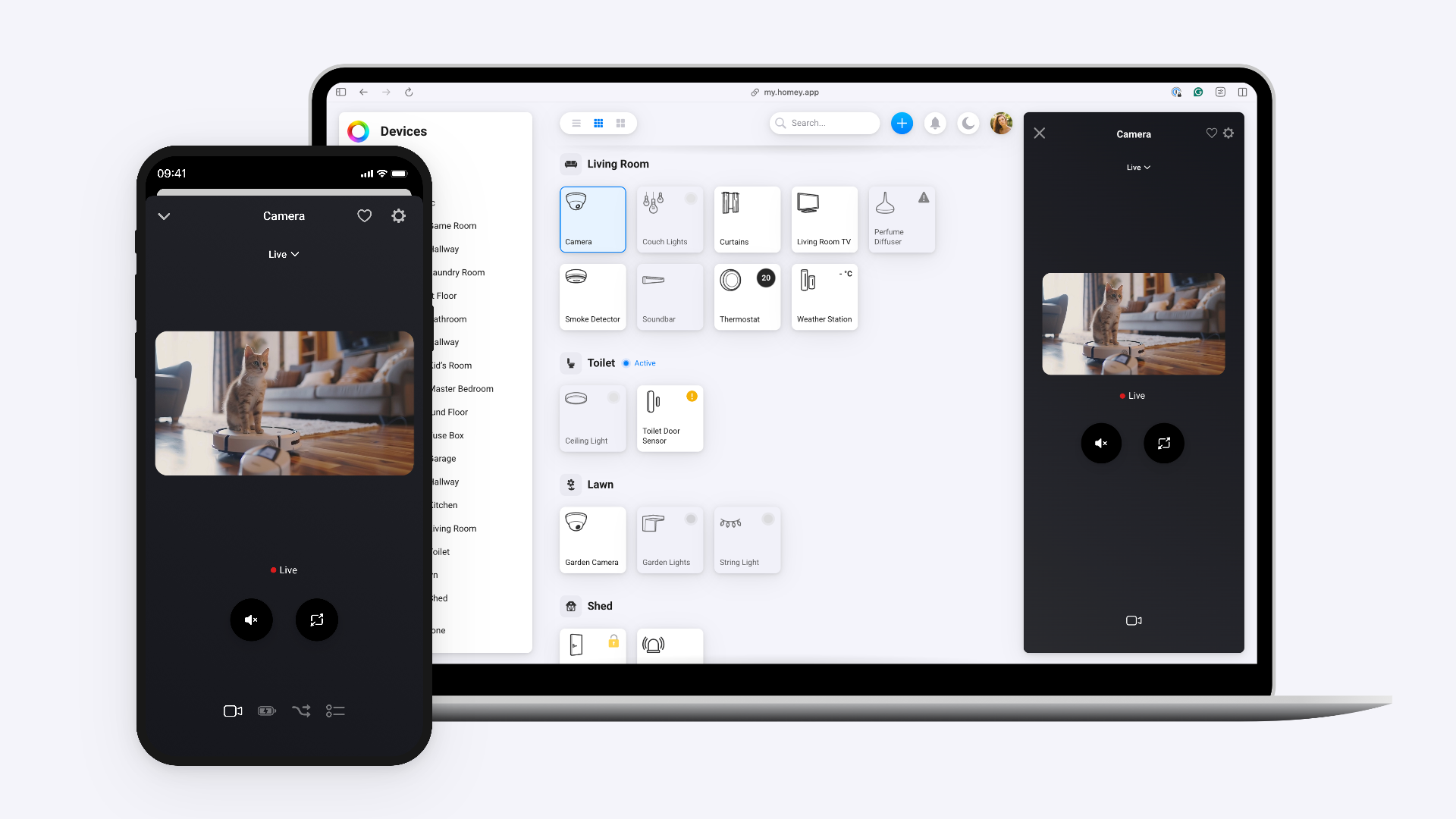
The Tapo App allows you to control and monitor your Tapo devices directly from Homey, including smart plugs, switches and lights.
Enjoy features like switching devices on/off, measuring power usage and adjusting lighting - unlocking the full potential of your smart home.
Do note that currently not all Tapo devices are available through the Tapo API, e.g. vacuums and sensors. We are working together with TP-Link to add support for these devices in the future.
Read more ›
Supported devices
Dimmer (S505D)
Multicolor light strip (L900)
Multicolor light strip (L920)
Multicolor light strip (L930)
Multicolor spotlight GU10 (L630)
Smart light (L510)
Smart light (L520)
Smart light (L530)
Smart light (L535)
Smart wifi power strip (P300)
Socket (P100)
Socket (P110)
Socket (P115)
Socket (P125M)
Switch (S505)
Tapo Camera
White spotlight GU10 (L610)
Flow cards
Click on a device above to show related Flow cards only.
When...
Dimmer (S505D)
Turned off
Dimmer (S505D)
The dim level changed
Multicolor light strip (L900)
Turned on
Multicolor light strip (L900)
Turned off
Multicolor light strip (L900)
The dim level changed
Multicolor light strip (L920)
Turned on
Multicolor light strip (L920)
Turned off
Multicolor light strip (L920)
The dim level changed
Multicolor light strip (L930)
Turned on
Multicolor light strip (L930)
Turned off
Multicolor light strip (L930)
The dim level changed
Multicolor spotlight GU10 (L630)
Turned on
Multicolor spotlight GU10 (L630)
Turned off
Multicolor spotlight GU10 (L630)
The dim level changed
Smart light (L510)
Turned on
Smart light (L510)
Turned off
Smart light (L510)
The dim level changed
Smart light (L520)
Turned on
Smart light (L520)
Turned off
Smart light (L520)
The dim level changed
Smart light (L530)
Turned on
Smart light (L530)
Turned off
Smart light (L530)
The dim level changed
Smart light (L535)
Turned on
Smart light (L535)
Turned off
Smart light (L535)
The dim level changed
Smart wifi power strip (P300)
Turned on
Smart wifi power strip (P300)
Turned off
Socket (P110)
The power changed
Socket (P115)
The power changed
Socket (P125M)
Turned off
Tapo Camera
The motion alarm turned on
Tapo Camera
The motion alarm turned off
White spotlight GU10 (L610)
Turned on
White spotlight GU10 (L610)
Turned off
White spotlight GU10 (L610)
The dim level changed
And...
Dimmer (S505D)
Is turned on
Multicolor light strip (L900)
Is turned on
Multicolor light strip (L920)
Is turned on
Multicolor light strip (L930)
Is turned on
Multicolor spotlight GU10 (L630)
Is turned on
Smart light (L510)
Is turned on
Smart light (L520)
Is turned on
Smart light (L530)
Is turned on
Smart light (L535)
Is turned on
Smart wifi power strip (P300)
Is turned on
Socket (P100)
Is turned on
Socket (P110)
Is turned on
Socket (P115)
Is turned on
Socket (P125M)
Is turned on
Switch (S505)
Is turned on
Tapo Camera
The motion alarm is on
White spotlight GU10 (L610)
Is turned on
Then...
Dimmer (S505D)
Toggle on or off
Dimmer (S505D)
Set relative dim-level %
Multicolor light strip (L900)
Turn on
Multicolor light strip (L900)
Turn off
Multicolor light strip (L900)
Toggle on or off
Multicolor light strip (L900)
Dim to %
Multicolor light strip (L900)
Set relative dim-level %
Multicolor light strip (L900)
Set the hue °
Multicolor light strip (L900)
Set a color ...
Multicolor light strip (L900)
Set a random color
Multicolor light strip (L900)
Set the saturation %
Multicolor light strip (L920)
Turn on
Multicolor light strip (L920)
Turn off
Multicolor light strip (L920)
Toggle on or off
Multicolor light strip (L920)
Dim to %
Multicolor light strip (L920)
Set relative dim-level %
Multicolor light strip (L920)
Set the hue °
Multicolor light strip (L920)
Set a color ...
Multicolor light strip (L920)
Set a random color
Multicolor light strip (L920)
Set the saturation %
Multicolor light strip (L920)
Set a temperature %
Multicolor light strip (L930)
Turn on
Multicolor light strip (L930)
Turn off
Multicolor light strip (L930)
Toggle on or off
Multicolor light strip (L930)
Dim to %
Multicolor light strip (L930)
Set relative dim-level %
Multicolor light strip (L930)
Set the hue °
Multicolor light strip (L930)
Set a color ...
Multicolor light strip (L930)
Set a random color
Multicolor light strip (L930)
Set the saturation %
Multicolor light strip (L930)
Set a temperature %
Multicolor spotlight GU10 (L630)
Turn on
Multicolor spotlight GU10 (L630)
Turn off
Multicolor spotlight GU10 (L630)
Toggle on or off
Multicolor spotlight GU10 (L630)
Dim to %
Multicolor spotlight GU10 (L630)
Set relative dim-level %
Multicolor spotlight GU10 (L630)
Set the hue °
Multicolor spotlight GU10 (L630)
Set a color ...
Multicolor spotlight GU10 (L630)
Set a random color
Multicolor spotlight GU10 (L630)
Set the saturation %
Multicolor spotlight GU10 (L630)
Set a temperature %
Smart light (L510)
Turn on
Smart light (L510)
Turn off
Smart light (L510)
Toggle on or off
Smart light (L510)
Dim to %
Smart light (L510)
Set relative dim-level %
Smart light (L520)
Turn on
Smart light (L520)
Turn off
Smart light (L520)
Toggle on or off
Smart light (L520)
Dim to %
Smart light (L520)
Set relative dim-level %
Smart light (L530)
Turn on
Smart light (L530)
Turn off
Smart light (L530)
Toggle on or off
Smart light (L530)
Dim to %
Smart light (L530)
Set relative dim-level %
Smart light (L530)
Set the hue °
Smart light (L530)
Set a color ...
Smart light (L530)
Set a random color
Smart light (L530)
Set the saturation %
Smart light (L530)
Set a temperature %
Smart light (L535)
Turn on
Smart light (L535)
Turn off
Smart light (L535)
Toggle on or off
Smart light (L535)
Dim to %
Smart light (L535)
Set relative dim-level %
Smart light (L535)
Set the hue °
Smart light (L535)
Set a color ...
Smart light (L535)
Set a random color
Smart light (L535)
Set the saturation %
Smart light (L535)
Set a temperature %
Smart wifi power strip (P300)
Turn on
Smart wifi power strip (P300)
Turn off
Smart wifi power strip (P300)
Toggle on or off
Socket (P100)
Toggle on or off
Socket (P110)
Toggle on or off
Socket (P115)
Toggle on or off
Socket (P125M)
Toggle on or off
Switch (S505)
Toggle on or off
White spotlight GU10 (L610)
Turn on
White spotlight GU10 (L610)
Turn off
White spotlight GU10 (L610)
Toggle on or off
White spotlight GU10 (L610)
Dim to %
White spotlight GU10 (L610)
Set relative dim-level %
What’s new
Version 2.1.4 — Add repair logic and QA feedback
View changelog