








Sensor Trends
...: The value departs from its habit by 3 standard deviations
Warning! This app might not work properly.
This app version is currently being tested, and has not yet been reviewed. It might not work as expected.
Be extra careful when installing this app.
Click on a device above to show related Flow cards only.
Having an issue with this app? Contact the developer via email.
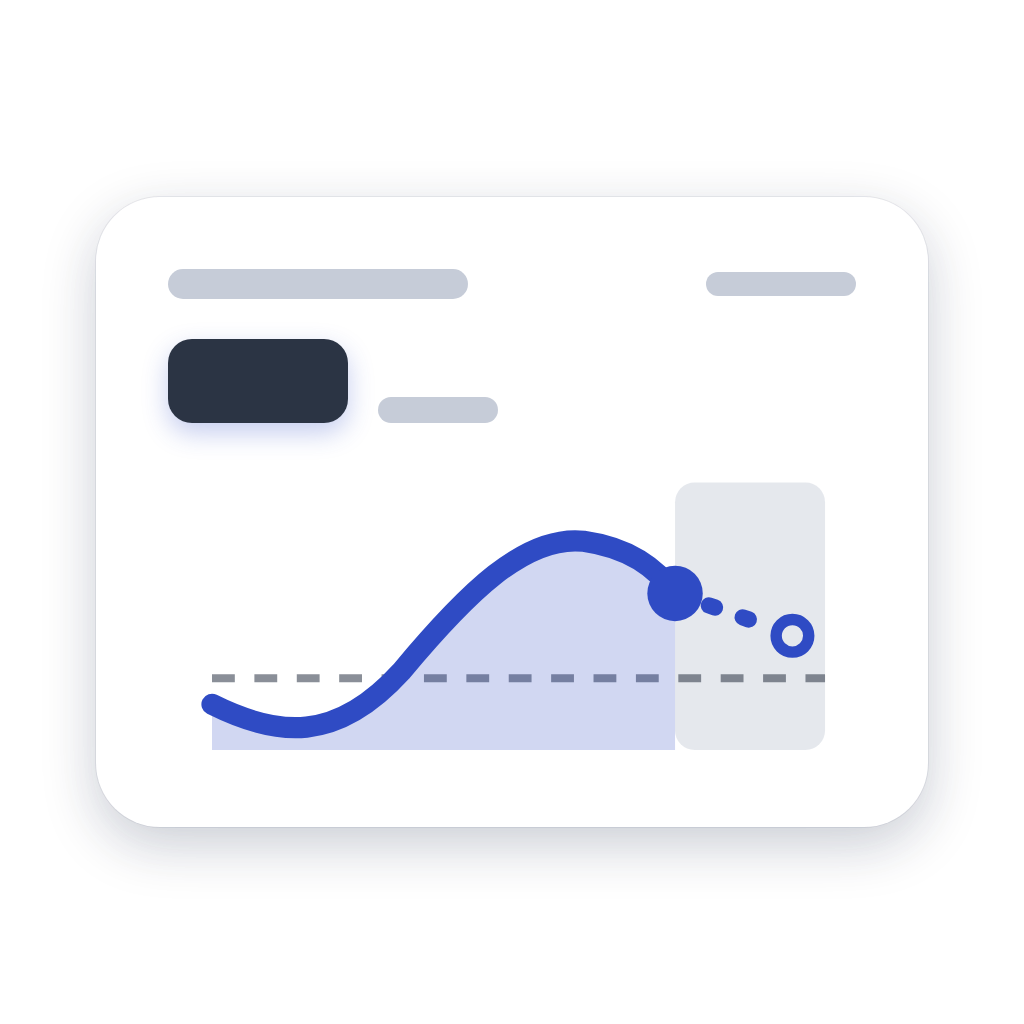
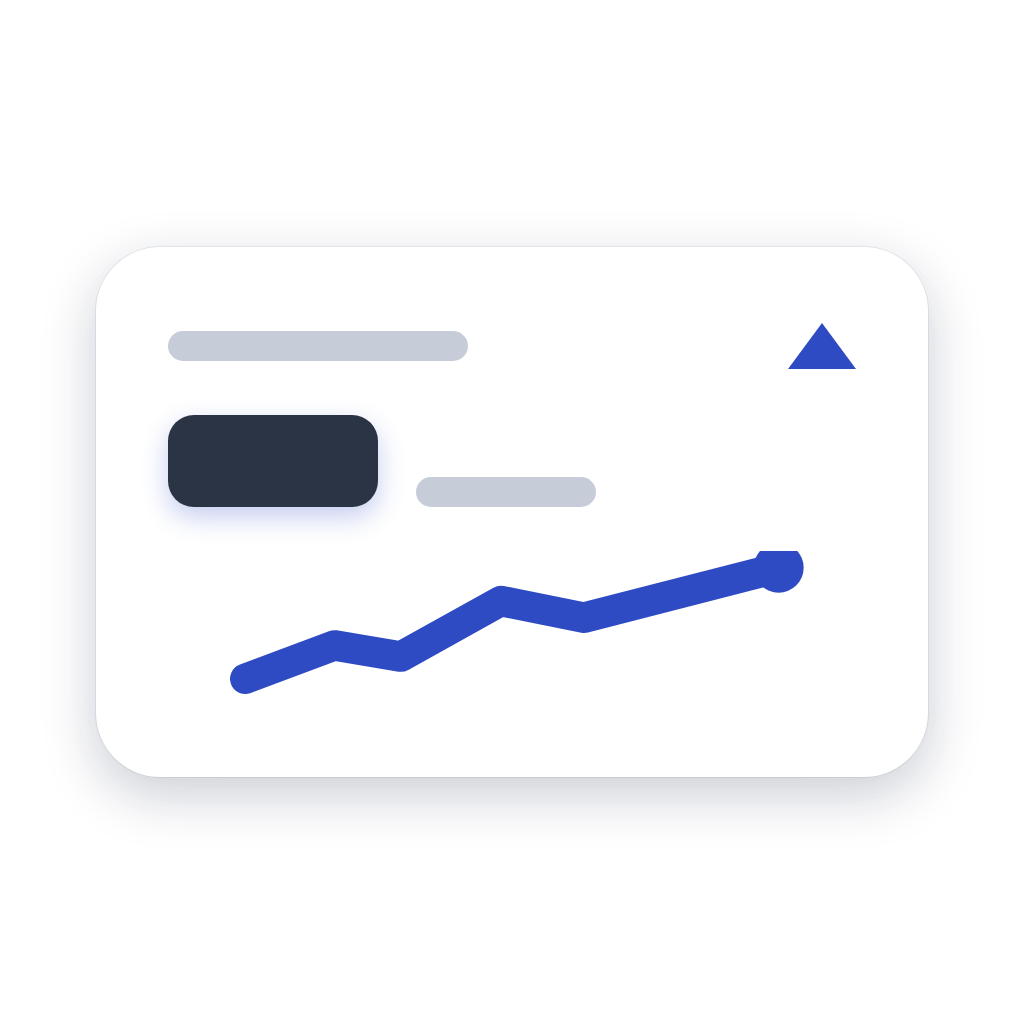
Version 1.1.0 — New History widget: a trend's curve over the last hour, 6 hours, 24 hours or 7 days, read from Insights. The Trend tile's curve is smoothed, the device is picked from a searchable list, and the trend resumes right at startup from Insights history, flagging a signal too irregular to be reliable. Danish, Norwegian and Swedish join the languages. The forecast no longer shows 0 at startup, the time-to-threshold card gives the time for its own threshold, and cards no longer fire again after a restart. Widgets now fill the whole tile and offer five backgrounds: deep blue, slate, plum, forest and sand. The tiles share a common layout: category, name, value and details, easier to read at a glance. Very low temperatures, down to −50 °C, stay readable and correct.
 This app can manage your entire Homey.
Sensor Trends is not compatible with the selected Homey.
 Sensor Trends will install on Homey shortly.
We’ll let Henri Dominique Rapin know you love the app.
We’ll notify Henri Dominique Rapin you’ve sent a suggestion.
 Belgium
 Bulgaria
 Croatia
 Cyprus
 Czech Republic
 Estonia
 Finland
 Greece
 Hungary
 Iceland
 Ireland
 Latvia
 Lithuania
 Malta
Malta
 Moldova
 The Netherlands
 Portugal
 Romania
 Slovakia
 Slovenia
 Türkiye
 Ukraine
 United Kingdom


