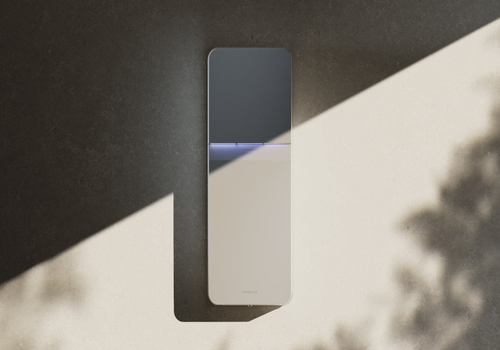



The Homevolt app for Homey helps you getting a better understanding of your Homey Energy utilization by connecting your Homevolt battery and power sensors to Homey.
Monitor your charge level, charge/discharge pattern and even grid frequency from the Homey app.
This app requires:
- A Homevolt battery connected to your local network
- The webserver enabled on your Homevolt battery
- Https to be disabled
- Password (local auth) to be disabled
GETTING STARTED
1. Ensure the local web server is enabled (without password)
2. Install the Homevolt for Homey app
3. Add your Homevolt battery and sensors
4. Make sure you configure your sensors as per your requirement. If the Grid sensor is your only incoming measurement, feel free to use that. If not, disable the contribution to home energy in the advanced settings.
CONSIDERATIONS & LIMITATIONS
- This app is using the local webserver to poll data.
- This is an unsanctioned, non supported API and may break at any point in time.
- This app is not affiliated with Homevolt/Tibber/Polarium.
- Auth is not supported. Password needs to be disabled on the local web server.
- Scheduling is supported through Flow cards (charge/discharge now or over a planned time window, measured at the battery or at the grid connection point), but the app has no schedule editor of its own.
- Pairing (mdns discovery) parses the hostname to detect a Homevolt device and serial number. If you change this pairing will likely fail.
- If mDNS discovery can't find your device (e.g. it's on a different subnet than Homey), you can enter its IP address manually on the pairing screen. If that IP later changes, use "Repair" on the device (in its advanced settings) to update it without re-pairing. The new IP is kept across app and Homey restarts. A fixed IP (DHCP reservation) in your router avoids the problem altogether.
자세히 읽기 ›