




Asus WRT

View your AsusWRT network status and connected devices

Read more ›

Supported devices

Flow cards

Click on a device above to show related Flow cards only.

When...

Asus Router
A 2.4Ghz device connected to the access point

i
Checks on a interval if a 2.4Ghz device connected to the access point
Asus Router
A 2.4Ghz device disconnected to the access point
i
Checks on a interval if a 2.4Ghz device disconnected to the access point
Asus Router
A 5Ghz device connected to the access point
i
Checks on a interval if a 5Ghz device connected to the access point
Asus Router
A 5Ghz device disconnected from the access point
i
Checks on a interval if a 5Ghz device disconnected to the access point
Asus Router
A 6Ghz device connected to the access point
i
Checks on a interval if a 6Ghz device connected to the access point
Asus Router
A 6Ghz device disconnected from the access point
i
Checks on a interval if a 6Ghz device disconnected to the access point
Asus Router
A device connected to the access point
i
Checks on a interval if a device connected to the access point
Asus Router
A device disconnected to the access point
i
Checks on a interval if a device disconnected to the access point
Asus Router
An Ethernet port got connected
i
Checks on an interval if a cable was plugged into an Ethernet port
Asus Router
An Ethernet port got disconnected
i
Checks on an interval if an Ethernet port lost its link
Asus Router
External IP changed
i
Checks on a interval if the external IP has changed
Asus Router
A new firmware version is available
i
Checks on a interval if a new firmware version is available
Asus Router
WAN status changed
i
Checks on a interval if your WAN is still online
Asus Router
WAN type changed (dual wan)
i
Checks on a interval if the WAN type has changed (dual wan)
Asus Router
A wired device connected to the access point
i
Checks on a interval if a wired device connected to the access point
Asus Router
A wired device disconnected to the access point
i
Checks on a interval if a wired device disconnected to the access point
Asus WRT
Stefan's Samsung Phone is connected to network
i
Checks on a interval if the selected device connected to the network
Asus WRT
A device connected to your network
i
Checks on a interval if a device connected to the network
Asus WRT
A device disconnected from your network
i
Checks on a interval if a device disconnected from the network
Asus WRT
Stefan's Samsung Phone is disconnected from your network
i
Checks on a interval if the selected device disconnected from the network

And...

Asus Router
Stefan's Samsung Phone is connected to access point on network band ...
i
Checks if device is connected to specific access point
Asus Router
Ethernet port LAN 1 is connected
i
Check if a cable with an active link is plugged into the port
Asus Router
WAN is connected
i
check if device WAN is online
Asus WRT
Stefan's Samsung Phone is connected to network
i
Checks if device is connected to network

Then...

Asus Router
Reboot
i
Reboots your router
Asus Router
Turn LEDs ...
i
Set LEDs for your access point on or off
Asus WRT
Disable guest network Guest network
i
Disables the selected guest network. Applying the change may briefly interrupt Wi-Fi.
Asus WRT
Disable VPN Client
i
Disables the router wide VPN Client
Asus WRT
Enable guest network Guest network
i
Enables an existing classic guest network without a time limit. Applying the change may briefly interrupt Wi-Fi.
Asus WRT
Enable guest network Guest network for Duration in minutes minutes
i
Starts a fresh router-managed countdown, even if the network is already enabled. Applying the change may briefly interrupt Wi-Fi.
Asus WRT
Enable VPN Provider VPN Client
i
Enables router wide VPN Client
Asus WRT
Reboot Network
i
Reboots your entire network including all access points
Asus WRT
Speedtest with server ookla
i
Start a speedtest using a server you selected
Advanced
Asus WRT
Run Wake On Lan for Stefan's Samsung Phone
i
Runs the wake on lan command for device in wake on lan list

Widgets

You can add this app’s widgets to your dashboard or homescreen in the mobile app.

Connected clients
Connected clients
Latest speed test
Latest speed test
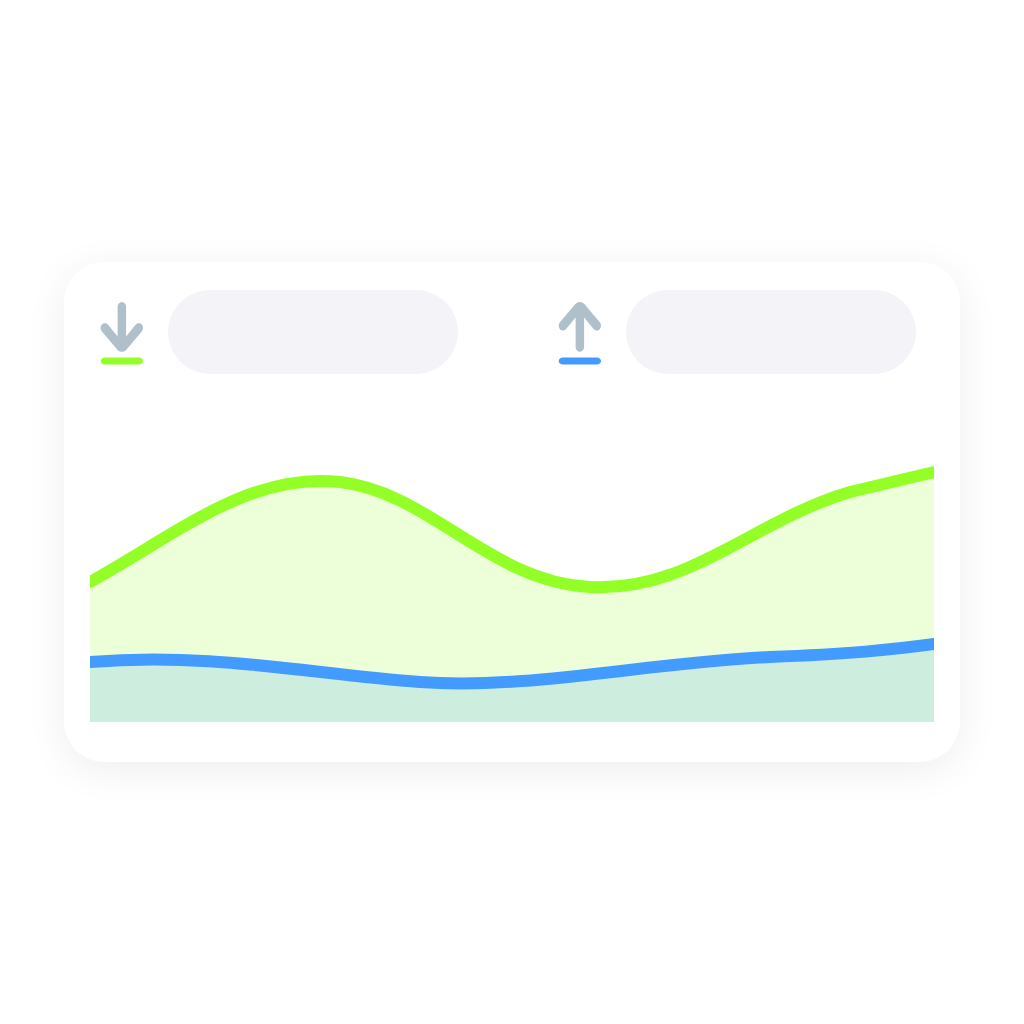
Realtime traffic
Realtime traffic

Support

Having an issue with this app? Report issues via the developer issue tracker.

What’s new

Version 3.3.0 — New network-wide connected clients widget and realtime download/upload graph widget. Routers and access points now show their temperatures (only when the device has sensors) and firmware version; routers also show Wi-Fi channels, public IP and DHCP leases. New Flow cards for Ethernet ports. Fixed the speedtest Flow card sometimes crashing the app, and a locked router is now reported clearly.

View changelog

Asus WRT

Asus WRT is not compatible with the selected Homey.

Asus WRT will install on Homey shortly.
Install App