








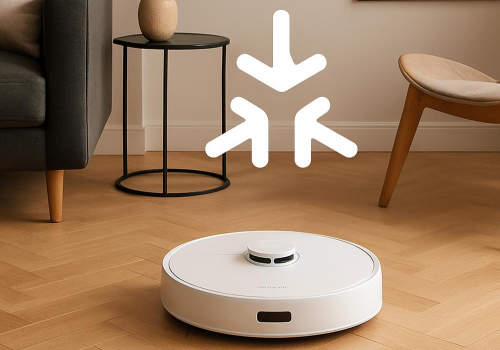
Dreame Matter Robot Vacuum
The operational state changed to ...
Click on a device above to show related Flow cards only.
Having an issue with this app? Contact the developer via email.
Version 1.5.9 — Fixed: Robot incorrectly reporting status as "Paused" after completing
 Dreame Matter Cleaner is not compatible with the selected Homey.
 Dreame Matter Cleaner will install on Homey shortly.
We’ll let Beat Ineichen know you love the app. Maybe consider supporting Beat Ineichen by making a donation?
The developer of Dreame Matter Cleaner accepts donations.
Make a donation to say thanks!
We’ll notify Beat Ineichen you’ve sent a suggestion.
 Belgium
 Bulgaria
 Croatia
 Cyprus
 Czech Republic
 Estonia
 Finland
 Greece
 Hungary
 Iceland
 Ireland
 Latvia
 Lithuania
 Malta
Malta
 Moldova
 The Netherlands
 Portugal
 Romania
 Slovakia
 Slovenia
 Türkiye
 Ukraine
 United Kingdom


